TL;DR:
- The basic essentials for a music studio consist of hardware, software, and acoustic materials that determine sound quality. The core components include a computer, audio interface, studio monitors, microphone, and DAW, and the correct order of investment is essential. Good acoustics and proper monitor placement are often more important than expensive equipment for achieving professional results.
The essentials for a music studio are the hardware, software, and acoustic materials you need to set up a space suitable for professional recording and mixing. Whether you’re setting up a home studio or upgrading an existing space, the right combination of equipment directly determines the quality of your final product. Brands like Audient and Antelope Audio offer interfaces that are affordable even on a smaller budget. According to Wisseloord, a basic setup is possible for as little as €300 to €500, and you can have it up and running in a single weekend. This guide shows you what you really need, the order in which you should invest, and where to make smart choices.
1. What music studio essentials should you never skip?
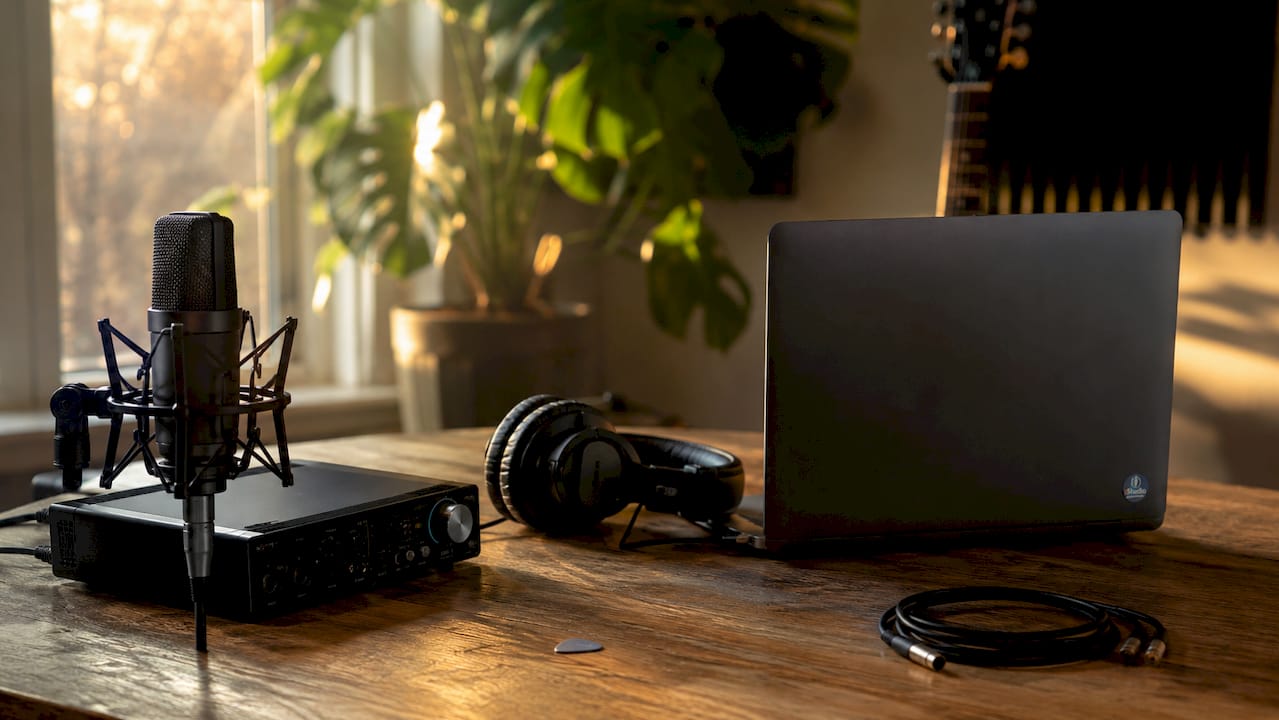
The absolute core of any music studio consists of five essential components: a powerful computer, an audio interface, studio monitors, a microphone, and a DAW. If any one of these elements is missing, the rest won’t function properly. Anyone setting up a home studio would be wise to purchase these five items first before spending money on accessories or plugins.
The order in which you make your investments is also important. A good audio interface has a greater impact on your recording quality than an expensive microphone connected to a poor-quality interface. Start by setting up your basic equipment properly, and then build from there.
2. Computer: the beating heart of your studio
A studio production PC requires at least 16 GB of RAM to work comfortably with multiple tracks and plugins. For heavy orchestral templates or a large number of virtual instruments, 32 GB or more is the norm. The processor determines how many plugins you can run simultaneously without audio dropouts, also known as buffer overruns.
I4studio specializes in custom-built studio PCs designed specifically for music production. A standard office PC or gaming PC often has different priorities than a studio PC: low latency, quiet cooling, and stable drivers are key factors here. It’s best to choose a system with an SSD as the system drive and separate high-speed storage for your projects and samples.
Pro-tip: Turn off power-saving modes in Windows or macOS. These modes reduce your processor’s clock speed at the wrong time, causing clicks and crackling audio during recordings.
3. Audio interface: the bridge between analog and digital
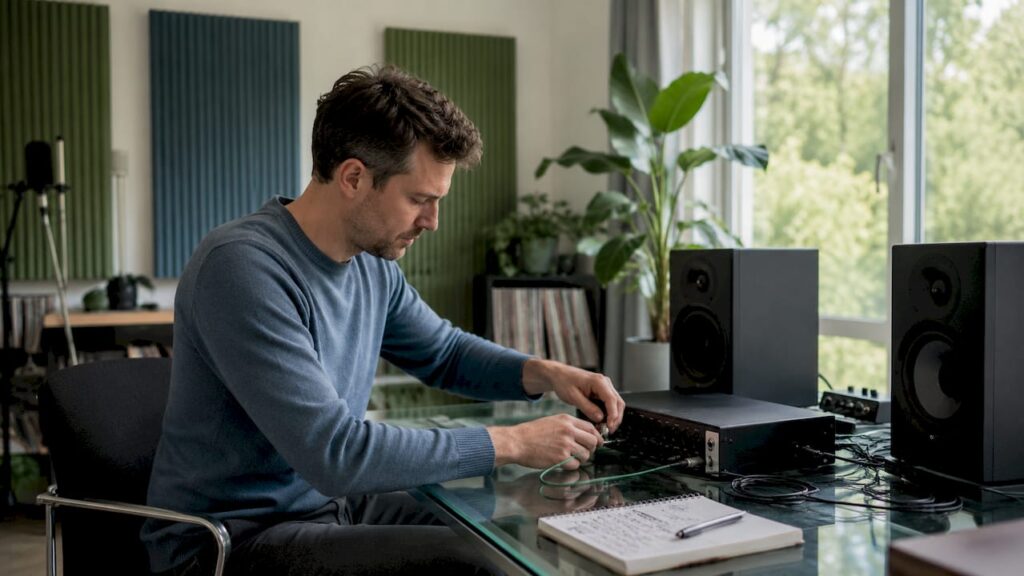
An audio interface converts microphones and instruments into a digital signal that your DAW can process. The choice depends on the number of inputs you need, the quality of the built-in preamps, and the latency at low buffer settings. USB-C and Thunderbolt interfaces are popular because of their value for money and broad compatibility.
Audient is one of the most highly recommended brands in the mid-range segment. The Audient EVO 16 offers 16 inputs with high-quality preamps, ideal if you want to record multiple microphones or instruments at the same time. For larger setups with more channels, the Audient ORIA is an interesting option that also functions as a monitor controller.
Choose an interface with at least two inputs, even if you’re currently working solo. You’ll always want the option to record an instrument and a microphone at the same time without having to reconfigure your setup.
4. Studio Monitors: Hear What’s Really There
Studio monitors provide a neutral sound, allowing you to hear flaws in your mix that you would miss on consumer speakers. Consumer speakers intentionally color the sound to make it more pleasant to the ear. While this is great for listening, it’s disastrous for mixing: you can’t hear what’s actually in your mix.
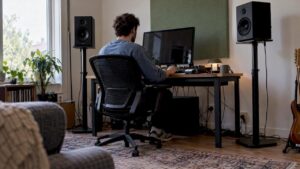
The placement of your monitors is just as important as the brand. To position studio monitors correctly, you and the two speakers should form an equilateral triangle, with the tweeters at ear level. Don’t place them against the wall: keeping them 30 to 50 centimeters away from the back wall significantly reduces unwanted bass reflections.
Pro-tip: Use monitor pads or isolation feet under your speakers. This prevents vibrations from the desk or stand from affecting the sound, resulting in a more accurate mix.
5. Microphones: dynamic or condenser?
The choice between a dynamic and a condenser microphone depends on what you’re recording and in what kind of space. Dynamic microphones like the Shure SM7B or the Shure SM58 are less sensitive to ambient noise and work well in untreated spaces. Condenser microphones like the Audio-Technica AT2020 or the Rode NT1 capture more detail, but they also pick up every echo and background noise.
For vocal recording in a home studio, a condenser microphone is the preferred choice, provided the room has been acoustically treated. For podcasting, voice-overs, or recordings in an untreated room, a dynamic microphone is more reliable. Pop filters prevent plosive sounds during vocal recordings and are available for just a few dollars. A sturdy microphone arm keeps your microphone stable and keeps your desk clear.
6. DAWs and software: where it all comes together
A DAW (Digital Audio Workstation) is the software you use to record, edit, and mix. The most popular options are Ableton Live, Logic Pro (macOS only), FL Studio, Reaper, and Pro Tools. Each DAW has its own workflow: Ableton Live is great for electronic music and live performance, while Pro Tools is the standard in professional recording studios.
In addition to the DAW itself, plugins are indispensable. Think of compressors, equalizers, reverbs, and virtual instruments. Manufacturers like Waves, iZotope, and Native Instruments provide plugins that are found in every serious studio. Many DAWs come with a solid basic set of plugins, so start with those before spending money on expensive add-ons.
Setting the gain staging correctly prevents digital distortion. Set the gain on your interface so that the signal peaks at around -12 dB in your DAW. This gives you enough headroom to mix later without losing quality.
7. Headphones: closed-back or open-back?
Recording with closed-back headphones prevents sound from the headphones from leaking into the microphone. For mixing, open-back headphones are better: they sound more natural and provide a wider stereo image. Ideally, you should have both types at home.
Popular choices include the Audio-Technica ATH-M50x (closed-back, for recording) and the Sennheiser HD 650 (open-back, for mixing). You don’t necessarily have to buy both at the same time. Start with closed-back headphones if you’re mainly recording, and add an open-back model later if you spend more time mixing.
8. Acoustics: the most underrated investment
The impact of the room on your sound is greater than the quality of your equipment. This is the most overlooked fact in the world of home studios. An expensive microphone in a bare concrete room sounds worse than a budget microphone in a well-treated room.
Practical and affordable solutions for acoustic treatment:
- Moving blankets and thick curtains effectively absorb mid-range and high frequencies. Hang them behind your recording area or use them as a temporary vocal booth.
- Bookshelves full of books help absorb sound and break up standing waves. They’re free if you already have them.
- Acoustic panels placed at the first reflection points (the side walls next to your monitors) significantly reduce room coloration.
- Bass traps in the corners tackle low frequencies that build up in corners and muddy up your mix.
- Choose the right room. Bedrooms with furniture and clothing naturally absorb sound better than empty rooms with hard floors.
| Treatment | Effectiveness | Cost |
|---|---|---|
| Moving blankets | High for mids/highs | Low (€10 to €30) |
| Acoustic panels | High for mids | Mid-range (€50 to €200) |
| Bass traps | High for lows | Mid to high (€80 to €300) |
| Bookcases | Moderate, diffusion | Free to low |
| Cheap foam | Low | Low, but not very effective |
Pro-tip: Cheap foam panels costing €5 each are less effective than thick blankets or genuine acoustic panels. It’s better to invest in fewer but higher-quality materials than in a lot of cheap material that barely works.
For those serious about improving studio acoustics, I4studio offers a wide range of acoustic panels and diffusers that perform well even in small spaces.
9. Accessories and organization: small but crucial
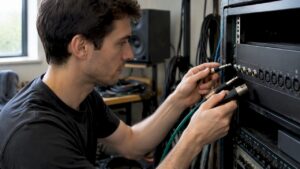
A tidy studio makes work go faster and is less frustrating. Cable management using labels and Velcro saves a lot of time when troubleshooting. If you don’t know which cable goes where, you’ll waste valuable recording time figuring out the connections.
Essential accessories for an organized studio:
- Cable ties and labels for every type of cable (XLR, jack, USB, power)
- Microphone arm or stand for stable placement without taking up desk space
- Pop filter for any vocal microphone
- Power distribution box with surge protection to safeguard equipment
- An ergonomic chair and desk at the right height for long sessions without back pain
Physically separating your recording area from your mixing area also helps. Even in a small room, you can set aside one corner for recording and another for mixing. This prevents your monitors from affecting the recorded sound.
10. Budget and Priorities: Investing Wisely
The basic equipment for a home studio costs between €300 and €500 for a functional setup. With this budget, you can buy a simple USB interface, a budget microphone, a set of headphones, and a free or inexpensive DAW such as Reaper (€60 license for home use).
| Item | Budget option | Mid-range |
|---|---|---|
| Audio interface | Focusrite Scarlett Solo (€120) | Audient EVO 16 (€350) |
| Microphone | Audio-Technica AT2020 (€100) | Rode NT1 (€200) |
| Studio Monitors | Yamaha HS5 (€350 per pair) | Adam Audio T7V (€450 per pair) |
| Headphones | Audio-Technica ATH-M40x (€80) | Beyerdynamic DT 770 Pro (€150) |
| DAW | Reaper (€60) | Ableton Live Standard (€450) |
Invest in acoustics and a good audio interface first, before spending money on expensive microphones or monitors. A good audio interface in a room with poor acoustics will produce better results than an expensive microphone in an untreated room. Check out I4studio’s music studio equipment checklist for a complete overview by budget.
Key insights
The components of a music studio form a system: hardware, software, and acoustics can either enhance or undermine one another, and the room itself is more important than any single piece of equipment.
| Item | Details |
|---|---|
| Acoustics First | The room has a greater impact on sound quality than expensive equipment. Start by treating the room. |
| Interface over Microphone | A good audio interface has a greater impact on recording quality than an expensive microphone connected to a poor-quality interface. |
| Budget: €300 to €500 | A basic, functional studio can be set up for €300 to €500 and be up and running in a single weekend. |
| Organization saves time | Cable management using labels and Velcro prevents frustration and lost recording time. |
| Position the monitors neutrally | An equilateral triangle at ear level, 30 to 50 cm from the back wall, provides the most accurate stereo image. |
What I’ve learned after years of giving studio advice
After years of working with musicians and home studio owners, one thing consistently strikes me: most beginners buy too much, too quickly. They order an expensive condenser microphone, a nice audio interface, and a set of monitors, and then set them up in a bare room with hard floors and white walls. The result sounds hollow, echoey, and unprofessional, despite the investment.
The problem isn’t the equipment. The problem is the order. I always recommend tackling the room first before spending a dime on hardware beyond the basics. Two bass traps in the corners and a couple of acoustic panels on the side walls make more of a difference than a microphone that costs twice as much.
A second common mistake is ignoring monitor placement. I regularly see setups where the monitors are facing straight ahead instead of toward the listening position, or where they’re placed at the corners of the desk instead of at ear level. Proper monitor placement doesn’t cost anything extra but completely transforms your mix.
Finally: Get your studio organized from day one. Cable clutter may seem harmless, but it will end up costing you hours in the long run. Labeling and organizing everything properly once is an investment that pays for itself with every session.
– harold
Set up your studio with I4studio
I4studio provides the equipment and expertise you need to take your studio seriously. From custom-built studio PCs tailored to your production needs to high-quality acoustic solutions for spaces of any size.

Check out our acoustic diffusers and panels for an instant upgrade to your space, or explore Audient audio interfaces for a reliable connection between your instruments and your DAW. Not sure which setup is right for your genre and workflow? I4studio would be happy to offer personalized advice.
FAQ
What are the basic essentials for a home studio?
The bare minimum you’ll need is a computer, an audio interface, a microphone, headphones, and a DAW. With a budget of €300 to €500, you can set up a functional basic setup in just one weekend.
Do I need studio monitors, or are headphones enough?
For mixing, studio monitors are better because they provide a more accurate stereo image, but a good open-back headphone like the Sennheiser HD 650 is a viable alternative for home studios with acoustic limitations.
Which DAW is best for beginners?
Reaper is an affordable and flexible choice for beginners (€60 for home use). Ableton Live Intro and GarageBand (free on macOS) are also accessible options with a low learning curve.
Why does my home studio sound echoey even though I have good equipment?
The room has a greater impact on sound quality than the equipment itself. An untreated room with hard surfaces causes echoes and reflections. Bass traps in the corners and acoustic panels at the first reflection points solve this problem.
What is gain staging and why is it important?
Gain staging means setting the signal level correctly at every stage of the chain. Set the gain on your interface so that the signal peaks at around -12 dB in your DAW. This prevents digital distortion and preserves the recording quality.