TL;DR:
- A good studio PC is essential for optimal performance, stability and sound quality in music production.
- Choices between custom-built and pre-built systems depend on your budget, technical knowledge and expansion needs.
You’re in the middle of a creative session, your DAW crashes, the buffer overflows and the idea you just had is gone. Recognizable? An unoptimized PC is the silent saboteur of every musician and producer. Choosing the right studio PC determines not only your sound quality, but also your workflow, concentration and creative freedom. In this article you will learn what types of studio PCs exist, what the most important criteria are and how to make the choice that really suits your situation.
Table of contents
- Criteria for choosing your studio PC
- Custom-built studio PCs: maximum control and optimization
- Pre-built studio PCs: stability and ease of use
- Comparing studio PCs: which one fits your workflow?
- Our experience: why the right studio PC is more than hardware
- This is how i4studio helps with your studio pc choice
- Frequently asked questions about studio PCs
Key Insights
| Item | Details |
|---|---|
| Custom-built = maximum control | With a custom-built studio PC, you can tailor every workflow to your needs. |
| Pre-built = immediately usable | Pre-built studio PCs from audio specialists are immediately usable and secure in terms of compatibility. |
| Compare types and workflow | Use a comparison chart to choose your best match for studio performance. |
| Pay attention to noise level | A quiet studio PC is essential for a professional and comfortable production environment. |
| Personal advice possible | At i4studio you can get advice for a studio PC that really suits your creative process. |
Criteria for choosing your studio PC
Now that you know why a studio PC is so important, let’s get into how to determine your needs and requirements. Not every producer has the same needs. A beatmaker who works with hundreds of samples has different requirements than a singer-songwriter who mainly records audio.
The most defining criteria are:
- DAW optimization: Your PC needs to run stable and fast software like Ableton Live, Logic Pro, FL Studio or Pro Tools. Latency, buffer size and CPU utilization are the keywords here.
- Quiet operation: Background noise from fans or hard drives directly affects your recordings. A quiet PC is not a luxury, it is a requirement.
- Stability and reliability: Studio sessions can last for hours. Your PC must be able to handle that without crashes or overheating.
- Upgradeability: Your needs will grow. Adding more RAM, a faster SSD or a better sound card should be possible without replacing the whole machine.
- Compatibility: Consider your audio interface, MIDI controllers and external hardware. Not every system works seamlessly with all peripherals.
For the computer for music production guide, it’s wise to make a list in advance of the software and hardware you use on a daily basis. That way you will know exactly what specifications you need.
The core components that make the most difference are the processor (CPU), RAM memory, storage (preferably an NVMe SSD) and the sound card or audio interface. A fast processor with multiple cores handles heavy plug-ins and virtual instruments without a hitch. More RAM means you can open larger projects. Fast storage ensures smooth sample-loading and shorter load times. Find more about the role of each component in the PC components explained guide.
Pro-tip: When buying, always choose a motherboard with enough expansion slots. That way you can easily add RAM later or install an additional SSD without major expense.
Custom-built PCs are the primary choice for audio professionals, thanks to optimization for DAW performance, quiet operation and upgrade capabilities. But that doesn’t mean a pre-built is always the wrong choice. Check out the DAW computer recommendations to see which configurations are proven to perform well in practice.
Custom-built studio PCs: maximum control and optimization
With a picture of your criteria, we now explain the benefits of custom-built studio PCs. A custom-built studio pc is exactly what the name says: a system assembled from scratch based on your needs, workflow and budget.
Custom-built PCs allow audio professionals to optimize their PCs for low latency, quiet operation and easy upgrades. That sounds technical, but in practice it simply means you don’t have to compromise.
Benefits of a custom-built studio PC:
- Each component is chosen based on your specific use
- Silent cooling can be built in as standard, not an expensive retrofit option
- You only pay for what you really need, no unnecessary software or hardware
- Future-proof through expansion possibilities
- Optimal performance for your specific DAW and plug-ins
Disadvantages to consider:
- Entry costs may be higher than a standard PC
- You need some technical knowledge, or have it built by a specialist
- Construction time is longer than an off-the-shelf solution
A custom-built studio PC is not a product; it’s a decision. You consciously choose a system that grows with you, rather than one that you adapt to.
For a music production PC that really performs, the choice of CPU is crucial. Processors from AMD Ryzen or Intel Core i7/i9 are popular in studio environments because of their high single-core performance, which directly affects how smoothly your DAW runs. Combine that with at least 32 GB of RAM and an NVMe SSD of 1 TB or more, and you have a solid foundation.
Pro-tip: Invest in quiet cooling, such as a large air cooler or an enclosed water cooler. The difference in background noise is huge and your recordings will benefit immediately. Check out the available studio PC components for a list of suitable options.
Pre-built studio PCs: stability and ease of use
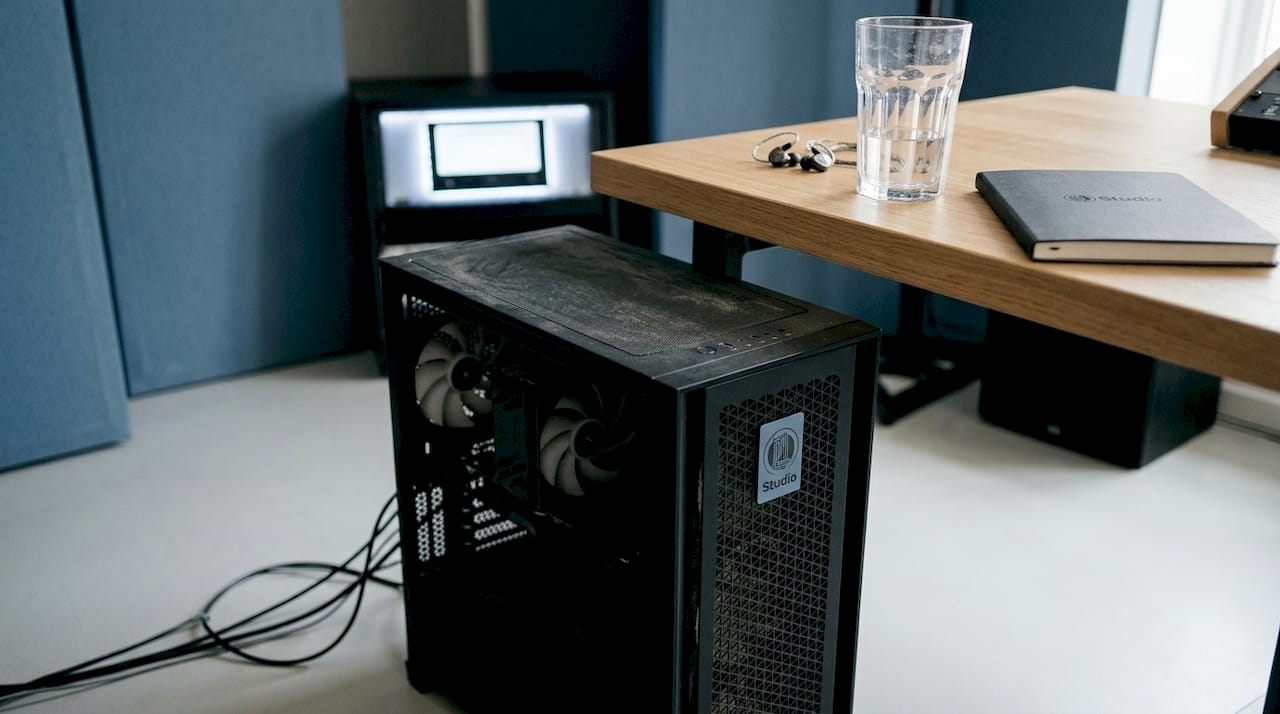
In addition to custom-built options, pre-builts are a popular choice, but what exactly are the differences? A pre-built studio PC is an off-the-shelf system, sometimes put together by an audio specialist who has already tested the components and optimized them for DAW use.
Pre-builds from audio specialists are optimized for DAWs and offer stability without compatibility risk. This is a big advantage if you don’t have the time or knowledge to select and test components yourself.
Benefits of a pre-built studio PC:
- Instantly deployable, no construction time or technical knowledge required
- Proven compatibility between all components
- Often comes with warranty and technical support
- Tested for stability for specific DAW environments
- Good for producers who want to get started quickly
Disadvantages of a pre-built studio PC:
- Less flexibility in component selection
- Can be more expensive per euro in performance compared to a custom-build
- Upgrading is sometimes limited by the chosen case size or motherboard
A pre-built from an audio specialist is the smartest choice if you value trust and ease of use over maximum control.
Want to know how to compare the performance of different systems? The guide studio performance gives you a clear overview of the benchmarks that matter in a studio environment. In addition, for producers who are also active as DJs or live performers, there are websites for DJs that offer additional information on live performance setups.
If you’re unsure between two systems, use the DAW computer comparison tool to compare specifications side by side based on your favorite software.
Comparing studio PCs: which one fits your workflow?
Now that both types have been discussed, it’s time to put them side by side for a clear choice. The table below gives you a quick overview of the core differences.
| Feature | Custom-built | Pre-built (audio specialist) |
|---|---|---|
| Flexibility | Fully customizable | Limited adaptability |
| Entry cost | Variable, often lower | Fixed, sometimes higher |
| Ease of use | Technical knowledge required | Ready to use |
| DAW optimization | User configurable | Already configured |
| Upgradeability | High | Medium to low |
| Warranty and support | Depends on supplier | Often included |
| Silent operation | Fully optimizable | Depending on model |
Custom builds offer the best value and control, but pre-builds from audio specialists provide DAW optimization without compatibility risk. The right choice depends entirely on your situation.
Choose a custom-built studio PC like:
- You have specific requirements for components and cooling
- Want to maximize your budget
- You plan to expand the PC in the future
- You are technically savvy or working with a specialist
Choose a pre-built studio PC like:
- You want to get started quickly without technical knowledge
- Reliability and compatibility are your priority
- You want a fixed price and guarantee
- You have less need for retrofitting
Check out the best computer for DAW recommendations for concrete models and configurations that fit your workflow and budget.
Checklist for your choice:
- [ ] What DAW do I primarily use?
- [ ] How many plug-ins and virtual instruments do I use at once?
- [ ] Do I need silent operation for recordings in the same room?
- [ ] Do I want to be able to expand the PC later?
- [ ] What is my budget, including audio interface and peripherals?
Our experience: why the right studio PC is more than hardware
After years of working with musicians, producers and sound professionals, one thing always strikes us: the best studio PC is not always the most expensive or the most technical. It’s the PC that fits how you work.
We regularly see producers who invest in a powerful machine, but then get stuck because the workflow is not right. A custom-built system that is perfect on paper, but where the cooling is too loud for the recording room. Or a pre-built that runs stably, but where the USB ports don’t provide enough bandwidth for all the peripherals.
The real question is not “custom or pre-built?” but “what do I need to make my best work?” That’s a personal question. A hobbyist making beats at home has different priorities than a professional mixer playing big sessions every day.
What we also see: producers who wait too long to upgrade because they don’t know where to start. A slow PC costs you more than money. It costs you momentum, inspiration and ultimately time. The advice DAW computers page helps you structure that choice.
Our advice: try out different systems when you have the chance. Demos and workshops are valuable because you get a feel for how a PC responds to the way you work. No spec sheet replaces that experience.
Pro-tip: Schedule a demo session with your own project files. Load your heaviest project and test how the PC responds. That will give you more insight than any benchmark.
This is how i4studio helps with your studio pc choice
Are you ready to choose the ideal studio PC, or would you like to be helped with that choice? At i4studio, we combine technical knowledge with hands-on experience in music production.

Whether you’re looking for a fully custom-built studio PC or a proven pre-built configuration, we’ll help you find the right match. Check out our full range of PC components for studio and find out which ones will take your setup to the next level. Want to get straight to the point? Then check out the pc for music production category for an overview of all available systems. Contact us for personal advice or schedule a demo so you can make the right decision with confidence.
Frequently asked questions about studio PCs
What is the difference between a custom-built and a pre-built studio PC?
A custom-built studio PC is completely tailored to your needs and workflow, while a pre-built PC from an audio specialist is immediately deployable and secure in terms of compatibility.
What components are most important for a studio PC?
The processor, RAM memory, storage and sound card determine performance, with custom builds scoring optimally on DAW performance and upgradeability.
Can I upgrade my current PC for better studio performance?
Yes, by investing in more RAM, a faster NVMe SSD or a more powerful processor, you can make your existing PC fit for a professional studio workflow.
Which PC is the quietest alternative for music production?
Custom-built studio PCs offer the ability to specially choose quiet cooling and low-noise enclosures, making them ideal for recording rooms.
Where can I find personalized advice on studio PCs for my situation?
With specialized providers such as i4studio, you can get advice and demos fully tailored to your music production needs and budget.