TL;DR:
- Good acoustics and proper monitor position are more important than expensive microphones.
- Room handling and monitors define the professional quality of a home studio.
- Investing in acoustics and reference materials yields more results than expensive equipment.
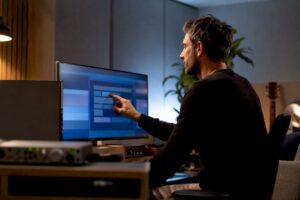
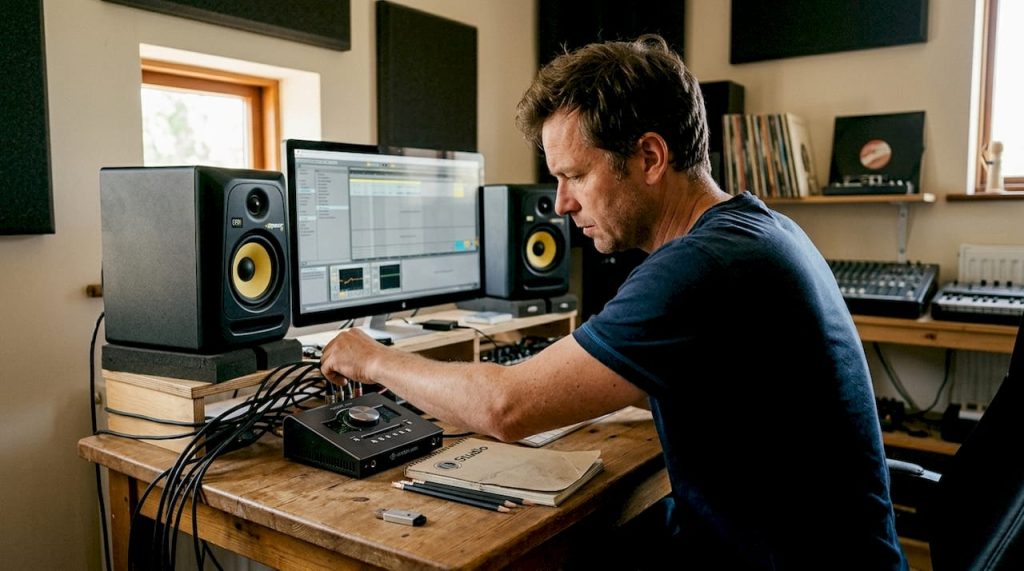
Most musicians start their home studio with an expensive microphone. Logical, since a microphone feels like the heart of recording. But here’s exactly the fallacy that causes mediocre results, no matter how expensive your equipment is. After all, your space and your monitors determine how your final mix sounds much more than which microphone is in front of you. This article will tell you exactly what priorities to set, which equipment really makes the difference and how to avoid common mistakes. From acoustics to budget, explained step by step.
Table of contents
- Why monitor choice and acoustics make or break your studio
- Essential equipment: what do you really need and why?
- Acoustic pitfalls and solutions in your space
- Smart budgeting: order and priorities for each level
- Our unique take: what you (almost) never hear about studio setup
- Get started immediately with your ideal studio setup
- Frequently Asked Questions
Key Insights
| Item | Details |
|---|---|
| Acoustics over equipment | The quality of your space determines more than an expensive microphone or interface. |
| Essential equipment | A good computer, monitors and audio interface are the foundation of any studio. |
| Avoid common mistakes | Prioritize budgeting and tackle monitoring first, then gear. |
| Immediately applicable acoustics tips | Even simple interventions such as diffusers and symmetrical placement greatly improve sound. |
Why monitor choice and acoustics make or break your studio
Imagine this: you record a vocal with an 800 euro microphone in an untreated bedroom. The result sounds muddy, full of resonances and way too much reverb. That same recording with a 150 euro microphone in a well-treated room immediately sounds more professional. This is not theory, this is the reality of how sound works in a small space.
“Prioritizing monitoring and acoustics over microphones and interfaces is the key rule for professional results in a home studio.
”
Why is that so? Monitors are your reference point for every decision you make while mixing. If your monitors have an inflated low-mid due to standing waves in your room, you’re going to compensate for them in your mix. The result sounds good on your system, but falls apart completely on other speakers or earbuds.
Common mistakes among beginners:
- Placing monitors too close to the wall, which greatly amplifies low frequencies
- No attention to initial reflection points (side walls, ceiling above mix position)
- Using too much absorption, making the room sound dead and you can’t hear it
- Asymmetrical treatment, which disrupts stereo balance
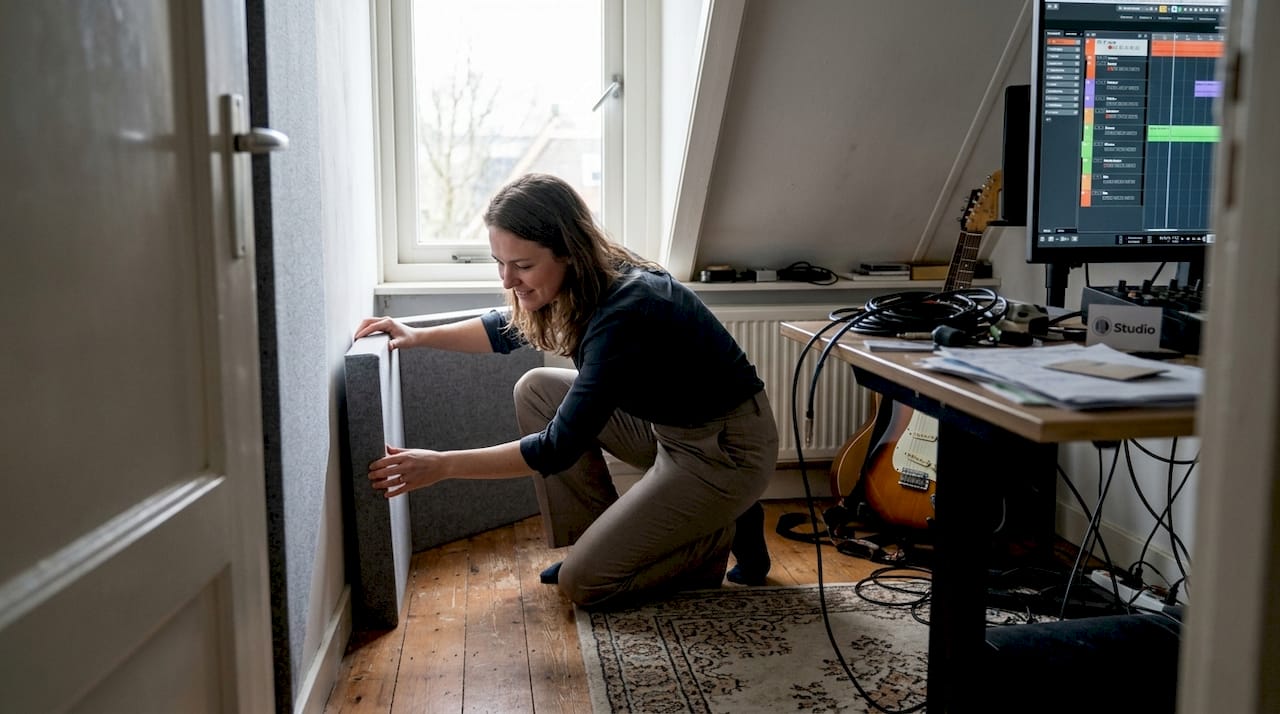
A few simple improvements already have great effect. Bass traps in the corners dampen standing waves. Acoustic panels at the first reflection points reduce smearing (the flowing out of sound). And a good monitor position, in an isosceles triangle with your head on the third point, gives you a more accurate stereo image.
Want to go deeper into the basics? Then read more about studio acoustics explanations for practical home applications.
Checklist: where do you start?
- Measure the dimensions of your space and note parallel walls
- Determine your fixed mix position and mark the first reflection points
- Invest in bassstraps as first acoustic intervention
- Choose monitors that fit the size of the room (small room = smaller woofer)
- Test with pink noise or a measurement app to see if your room sounds reasonably flat
Pro-tip: Use a free tool like Room EQ Wizard (REW) to measure your room’s acoustics before you buy anything. That way you’ll know exactly where your problems are and invest in targeted solutions.
If you’re considering starting from scratch, our explanation of studio set-up tips will help you get further along with the right sequence.
Essential equipment: what do you really need and why?
Now that you know where to lay the groundwork, it’s time for the equipment itself. The good news: you need less than you think. The bad news: what you buy has to be right.
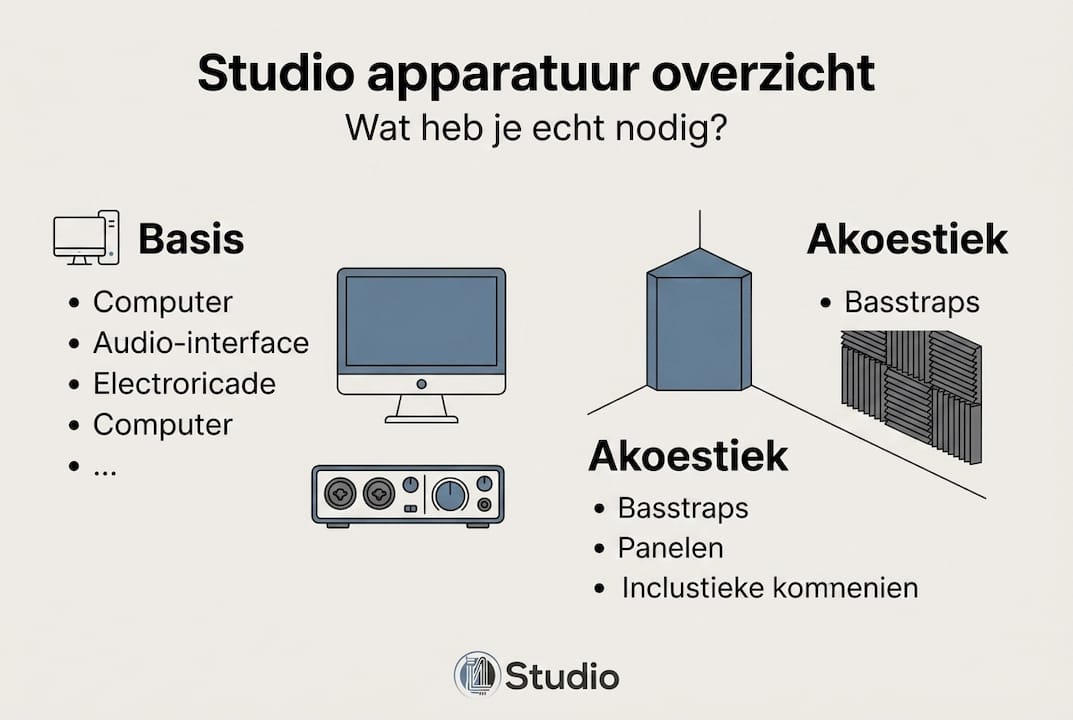
The four essential building blocks:
- Computer with DAW (Digital Audio Workstation): The basis for everything. Logic Pro, Ableton Live, Reaper or Studio One are popular choices.
- Audio interface: connects your microphone and instruments to the computer. Low latency and good preamps are crucial.
- Monitors or studio headphones: For accurate reference during mixing.
- Microphone: Depending on the source, choose a dynamic or condenser microphone.
Comparison: dynamic vs. condenser microphone
| Feature | Dynamic | Condenser |
|-|-|-|
| Sensitivity | Lower | Higher |
| Suitable for | Drums, guitar, live | Vocals, acoustic |
| Noise processing | Good with loud sources | Picks up more room sound |
| Price/quality | High at entry level | Varies greatly |
| Phantom power | Not required | Required (48V) |
For vocal work and acoustic recordings in a covered space, a condenser microphone such as the Rode NT1 is an excellent choice. For drums, amplifiers or live-style recordings, opt better for a dynamic microphone such as the Shure SM7B. Studio gear recommendations also point to interfaces like the Focusrite Scarlett 2i2 for low latency and good preamps, and monitors like the Yamaha HS5 or Genelec as reliable references.
When choosing an interface, it’s smart to think ahead. How many inputs will you need later? Do you want to record two microphones simultaneously? Then read our explanation on choosing an audio interface to make the right consideration.
Smart investment in equipment: step by step
- Start with a reliable computer and a DAW that fits your workflow
- Buy a decent audio interface with at least two preamps
- Add a pair of studio monitors to match your room
- Choose a microphone that suits what you primarily record
- Then expand with additional microphones, plugins and outboard gear
You can find an overview of options for different budgets in our guide to recording equipment explanations.
Acoustic pitfalls and solutions in your space
Every home studio has its own challenges. Windows, crooked ceilings, hard floors and L-shaped rooms are all factors that affect acoustics. Fortunately, there are practical solutions for every situation.
The most common problems listed:
| Problem | Cause | Solution |
|---|---|---|
| Standing waves | Parallel walls | Basstraps in corners |
| Too much reverberation | Hard surfaces | Absorption panels and diffusers |
| Reflections at windows | Smooth glass at reflection points | Wooden blinds half-open |
| Asymmetrical sound | Unequal treatment | Symmetrical acoustic panel placement |
| Hum at sloped ceilings | Low frequency accumulation | Basstraps at connection points |
Windows are a common problem. Many producers set up their studio with a window right on a first reflection point.
Acoustic exceptions show that half-open wood blinds here effectively diffuse and scatter without darkening the room. A simple but little-known solution.
Sloped ceilings seem advantageous because they break up parallel walls, but they send low frequencies to specific corners. Without bass traps at those points, you unwittingly build a big low-profile problem that disrupts your mix.
Asymmetry is perhaps the most underrated mistake. Many home producers place a bookshelf full of gear on one side and a bare wall on the other. The result is a skewed stereo image that you don’t notice until you play mixes somewhere else.
Pro-tip: Always treat your studio symmetrically. What you do on the left, do on the right. This applies to panels, diffusers AND furniture. Consistency in treatment is cheaper and more effective than hanging the most expensive panels asymmetrically.
Further steps for improving your room sound can be found in our article on improving studio acoustics.
Smart budgeting: order and priorities for each level
Investing money in your studio sometimes feels like a bottomless pit. Yet there is a clear logic in which order is best to invest. That order applies to beginners as well as producers who have been at it for a while.
The smart investment sequence:
- Computer and DAW: nothing runs without it
- Studio headphones: reliable closed-back headphones already give good reference
- Audio interface with two preamps
- Studio monitors followed by acoustic treatment and calibration
- Microphone to match your recordings
- Additional gear such as outboard, plugins, additional microphones
Saving tips for a limited budget:
- Buy used monitors from reputable brands rather than new budget monitors
- Use open source DAW software such as Reaper as a starting point
- Make your own bassstraps from rockwool and plywood for a fraction of the price
- Choose an interface with direct monitoring to avoid latency without an expensive computer upgrade
Common mistakes in budget choices:
- Spending too much on plugins before your monitors sound good
- Buying an expensive microphone without acoustic treatment
- Saving on the interface, which is immediately noticeable in sound quality
Pro-tip: Always test your mix on at least three different systems before exporting. Listen on your monitors, on a regular Bluetooth speaker and on earbuds. If your mix sounds good on all three, you’re in good shape. This partially compensates for less than perfect room acoustics.
Whatever level you want to grow to, more help with smart choices can be found in our page on studio budget tips and studio decorating ideas.
Our unique take: what you (almost) never hear about studio setup
After years of working with musicians and producers, we always see the same pattern. The home studios that sound the least good often have the most expensive gear. The studios that sound professional have mediocre equipment in a well-treated space.
Gear addiction is a real phenomenon. A new plug-in or mic feels like a solution, but if your space isn’t right, more gear only gives you more problems to respond to. You mix on the wrong reference and then buy something new to compensate. That’s how the cycle keeps turning.
What we see in practice: the least sexy investment, namely acoustics, almost always yields the most return. A producer who spends 300 euros on bass traps and absorption panels gets more results than someone who puts 500 euros into a new microphone without addressing the room.
Rely less on specs and more on your ears. Objective listening, compared to reference material, is more valuable than technical comparisons on paper. Want to build your studio step by step with the right priorities? Then it always starts with space.
Get started immediately with your ideal studio setup
Now that you know where to start, the next step is practical action. At i4studio, you’ll find everything you need to make your home studio truly professional, from custom studio PCs to high-quality acoustic solutions.

Start with the right foundation through our overview of studio gear for beginners, where you’ll make the right choices by budget and goal. Looking for specific acoustic panels? Then check out our studio diffusers for professional diffusion in any room. And for those who want a powerful and quiet workspace, our music computer advice offers a clear overview of the best options for audio and video production.
Frequently Asked Questions
Which is more important: expensive microphone or good acoustics?
Good acoustics and appropriate monitors are more important than an expensive microphone. Monitoring and acoustics are the basis for professional studio sound in a home situation.
What studio equipment is absolutely essential?
A reliable computer, DAW, studio headphones, monitors, audio interface and basic acoustics are the core of any working studio. Monitors such as Yamaha HS5 or Genelec and a Focusrite Scarlett 2i2 are proven starting points.
How do I avoid reflections and standing waves in my home studio?
Place bass traps in corners, use acoustic panels at reflection points and ensure symmetrical treatment. Half-open wood blinds work well as diffusion for windows at reflection points.
What is the smart order for equipment purchase?
Invest in computer, DAW and headphones first. Then follow monitors, room acoustics and calibration. Budget priorities show that recording equipment comes last.
Recommendation
- Home Studio Setup Tips: Complete Guide To A Professional Studio At Home – https://i4studio.nl/
- Building a home studio: step-by-step guide to the best design
- Building a home studio: step-by-step guide to the best design
- Home Studio for Content Creators: From Space to Professional Recording – https://i4studio.nl/
- Making residential electrical plan: steps and tips 2026