Even experienced music producers and video editors sometimes get bogged down by technical jargon. A term like “gain staging” sounds familiar, but in practice is often applied differently than intended. A clear glossary is not a luxury; it’s a tool. In this article, you’ll find a practical reference guide to the most commonly used terms around studio equipment, including explanations, category listings and tips to avoid misunderstandings. Whether you’re building a home studio or collaborating in a professional environment, this overview will make you quicker and more confident in your decisions.
Table of contents
- Why studio equipment terminology is important
- The essential glossary: terms you need to know
- Equipment categories and their technical terms
- Common misunderstandings and pitfalls
- Applying the glossary practically in your studio
- Your next step: professional studio equipment and advice
- Frequently Asked Questions
Key Insights
| Item | Details |
|---|---|
| Understand the basics | Knowing the most important terms will help you work more efficiently and avoid costly mistakes. |
| Knowing Categories | Different types of studio equipment bring their own jargon. |
| Avoiding pitfalls | Pay attention to common misunderstandings around technical jargon. |
| Apply Practically | Actively use the glossary with every purchase or collaboration in your studio. |
Why studio equipment terminology is important
A multi-person production session hinges on clear communication. If a producer says “turn up the gain” and the engineer thinks of another knob, it costs time and frustration. Clear terms prevent misunderstandings during professional production workflows. It sounds simple, but in practice it goes wrong regularly.
Using uniform terms has immediate benefits:
- Faster decision-making for purchases and bids
- Fewer errors during recording and mixing
- Better collaboration between producers, editors and artists
- Working more efficiently with advanced equipment
This applies to both the most important recording equipment and the entire equipment checklist you use in a studio build.
“A shared language is the foundation of any successful collaboration in the studio. Those who know the terms work faster and make better choices.”
Professional language is also a quality indicator. Those who use the right terms inspire confidence among suppliers, colleagues and customers. This is not an afterthought; it is professional capital.
The essential glossary: terms you need to know
A structured overview helps with quick retrieval of technical terms. Below are the most commonly used terms, grouped by category.
General audio terms
| Term | Definition |
|---|---|
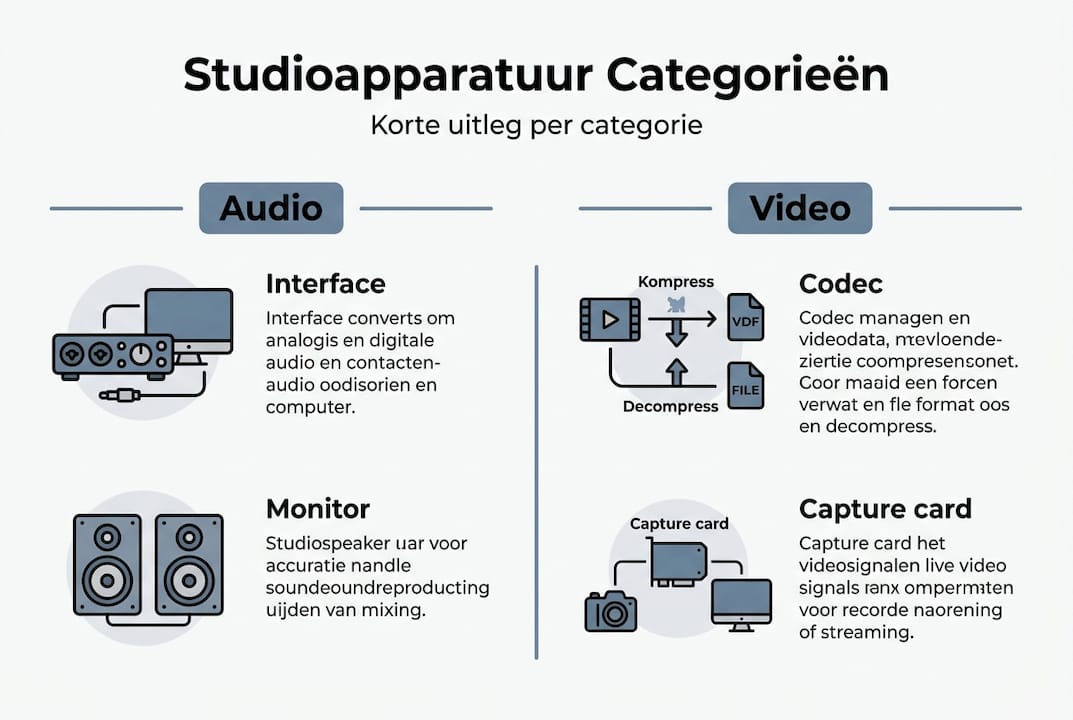
| Audio Interface | Device that converts analog sound to digital signal for your computer |
| DAW | Digital Audio Workstation, the software in which you record and mix |
| Monitor | Studio monitor, a speaker designed for accurate sound reproduction |
| XLR | Professional cable connection for microphones and line level equipment |
| MIDI | Protocol for communication between digital musical instruments and software |
| Gain staging | Adjusting signal levels throughout the chain to avoid noise and distortion |
| Latency | The delay between input of sound and hearing it through the monitor |
| Phantom power | 48V power supply via XLR cable for condenser microphones |
| Preamp | Preamplifier that amplifies a weak microphone or instrument signal |
Video editing terms
For video editors, additional terms apply that you will encounter on a regular basis:
- Capture card: Hardware that sends video signal from an external source to your computer
- Codec: Algorithm for compression and decompression of video files
- Greenscreen: Solid background (chroma key) for digital background replacement
- Video mixer: Device for real-time switching and mixing of multiple video sources
- Bitrate: Amount of data per second in a video file, determines quality and file size
Also check out home studio equipment if you want to put together a complete setup, or delve into DAW setup tips for an optimal digital workstation. For video-specific knowledge, video editing tips are a valuable addition.
Pro-tip: Create your own digital document with the terms you use most often and add short examples from your own projects. That will make the list personally useful and not just theoretical.
Equipment categories and their technical terms
Each category of equipment has its own vocabulary. Each category requires its own set of professional terms for maximum efficiency. Below is a comparison of the three most common categories.
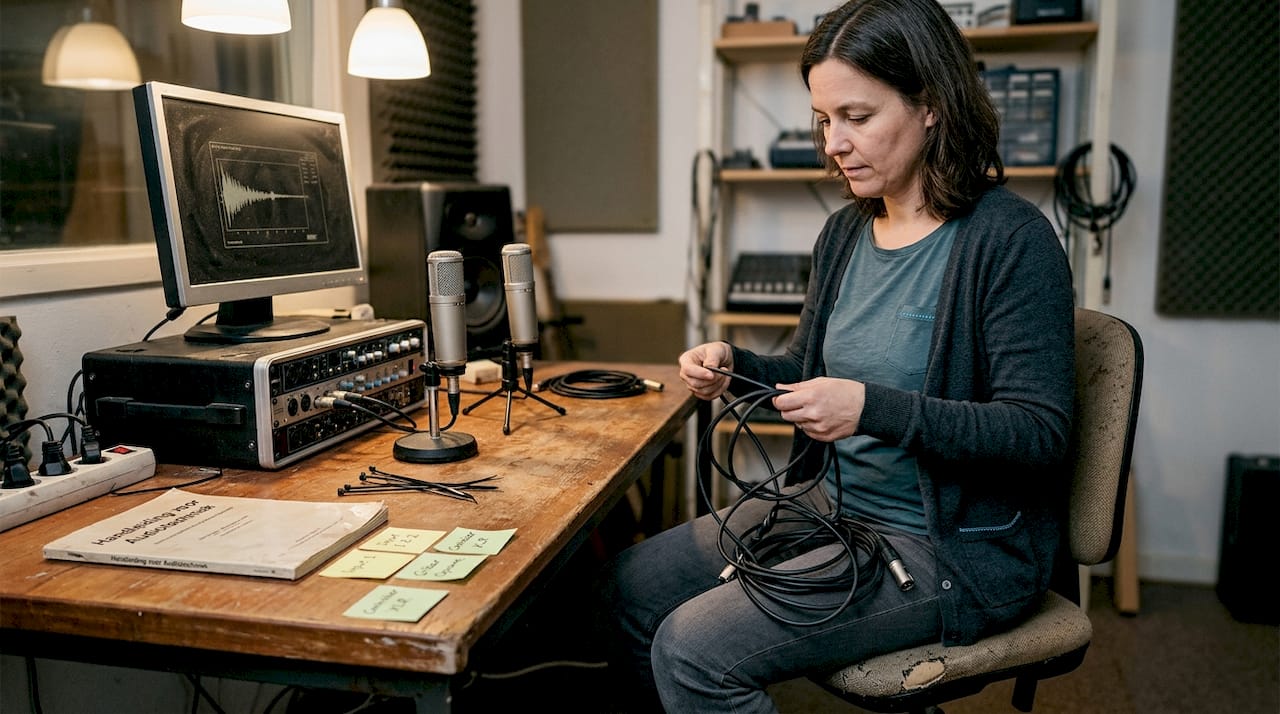
Comparison of equipment categories
| Category | Sample equipment | Keywords |
|---|---|---|
| Audio Interface | Focusrite Scarlett, Universal Audio Apollo | Sample rate, bit depth, latency, preamp |
| Controller | Akai MPK, Native Instruments Maschine | MIDI, velocity, aftertouch, mapping |
| Microphones | Neumann U87, Shure SM7B | Polar pattern, SPL, proximity effect, capsule |
| Studio Monitors | Yamaha HS8, Adam Audio T7V | Frequency response, crossover, near-field |
| Peripherals | Patchbay, DI box, cable box | Routing, impedance, balancing |
The terms for each category are not interchangeable. A “polar pattern” is relevant with microphones, but has no meaning with a controller. This sounds logical, but in practice terms are regularly used interchangeably.
Listed below are the most commonly used professional terms in microphones and monitors:
- Polar pattern: The directional pattern of a microphone (cardioid, omnidirectional, figure-8)
- SPL (Sound Pressure Level): Maximum sound level a microphone can handle without distortion
- Proximity effect: Increase in low frequencies when using a directional microphone at a short distance
- Frequency response: The range of frequencies that a monitor accurately reproduces
- Near-field monitor: Monitor intended for use at short listening distances, ideal for home studios
- Crossover: Electronic filter that directs high and low frequencies to the appropriate speaker
For practical home studio recording tips that align with these concepts, find targeted advice by situation.
Pro-tip: Always check the frequency response of your monitors before finalizing a mix. A monitor with a “colored” response gives a distorted picture, leading to mixes that sound bad on other systems.
Common misunderstandings and pitfalls
Some terms are similar but mean something fundamentally different. Proper understanding prevents costly mistakes when purchasing or operating equipment. Here are the most common pitfalls:
- Latency versus delay: Latency is a technical measurement in milliseconds within a digital chain. “Delay” is a general term. In a DAW context, latency is specifically the time between inputting sound and hearing it through the software. Latency that is too high makes real-time recording impossible.
- Preamp versus audio interface: A preamp only amplifies the signal. An audio interface does the same, but additionally converts the signal from analog to digital. Many interfaces have a built-in preamp, but those are two separate functions.
- Balanced versus unbalanced cables: A balanced cable (XLR or TRS) uses two signal wires and a ground, canceling out noise. An unbalanced cable (TS or RCA) has only one signal carrier and is more susceptible to interference. For professional studio use, balanced wiring is the standard.
- Gain versus volume: Gain controls the gain of the input signal, volume controls the output level. Setting gain too high causes clipping, even if the volume is low.
“The difference between gain and volume is one of the most underrated concepts in audio. Those who understand this will instantly have better recordings.”
For content creators who produce both audio and video, it is especially important to master the terminology of both disciplines. Confusion between video codecs and audio formats leads to export errors and loss of quality.
Another common mistake: “monitoring” is sometimes confused with “mastering.” Monitoring is listening to your mix through studio monitors during production. Mastering is finalizing a track for distribution. Two completely different steps in the production process.
Applying the glossary practically in your studio
A glossary is only valuable if you actively use it. Actively using the right terminology not only promotes your workflow, but also prevents costly mistakes. Here are concrete strategies:
- Use the list when making purchases: With each quote or product description, check that you understand all the terms listed. Ask further if something is unclear. A salesperson who can’t explain terms is a warning sign.
- Standardize terminology in your workflow: In project documents, session notes and communications, always use the same terms. This prevents confusion in recurring collaborations.
- Share the list with team members: Send the glossary to everyone involved in a production. A shared base makes briefings shorter and sessions more efficient.
- Link terms to equipment: Make physical labels or digital notes with your equipment with the relevant terms. This way you learn the terms in context.
- Evaluate after each session: Note terms that were unclear or used incorrectly. Discuss this shortly after the session to avoid repetition.
When buying studio equipment, proper preparation with the right terminology is the difference between a well-considered investment and a costly mistake.
Pro-tip: Create a shared document in Google Docs or Notion with your team. Add new terms as soon as they pop up in a project. After a few months, you’ll have a customized glossary that fits your specific workflow perfectly.
Your next step: professional studio equipment and advice
Now that you’ve mastered the terminology, the next step is to put together a setup that suits your production goals. At i4studio, you’ll find not only individual pieces of equipment, but also complete bundles that can be deployed immediately.
Check out the studio recording bundle for a running start with microphone and accessories, or go for Mackie’s monitoring controller if you want to professionalize your monitoring setup. For a complete approach, the recording and studio bundles have been put together by specialists who know exactly what producers and video editors need. All top brands, readily available, with tailored advice.
Frequently Asked Questions
How do I determine what studio equipment I really need?
Start with an analysis of your production needs and use an overview of key concepts as a guide so you choose the right equipment without unnecessary purchases.
What is the difference between an audio interface and a mixer?
An audio interface converts analog sound to digital for your DAW, while a mixer mixes multiple signals in real time. Audio interfaces digitize sound; mixers control signal levels and routing.
What terms are especially important in video editing?
For video editing, terms such as capture card, codec and greenscreen are essential. Video editing requires different terms than music production and requires its own vocabulary.
How do I avoid confusion with technical studio jargon?
Use a central glossary and discuss definitions with your team in advance. A uniform set of definitions increases collaboration and prevents errors during production sessions.