TL;DR:
- Mechanical vibrations affect sound quality in studios without you always hearing it.
- Applying anti-vibration solutions such as insulation pads, decouplers and floating floors improves mixing accuracy.
- Regular review and proper combinations of anti-vibration and acoustics are essential for professional studio quality.
Many music producers invest thousands of dollars in monitors, interfaces and acoustic panels, but still don’t hear their actual sound. The reason? Invisible vibrations that constantly color your monitoring signal. Every speaker making contact with a desk, every rack standing on a wooden floor, every HVAC system in the building: they send mechanical vibrations through your studio. Those vibrations translate to small but measurable changes in what you hear. This article explains exactly what anti-vibration solutions do, what techniques work, what the pitfalls are, and how to optimize your own studio step by step.
Table of contents
- What are anti-vibration solutions and why are they needed?
- What techniques and products exist?
- Expert nuances: common mistakes and their effects
- Practical steps to apply antivibration effectively
- Our view: what most producers underestimate about anti-vibration
- Getting started with professional anti-vibration and studio solutions
- Frequently Asked Questions
Key Insights
| Item | Details |
|---|---|
| Invisible vibrations sabotage sound | Even slight vibrations can result in inaccurate mix decisions and less reliable production. |
| Not all insulation is good | Wrong or too light anti-vibration can actually create additional resonances and harm sound quality. |
| Effective approach requires customization | The best results occur when you tailor techniques to your specific studio setup and use. |
| Practical: optimize in steps | Start with critical controls, measure the difference and choose targeted upgrades to your studio. |
What are anti-vibration solutions and why are they needed?
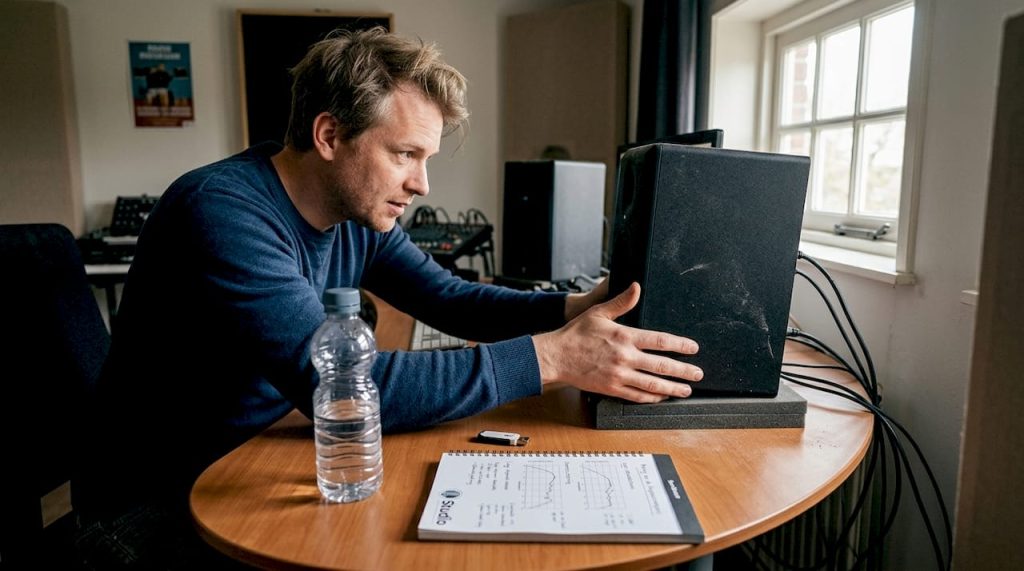
Vibrations in a studio come from more directions than you think. The most obvious source is your own monitors. A speaker not only produces sound waves in the air, but also mechanical vibrations that are transmitted through the stand or desk to the floor, walls and even your mixer. That may sound harmless, but those vibrations come back as resonances that obscure your low frequencies.
External sources are at least as problematic. Traffic, a boiler in the basement, or neighbors living one floor above your studio: all these sources feed energy into your space through the building structure. You don’t always hear this directly as sound, but your brain and ears register it as a fuzzy, undefined “haze” in the mix.
Why is that such a problem?
Monitors are designed to convert electromagnetic signals into air movements. Once outside mechanical energy reaches those membranes, it disrupts the reproduction process. As a result, at a given frequency, you hear more or less than is actually there. You then make mix decisions based on a distorted picture. As isolation pads for studio monitors show, antivibration improves sound quality by eliminating vibrations that sabotage mix accuracy, essential for producers who want mixes that translate well elsewhere.
The elements most susceptible to vibration in a studio:
- Monitors and speakers are in direct contact with desks or booths, making them the primary transmission route
- Equipment racks contain electronic components susceptible to microphonics and mechanical interference
- Mixers and controllers can pick up slight resonances through metal chassis
- Desk tops act as resonance boxes and amplify rather than attenuate certain frequencies
The relationship between studio sound insulation and antivibration is not the same. Sound insulation focuses on preventing transmission of sound waves through air, while antivibration focuses on mechanical vibrations through solid materials. Both are necessary, but they address a different part of the problem.
“Sound you don’t hear can still sabotage your mix. Mechanical vibration affects your monitors in ways that your brain doesn’t consciously register, but that definitely guide your decisions.
”
If you want to learn more about the broader role of audio isolation in the studio, it’s good to understand that anti-vibration is an indispensable foundation, not an optional extra.
What techniques and products exist?
Now that we know why antivibration is crucial, let’s dive into the different methods and their characteristics. There is no universal solution. Which technique works best depends on the structural situation of your studio, the type of equipment and your budget.
Monitor isolation pads are the most accessible solution. They consist of layers of foam or viscoelastic material and are placed between the monitor and the desk. They are effective for dampening mid-frequency vibrations, but have limitations in the low frequency range below 80 Hz. A common mistake is assuming that cheaper foam options work as well as specially designed studio pads. This is incorrect: the material composition strongly determines at what frequencies damping occurs.
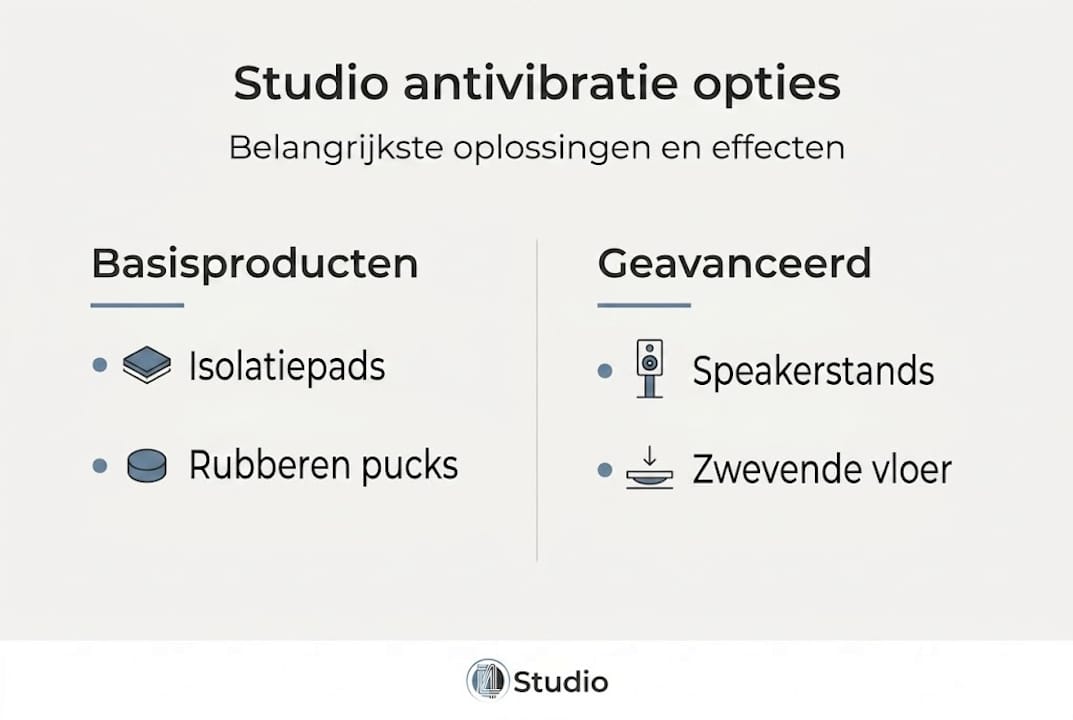
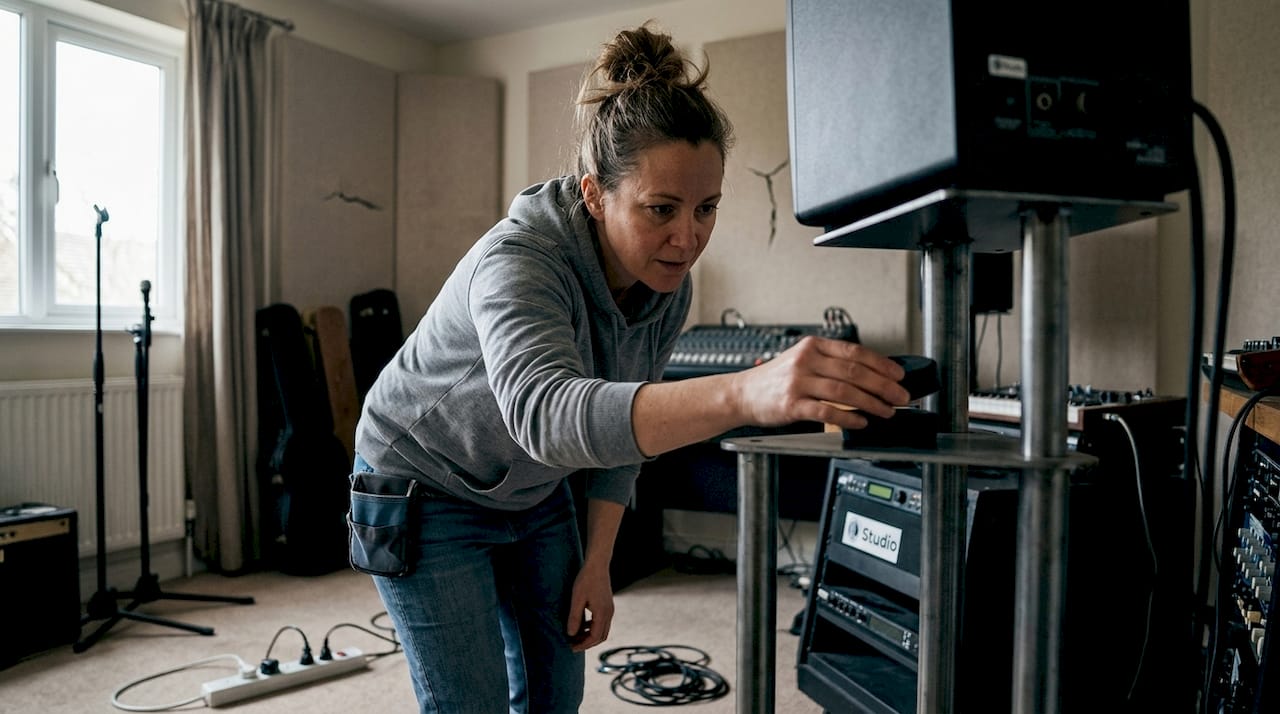
Decouplers and rubber pucks are compact elements that act as springs. They absorb vibration over a wider frequency range than standard foam and are particularly effective under heavy equipment. They are suitable for racks and heavy monitors on a tripod.
Speaker stands deserve separate attention. Light, slim stands can actually introduce resonances that degrade sound quality. As Sound on Sound points out, experts warn that improper insulation, such as light stands, introduces resonances. The best approach is heavy, rigid stands combined with foam or rubber, or professional floating systems.
Floating floors are the most invasive and effective solution. A floating floor mechanically decouples the studio space from the rest of the building. Concrete mass-on-spring systems dampen vibrations over the full frequency range. This is the standard in professional recording studios, but is also doable in home studios with proper planning.
| Solution | Effectiveness | Cost | Application |
|---|---|---|---|
| Isolation pads | Medium (mids) | Low | Desk-mounted monitors |
| Rubber pucks | Good (wide range) | Low to medium | Racks, heavy monitors |
| Solid stands | Good (rigid) | Medium | Studio monitors on stands |
| Floating floor | Excellent (full range) | High | Professional studio |
| Room-in-room | Excellent | Very high | Full decoupling |
Pro-tip: Always combine a solid, rigid stand with a thin layer of viscoelastic material on top. That combination gives you the stability of a heavy stand plus the release of an isolation pad, without the disadvantages of soft material only.
If you want to know how antivibration fits into a larger plan to improve your studio sound, it’s smarter to keep the order: mechanical decoupling first, then acoustic treatment of the room. And if you’re already improving acoustics, make sure antivibration is part of your overall plan.
Expert nuances: common mistakes and their effects
Now that the techniques are known, it is important to know what often goes wrong and why some setups sound worse after an “improvement.” This is the part that many producers learn only after the fact.
The most common errors in order of impact:
- Using too soft material under heavy monitors. Soft foam blocks that do not keep the monitor stable create a wobbling system that introduces resonance peaks at low frequencies. The monitor then becomes something of a pendulum.
- Place insulation pads under equipment racks. Racks should instead be firm and solid on the floor. Insulation pads under a rack reduce the effective mass and make the system more sensitive to external vibrations, not less.
- Treat all equipment in the same way. An interface that sits on a desk has different requirements than a monitor that produces sound. A subwoofer has different anti-vibration requirements than a nearfield monitor.
- Forgot to treat the floor. Many producers insulate their monitors but stand themselves on a floor that transmits all the vibrations of the building. Those vibrations reach your body, affect your balance organ and thus indirectly your aural judgment.
- Apply anti-vibration without first understanding the acoustics of the room. If you have a room with strong standing waves or flutter echo, antivibration does not solve that problem. Both aspects need their own approach.
“More isolation is not always better. A system that is too loose can start to resonate at frequencies you wanted to eliminate.”
As experts at Sound on Sound emphasize, too much insulation can degrade low-frequency performance if not designed correctly. The recommendation: prioritize solid supports for equipment racks, use decoupling for speakers on desks and consider a room-in-room approach for ultimate isolation.
For those who want to choose the best products for studio acoustics, start with an analysis of the situation before you buy anything. And if you’ve already implemented solutions for studio acoustics, verify that antivibration was actually part of that approach.
Statistics to consider: Studies show that as little as 0.1 mm of mechanical displacement of a monitor housing causes measurable changes in frequency response. That’s less than the thickness of a sheet of paper, but the impact on your mixing decisions is anything but insignificant.
The proper sequence of approach in studio design is: address the building structure first (floating floor, decoupled walls), then mechanical decoupling of equipment, and finally the acoustic treatment of the listening room itself.
Practical steps to apply antivibration effectively
Now that you know what often goes wrong, you can start optimizing your own studio with these clear steps. Antivibration doesn’t have to be expensive or complicated if you follow the right sequence.
Checklist for a good starting position:
- Walk through your studio and note all points where equipment makes contact with the building
- Gently tap your desktop surface and listen to see if the desk vibrates or shows resonance
- Check whether your monitors are on soft or hard surfaces
- Put your hand on the desk while playing music: do you feel vibrations in the wood?
- Note if your subwoofer is directly on the floor
Step-by-step approach for optimal anti-vibration:
- Start at the monitors. Replace standard foam support with high-quality insulation pads with viscoelastic core. This is the fastest win.
- Treat your speaker stands. Add rubber pucks or isolation platforms between stand and monitor. Use only stands that are heavy and stable.
- Fix your equipment rack. Make sure the rack sits directly on the floor with no soft intermediate materials. Add weight if necessary for additional mass.
- Treat contact points on your desk. Use small viscoelastic mats under interfaces, patchbays and other equipment that is on the desktop.
- Consider a floating floor as a long-term solution, especially if your studio is in a home or with shared walls.
| Measure | Time investment | Budget | Direct audible improvement |
|---|---|---|---|
| Insulation pads monitors | 30 minutes | Low | High |
| Rubber pucks on stands | 1 hour | Low | Medium |
| Rack fix on floor | 1 hour | No extra | Average |
| Viscoelastic mats desk | 1 hour | Low | Medium |
| Floating floor | Multiple days | High | Very high |
How do you measure whether the improvement is working? Use a reference track you know well and listen to it before and after the adjustment on multiple systems. Do you hear more detail in the low mids? Do the bass and low frequencies sound tighter? Then the anti-vibration measure has had an effect. You can also use a measurement microphone and software such as Room EQ Wizard to objectively compare frequency response.
Pro-tip: For each measure you take, make a short audio memo of a reference track. After three to four adjustments, you’ll hear the difference much more clearly in comparison than directly at each step.
As isolation pads for monitors confirm, eliminating vibrations that sabotage mix accuracy is a basic requirement for anyone who wants professional results. Anyone who wants to understand the characteristics of a professional studio will see that mechanical decoupling is always part of the design. And for in-depth information on sound attenuation optimization, it helps to combine anti-vibration with a thoughtful damping plan.
Our view: what most producers underestimate about anti-vibration
We see it time and again: producers who spend thousands of dollars on monitors and plug-ins, but leave their speakers on a cheap desk without any decoupling. The improvement antivibration gives is subtle but structural. It’s not an effect you immediately recognize as “wow,” but over time you notice that your mixes need less corrections and translate better on other systems.
What most people underestimate is that anti-vibration is not a one-time action. Every time you rearrange your studio, add new equipment or move, you change the mechanical situation. Regular review is not overkill: it’s professional maintenance.
Standard solutions from the shelf market by no means always work. The composition of the material, the mass of your equipment and the building characteristics of your space combine to determine what works. Generic foam under a heavy 20-pound monitor behaves differently than under a compact 4-pound nearfield.
Our advice, based on experience with many studio implementations: measure first, buy second. And don’t forget that ventilation and sound quality also play a role in the overall picture of a well-functioning studio.
Getting started with professional anti-vibration and studio solutions
Do you really want to take your studio to the next level? Then investing in good anti-vibration and acoustic treatment is not a luxury but a necessity. At i4studio you’ll find a carefully curated range, from high-quality insulation products to acoustic diffusers that will balance your space.

Whether you’re just starting out or have been studio tuning for a while, our range offers solutions for every stage. Check out our studio gear for starters if you’re at the beginning, or go straight to the studio diffusers set of 4 for an instant upgrade to your space. Good acoustics and anti-vibration combine to form the foundation of any studio that delivers serious results.
Frequently Asked Questions
How do I know if my studio needs antivibration?
When you experience mix translation problems or hear unwanted resonances, anti-vibration is often necessary. As isolation pads for monitors confirm, vibrations sabotage mix accuracy in ways that only become apparent when you listen to your mix elsewhere.
What is the effect of too much insulation in my studio?
Too much or improperly applied insulation can reduce low-frequency performance and cause unwanted resonances. Experts at Sound on Sound recommend prioritizing solid supports for racks and applying decoupling for speakers on desks.
Should I use anti-vibration products for all my studio equipment?
No, primarily prioritize monitors, speaker stands and racks. As Sound on Sound points out, sensitivity varies greatly by type of equipment and each element requires its own approach.
What are common anti-vibration materials for studios?
Typical materials include viscoelastic foam, rubber pucks, solid metal stands and floating floors as an advanced solution for complete mechanical decoupling of the studio space.