




TL;DR:
- An AI computer combines a powerful CPU, GPU, and NPU for efficient AI processing. For creative professionals, at least 128 GB of RAM, a PCIe 5.0 SSD, and Thunderbolt 4 are essential for optimal workflows. A well-tuned system with an integrated NPU protects privacy and accelerates AI tasks in the background.
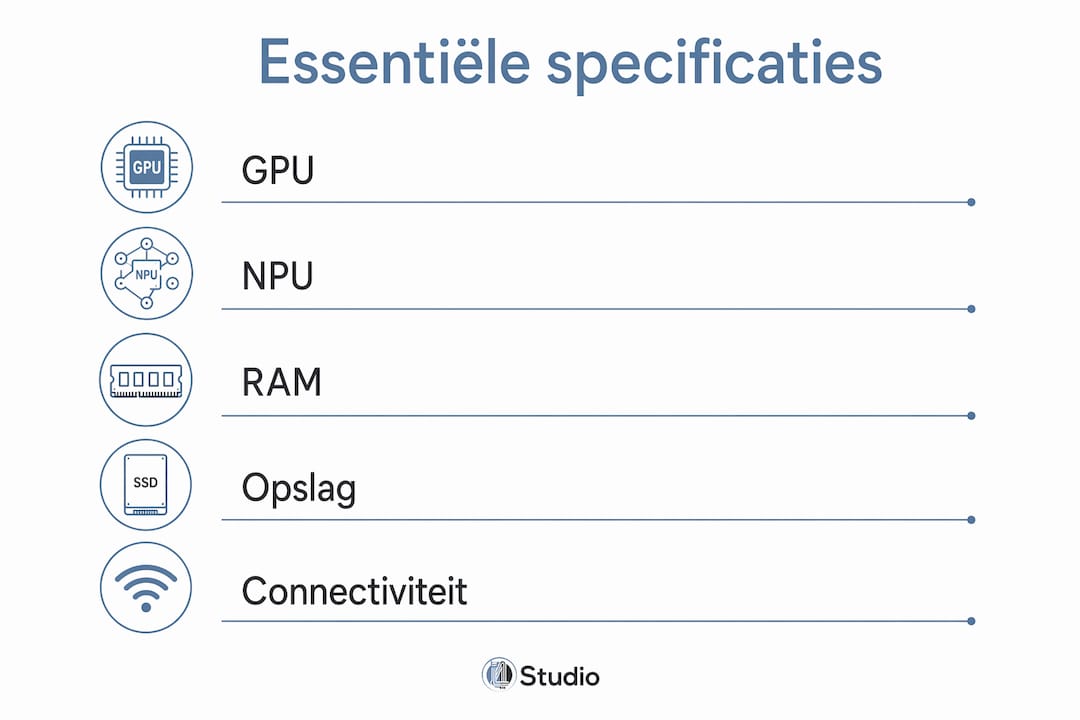
An AI computer is defined as a system that, in addition to a powerful CPU and GPU, also includes a specialized Neural Processing Unit (NPU) designed specifically to accelerate AI computations. For creative professionals working on video editing in DaVinci Resolve or music production in Ableton Live, this makes a real difference in practice. The AI computer specifications that really matter are: the NPU for local AI inference, an Nvidia GPU for parallel processing, DDR5 or LPDDR5x RAM for memory bandwidth, and an NVMe PCIe 5.0 SSD for fast data storage. Those who properly coordinate these components will get the most out of AI-driven creative workflows.
What role do the CPU, GPU, and NPU play in the performance of an AI computer?
The three processors in a modern AI computer each perform a specific task, and the way they work together determines how quickly your AI tasks are executed. The CPU coordinates processes and manages the system, but is inherently designed for sequential tasks. That makes it less suitable for the massive parallel computations that AI requires.
GPUs are much better suited for AI tasks because they utilize thousands of cores simultaneously for parallel processing. Professor Marian Verhelst of KU Leuven emphasizes that while CPUs can perform AI tasks, they do so inefficiently. For example, an Nvidia RTX 4090 contains more than 16,000 CUDA cores, allowing it to process complex AI models in a fraction of the time it takes a CPU.
The NPU is the latest addition to this trio. Modern AI PCs come standard with an NPU that accelerates AI tasks without placing an additional load on the CPU and GPU. NPUs achieve performance levels ranging from 45 to over 50 TOPS (Tera Operations Per Second), which means that tasks such as AI noise reduction in audio or real-time image enhancement in video run entirely in the background without slowing down your workflow.
The synergy between the CPU, GPU, and NPU delivers better performance, lower power consumption, and more precise locally processed AI. For a music producer, this means that AI plugins like iZotope RX run without latency even while the DAW is under heavy load. For a video editor, it means that AI upscaling in DaVinci Resolve runs smoothly alongside color correction and effects.
- CPU: Coordination, system management, sequential tasks
- GPU: Parallel computing, graphics processing, AI training, and inference
- NPU: Specialized AI inference, lower power consumption, reduces the load on the CPU and GPU
Pro-tip: When choosing an AI computer, opt for a platform that offers both a powerful discrete GPU and an integrated NPU. Systems that rely solely on a GPU lack the efficiency that an NPU provides for continuous AI tasks running in the background.
How much and what type of RAM and storage are required?
RAM and storage are the two components most often underestimated when building an AI computer. An AI model running locally requires more than just computing power; it also needs memory and fast access to data in order to function at all.
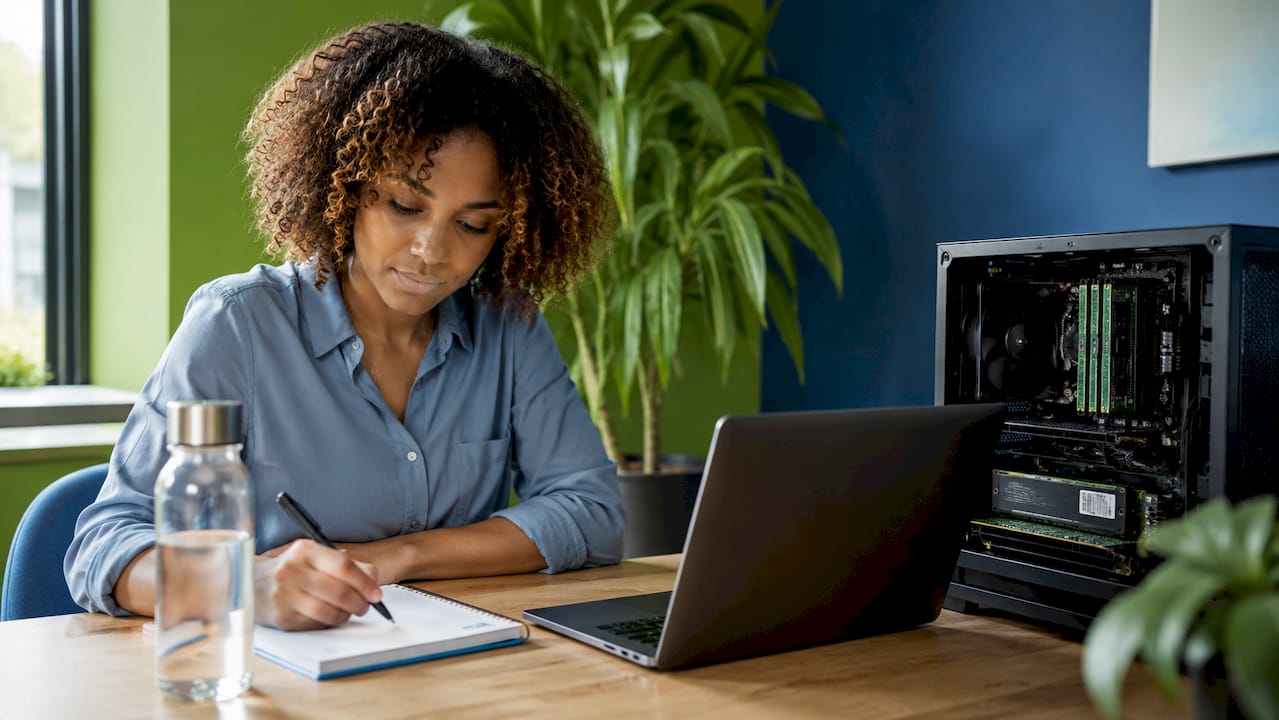
AI computers require at least 128 GB of RAM for large AI models and creative workloads. This isn’t a luxury but a technical requirement: a local LLM like LLaMA 3 70B can easily consume 40 to 80 GB of RAM, and that’s before you’ve even opened anything in your DAW or video editor. For lighter creative tasks with AI assistance, 32 or 64 GB is a realistic minimum, but anyone working seriously with local AI models should opt for 128 GB.
The type of RAM matters just as much as the amount. DDR5 and LPDDR5x offer bandwidths of up to 273 GB/s, allowing AI models to run without bottlenecks. By comparison, DDR4 reaches a maximum of 50 GB/s. That difference directly translates to AI model load times and the speed at which large audio files or video sequences are processed.
| Specifications | DDR4 | DDR5 / LPDDR5x |
|---|---|---|
| Maximum bandwidth | ~50 GB/s | up to 273 GB/s |
| Typical AI PC storage capacity | 32 to 64 GB | 64 to 128 GB or more |
| Suitable for on-device AI models | Limited | Yes |
| Energy consumption | Higher | Lower |
The same principle applies to storage. NVMe SSDs with PCIe 5.0 achieve read speeds of up to 11.9 GB/s and write speeds of up to 8.2 GB/s. That makes a noticeable difference when loading large AI models, opening 4K or 8K video projects, and writing multitrack audio recordings. PCIe 4.0 SSDs are an acceptable choice on a budget, but if you want to build a future-proof system, go with PCIe 5.0.
Pro-tip: Use two separate SSDs: one fast PCIe 5.0 drive for your operating system and active projects, and a second, larger drive for AI model data and archives. This way, you can combine maximum speed with ample storage capacity without sacrificing performance.
What ports and networking options are valuable for creative professionals?
Connectivity is often treated as an afterthought with AI computers, but for creative professionals, it directly impacts workflow speed. Anyone who transfers large video files, connects external audio interfaces, or shares AI models over a local network will immediately notice the difference between a well-equipped and a poorly equipped system.
Modern AI PCs feature multiple USB-C ports with Thunderbolt 4, HDMI 2.1a output, and powerful network interfaces. Thunderbolt 4 delivers a bandwidth of 40 Gbps, which means you can connect an external NVMe enclosure, a professional audio interface such as a Universal Audio Apollo, and a 4K monitor all at once without any loss of performance.
When it comes to networking, 10Gbps Ethernet and Wi-Fi 7 provide the capacity needed for fast data transfer and the integration of on-premises AI with cloud workflows. Standard Gigabit Ethernet is too slow for AI workflows when loading large models or media files over a network. Wi-Fi 7 achieves theoretical speeds of up to 46 Gbit/s and offers low latency, which is important for remote collaboration on video projects.
Here are the most valuable connections for a creative AI computer:
- Thunderbolt 4 (USB-C): 40 Gbps, suitable for external storage, audio interfaces, and displays
- USB-A 3.2 Gen 2: Backward compatibility for peripherals and MIDI controllers
- HDMI 2.1a: Support for 4K and 8K displays with high refresh rates
- 10 Gbps Ethernet: High-speed local network transfer for large media files and AI model data
- USB Power Delivery: Power delivery via USB-C for connected devices without an additional adapter
A well-equipped I/O panel saves you time every day and prevents your workflow from being interrupted by slow transfers or incompatible connections. Those who combine local AI software with external hardware will benefit most from a system featuring Thunderbolt 4 and 10Gbps Ethernet as standard.
What are some practical examples of AI computers with the right specs?
Theory is useful, but real-world systems provide a better understanding of what the requirements for AI systems mean in practice. Two systems that are setting the standard for AI workstations in 2026 are the Nvidia DGX Spark and the HP ZGX Nano G1n.
HP and Gigabyte AI workstations combine 128 GB of RAM with AI chips that deliver 45 to 1,000 TOPS of computing power. The HP ZGX Nano G1n is designed as a compact AI node that fits next to a desk yet delivers the computing power of a full-fledged data center node. The system combines a powerful NPU with LPDDR5x memory and a PCIe 5.0 SSD—exactly the combination needed to enable local AI inference without relying on the cloud.
| System | RAM | Storage | AI computing power | Connectivity |
|---|---|---|---|---|
| Nvidia DGX Spark | 128 GB LPDDR5x | PCIe 5.0 NVMe | Up to 1000 TOPS | Thunderbolt 4, 10GbE |
| HP ZGX Nano G1n | 128 GB LPDDR5x | PCIe 5.0 NVMe | 45 to 100 TOPS | Thunderbolt 4, Wi-Fi 7, 10GbE |
| Traditional high-end PC | 32 to 64 GB DDR5 | PCIe 4.0 NVMe | No NPU | USB 3.2, 1GbE |
The difference compared to a traditional high-end PC is clearly evident. A traditional system with an Intel Core i9 and Nvidia RTX 4090 is powerful for gaming and rendering, but lacks the integrated NPU and memory bandwidth required by on-device AI models. For a video editor who wants to run AI upscaling and automatic color correction locally, a specialized AI workstation is the better choice.
Another key distinction of these systems is the privacy factor. Experts emphasize that local AI computers have different requirements than training in data centers: the balance between VRAM capacity and privacy is a key consideration. Anyone handling sensitive client projects in a music studio or post-production company doesn’t want that data to go through a cloud server. An AI computer with sufficient local computing power solves that problem. Check out the best AI computer configurations for a practical overview of how to build such a system.
Key insights
The best AI computer for creative professionals combines a powerful GPU, an integrated NPU with at least 45 TOPS, 128 GB of LPDDR5x RAM, a PCIe 5.0 NVMe SSD, and Thunderbolt 4 connectivity for a future-proof workflow.
| Item | Details |
|---|---|
| GPU and NPU Together | An Nvidia GPU for heavy-duty computing and an NPU for efficient AI inference are both necessary. |
| At least 128 GB of RAM | LPDDR5x with bandwidth up to 273 GB/s prevents bottlenecks in local AI models and large media files. |
| PCIe 5.0 storage | Read speeds of up to 11.9 GB/s are required for fast loading of AI models and 4K or 8K video projects. |
| Thunderbolt 4 and 10GbE | These connections are the foundation for professional audio interfaces, external storage, and high-speed network transfers. |
| On-premises processing | An AI computer with sufficient local computing power protects privacy and eliminates dependence on the cloud. |
My Take on AI Hardware for Creative Studios
What I’ve learned after years in the studio hardware world is that most creative professionals don’t think about their hardware until it’s too late. They buy a powerful GPU, spend their entire budget on it, and only later realize that the RAM or storage is the bottleneck. With AI computers, that problem is bigger than ever, because the requirements for AI systems are fundamentally different from those for traditional workstations.
As far as I’m concerned, the NPU is the most underrated component in this story. Many people focus on the GPU’s TOPS figures, but it’s the NPU that ensures AI tasks run in the background without slowing down your DAW or video editor. In practice, that’s the difference between a system that speeds up your workflow and one that interrupts it.
What I also see is that people are too quick to choose the cheapest SSD that fits. A PCIe 4.0 drive feels fast until you load a 70 GB AI model or open an 8K timeline. Invest in PCIe 5.0 storage and you’ll notice the difference every day. Scalability is also a key factor: choose a platform with expandable RAM slots and multiple M.2 slots, so your system will still be relevant two years from now.
Hardware for music production and video editing is increasingly converging toward the same AI specifications. This makes it easier to build a single powerful system capable of handling both workflows, provided you make the right choices when purchasing.
– harold
Build your AI studio with I4studio

I4studio specializes in custom-built studio PCs tailored to the needs of creative professionals. Whether you’re looking for an AI workstation for video editing, music production, or a combination of both, I4studio configures systems with the right GPU, NPU, RAM, and storage for your specific workflow. Check out the best studio PC configurations for an overview of systems ready for AI-driven creative work in 2026. Want a system that fits perfectly with your music production setup? Then discover which studio PC is right for you and let I4studio build it for you.
FAQ
What is the minimum amount of RAM required for an AI computer?
For serious local AI applications, 128 GB of LPDDR5x RAM is the recommended minimum. Lighter creative tasks with AI assistance are possible with 32 or 64 GB, but large local models such as LLaMA 3 70B require more.
What does an NPU do in an AI computer?
An NPU (Neural Processing Unit) accelerates AI computations without putting additional strain on the CPU or GPU. NPUs achieve 45 to over 50 TOPS and ensure that AI tasks run in the background without slowing down your creative workflow.
Is PCIe 5.0 necessary for an AI computer?
PCIe 5.0 NVMe SSDs achieve read speeds of up to 11.9 GB/s, which is noticeably faster than PCIe 4.0 when loading large AI models and 4K or 8K video projects. For future-proof AI workstations, PCIe 5.0 is the recommended choice.
Why is Thunderbolt 4 important for creative AI users?
Thunderbolt 4 delivers 40 Gbps of bandwidth and allows you to connect a professional audio interface, external NVMe storage, and a 4K monitor all at once without any loss of performance. For creative professionals, this is the most versatile connection on an AI workstation.
Can I upgrade an existing PC to an AI computer?
Upgrading an existing PC to full AI performance is only possible to a limited extent. You can add a more powerful GPU, but an NPU is typically integrated into the motherboard or processor and cannot be upgraded separately. For the best AI computer specifications, a new platform with a built-in NPU is the most effective choice.



