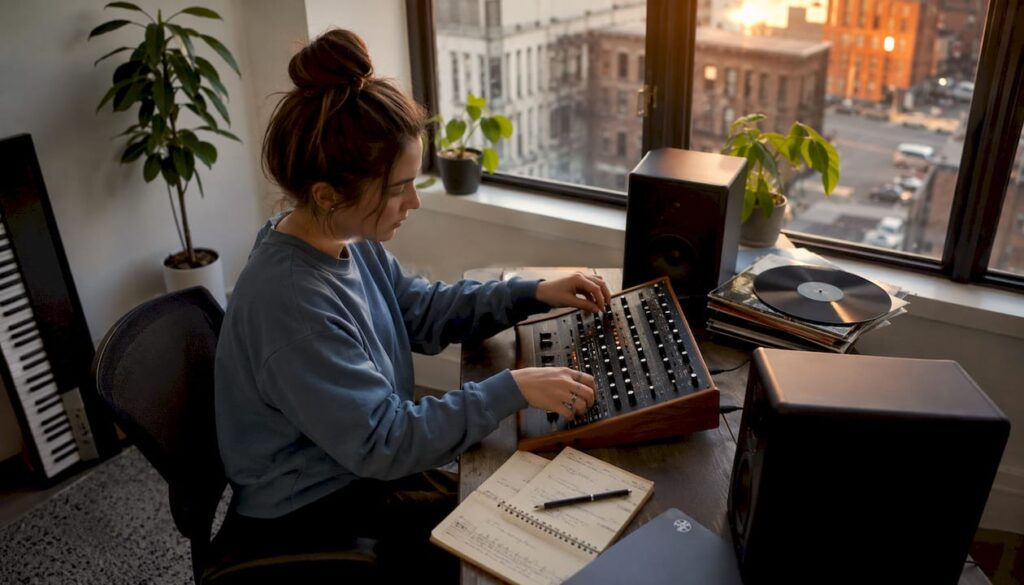
The most effective sources of musical inspiration for producers combine four categories: specialized databases, field recordings, AI concept tools, and professional networks. Use them in this order to quickly move from idea to demo:
- Streaming and curated playlists — moods and arrangement ideas in minutes
- Music libraries and databases — RILM, Muziekweb, IMSLP for harmonic and historical depth
- Field recordings and found sounds — unique textures that sample packs don’t offer
- Sample libraries and custom preset packs — for a distinctive sound signature
- AI Concept Tools — Suno and Google Gemini/Lyria for Quick Sketches and A/B Tests
- Peer collaboration and live performances — fresh perspectives and cross-disciplinary input
Before every commercial release in the Netherlands: check Buma/Stemra rights and sample clearance. I4studio offers checklists and hardware that speed up every step in this workflow.
Table of contents
- Categorized Sources of Musical Inspiration for Producers
- How do you turn inspiration into a DAW demo?
- Specialized research resources for composers and producers
- When are AI tools helpful, and when aren’t they?
- Collaboration and interdisciplinary listening prevent tunnel vision
- Licensing Checklist for Commercial Releases in the Netherlands
- Quick Checklist: 8 Steps from Inspiration to Release
- Key insights
- How a Good Studio Setup Can Boost Your Inspiration
- From Inspiration to Professional Production with I4studio
- Useful Resources for Producers in the Netherlands
- Frequently Asked Questions
Categorized Sources of Musical Inspiration for Producers
1. Streaming and curated playlists
Spotify, Apple Music, and Deezer give you access to millions of tracks in seconds. Create genre-specific playlists for those moments when you want to experiment with a mood or need an arrangement idea. Actively seek out new music genres outside your own style—many producers are at their most innovative when they blend elements from different styles.
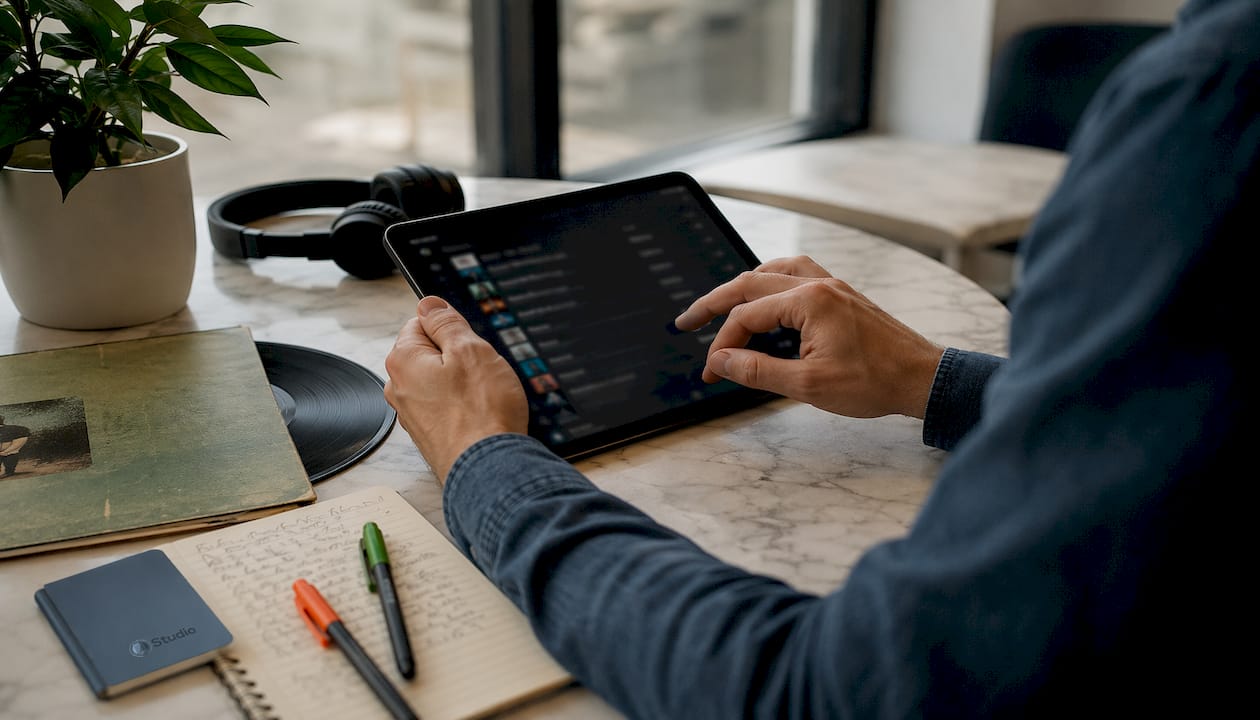
2. RILM: scholarly music database
RILM includes more than 60 leading works in its music encyclopedia collection, plus the RISE index, which provides access to scores and collections that are rarely available online elsewhere. For composers and producers, this is the fastest way to access historical harmonic references and theoretical foundations for a compositional idea.
3. Alamire Foundation / IDEM
The Alamire Foundation’s IDEM database links primary sources to modern analysis. This makes it particularly well-suited for breaking out of a narrow perspective: historical sources reveal unexpected melodic and rhythmic patterns that bring a refreshing touch to contemporary productions.
4. Muziekweb and IMSLP
Muziekweb offers a comprehensive recording history and is fully accessible through Dutch libraries. IMSLP provides free access to sheet music for works in the public domain. Both are indispensable for arranging references and studying orchestration techniques.
5. Field recordings and found sound
Ambient sounds—an industrial warehouse, a market, rain on a metal roof—provide textures that no sample pack can match. Use a portable recorder like the Zoom H5 or a good phone app to capture sounds on the spot. Label each recording file immediately with the location, date, and mood.
6. Custom sample packs and preset sets
Compiling your own sample packs from raw sessions is a proven method for developing a unique sound signature. Label each item with its tempo, key, and mood so you can quickly find it later in a new session.
7. Suno: AI Music Catalyst
Suno positions itself as a conceptual catalyst: you can quickly generate demos and mood tests, not a finished product. Use it for A/B testing arrangements or to hear a melodic idea in thirty seconds without having to build a full arrangement.
8. Google Gemini / Lyria
Lyria 3 converts text or image prompts into songs featuring instrumental music, vocals, and lyrics. Lyria 3 Pro offers more customization options for projects that require greater musical flow. It’s an effective starting point for experimenting with genres: specify a particular era, tempo, and instrumentation, and use the output as a rough draft for further editing in your DAW.
9. Live performances, festivals, and interdisciplinary art
A concert or festival offers something no database can: the physical experience of how an audience reacts to energy, dynamics, and timing. Be sure to visit museums, experimental theater, or dance performances as well. Cross-disciplinary input provides compositional ideas that purely musical sources do not inspire.
10. Professional Networks and Peer-to-Peer Sharing
Sharing musical influences with colleagues is a real eye-opener and broadens your compositional vocabulary. A short “blind listen” session—in which you share a part or loop without context—provides feedback that goes beyond your own frame of reference. Also explore the audiovisual sector for collaboration formats and networking opportunities.
11. Unfinished tracks and personal archive
Your hard drive is an underrated resource. Listen back to unfinished tracks: an unused melody line or a rough rhythm idea could be exactly the starting point you need for a new project. Pair this with a well-organized archive that includes metadata so you can quickly find what you’re looking for.
How do you turn inspiration into a DAW demo?
A structured mini-workflow prevents inspiration from remaining just a vague feeling:
- Capture (15 min) — capture the idea: a voice memo, a MIDI sketch, or a field recording. It doesn’t have to be perfect—speed is what matters.
- Curate (15 min) — select the strongest elements and tag them with key, tempo, and mood.
- Sketch (2 hours) — Build a rough demo in your DAW using a session template. Limit yourself to three plugins; constraint-based working forces creative decisions and increases output.
- Refine (4 hours) — develop the arrangement, add sound design, and create a mix demo.
- Archive — Save the session with a consistent folder structure and add metadata: creator, date, license status, and samples used.
Pro-tip: At the end of each session, immediately create a preset pack of the sounds you’ve developed. Label each preset with the tempo, key, and three mood tags. That will save you at least an hour of searching on your next project.
Assign each step to a specific storage location. A streamlined digital audio workflow starts with consistent folder structures and session templates, not with expensive plugins.
Specialized research resources for composers and producers
| Source | Access | Best use |
|---|---|---|
| RILM (via EBSCO) | University subscription or national library | Historical harmony, theoretical references, sheet music |
| Alamire / IDEM | Open access (partial) | Primary sources on early music, interdisciplinary analysis |
| Music Web | Free through Dutch libraries | Recording history, arrangement references |
| IMSLP | Free, open access | Public domain sheet music, orchestration study |
The quickest way to access RILM is through a university library or the Royal Library. IMSLP is fully open access and can be searched directly by composer, instrumentation, or era. Muziekweb is available through most Dutch public libraries with a valid library card.
When are AI tools helpful, and when aren’t they?
AI concept tools are effective as a starting point, not as a final product.
- Use Suno and Gemini/Lyria for: quickly testing moods, experimenting with genres, A/B testing arrangements, and generating melodic sketches that you can then develop on your own
- Do not use them for: publication-ready arrangements, complex sound design, or situations where copyright clarity is required—the licensing status of AI-generated output varies by platform and has not yet been fully clarified in the Netherlands
- Custom sample packs remain essential for a distinctive sound signature; AI-generated output sounds generic without human curation and editing
- The most effective AI workflow is a rapid iteration cycle: AI sketch → human selection → sound design → DAW arrangement
- Hardware matters: heavy AI inference and real-time sample processing require a powerful studio PC with sufficient CPU/GPU capacity
Collaboration and interdisciplinary listening prevent tunnel vision
Social media content formats work best when they have a fixed structure. Three formats that work well in commercial studios:
Blind listening session: Share a voice clip or loop without any context. Your colleagues will respond purely based on what they hear, without knowing what you intended. This provides feedback that goes beyond your own frame of reference.
Vocal swap: Exchange rough vocal tracks with another producer. Incorporate each other’s material into your own work, and then discuss the choices you made. This will expand your compositional vocabulary more quickly than listening on your own.
Cross-disciplinary study group: bring together musicians with graphic designers, writers, or filmmakers. Visual or narrative input leads to melodic and rhythmic choices that aren’t triggered by purely musical references.
Pro-tip: Schedule blind listening sessions at set times in your calendar, not just when you get stuck. Regular external feedback prevents you from working in the same direction for months without realizing it.
Licensing Checklist for Commercial Releases in the Netherlands
Improper use of samples or sheet music can prevent a release or result in financial claims. Follow these steps before distribution:
- Buma/Stemra Check: Verify whether the sampled work is protected and which rights need to be cleared; Buma/Stemra administers performance and mechanical rights in the Netherlands
- Sample clearance: Contact the rights holder for both the composition and the master recording; both must be cleared separately
- Sheet music from IMSLP/RILM: works in the public domain may be used freely, but please check whether the specific edition or arrangement itself is protected by copyright
- Source documentation: For each sample used, record the source, license status, and clearance date in your metadata schema
- Mechanical rights: For covers or adaptations of protected works, you need a mechanical license before distributing them via streaming platforms
- Sync considerations: Use in video or advertising requires a separate sync license, even if the composition has already been cleared
This article provides general information, not legal advice. Consult Buma/Stemra or a music rights specialist regarding your specific situation.
Quick Checklist: 8 Steps from Inspiration to Release
- Capture (15 min) — record the idea as a voice memo, MIDI, or field recording; save it to a designated folder
- Tag (10 min) — add metadata: key, tempo, mood, source, and license status
- Sketch (2 hours) — Build a rough demo using a session template; limit yourself to three plugins
- Create a preset pack (20 min) — export the sounds used as a preset set with labels
- Legal review (30 min) — verify Buma/Stemra rights and sample clearance for each external element
- Sound Design and Export (4 hours) — refine the arrangement and export tracks for mixing
- Mix Demo (2 hours) — create a reference mix and compare it to commercial reference tracks
- Archive — Save the entire session with a metadata schema; link it to your sample library
Priority labels: Steps 1, 3, and 5 are required before each session; steps 4, 7, and 8 are strongly recommended; step 6 depends on the project type.
Key insights
A categorized list of musical sources of inspiration—from RILM and IMSLP to Suno and custom sample packs—provides producers with a direct path from idea to a demo ready for release, provided that licensing checks and archiving are systematically built into the process.
| Item | Details |
|---|---|
| Prioritize sources based on purpose | Use streaming for atmosphere, RILM/IMSLP for harmony, and field recordings for texture. |
| Constraints Speed Up Output | Limit yourself to three plugins per sketch session to force creative decisions. |
| Always document rights | Record the license status, source, and clearance date in your metadata schema before distribution. |
| AI as a rough draft, not a final product | Suno and Gemini/Lyria are effective for A/B testing; human sound design remains indispensable. |
| I4studio as a production partner | I4studio provides custom studio PCs, acoustic panels, and checklists that support every step in this workflow. |
How a Good Studio Setup Can Boost Your Inspiration
There’s something few producers will admit out loud: the quality of your work environment plays a big part in how quickly you can turn inspiration into a usable demo. A slow computer that stutters with every plugin layer you add breaks your creative flow at the worst possible moment. A poorly treated room will give you a reference mix that you won’t realize is a problem until the mastering phase.
Custom-built studio PCs with sufficient CPU/GPU capacity make all the difference when it comes to real-time AI inference, large sample libraries, and parallel effects chains. Proper acoustic treatment ensures that you hear the sounds that inspire you accurately. I4studio’s studio checklist helps you address both aspects systematically, without having to reinvent the wheel.
From Inspiration to Professional Production with I4studio
Inspiration is the starting point. Your studio’s hardware and acoustics determine how quickly and effectively you can turn that inspiration into something tangible.
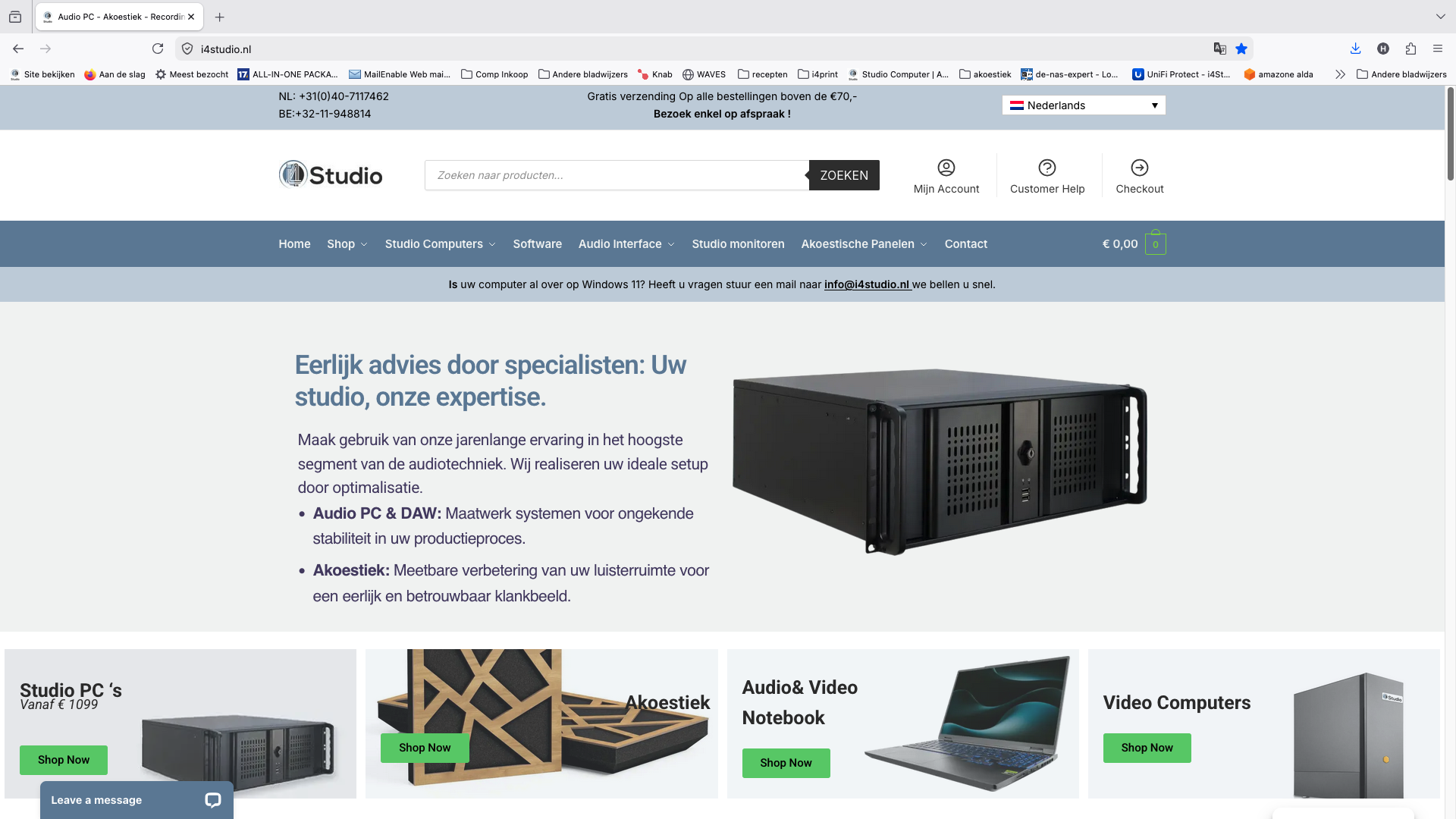
I4studio provides custom-built studio PCs tailored for demanding DAW workflows, AI tools, and large sample libraries. Not a generic configuration, but a system that fits your production process. I4studio also offers acoustic panels and studio furniture that instantly improve your work environment. Check out the DAW PC Tower of Power for a configuration built for serious music production, or read about which studio PC fits your workflow before making a decision.
Useful Resources for Producers in the Netherlands
- RILM via EBSCO — full-text music encyclopedias and the RISE index; access via a university or national library
- Alamire Foundation / IDEM — primary sources on early music; partially open access, ideal for interdisciplinary research
- IMSLP — free sheet music for works in the public domain; searchable directly by composer and instrumentation
- Muziekweb — recording history and reference recordings; free with a Dutch library card
- Suno — AI music generator for quick concept demos; free basic version available
- Google Gemini / Lyria — text-to-music generator; Lyria 3 Pro for projects requiring more customization
- I4studio Studio Checklist — a practical guide to studio setup, hardware, and workflow; available for free
Frequently Asked Questions
What are the best free sources of musical inspiration for producers?
IMSLP and Muziekweb are completely free with a Dutch library card. Suno offers a free basic version for concept demos.
How can you use AI tools like Suno responsibly in a professional project?
Use AI-generated output as a starting point for A/B testing of mood and arrangement, and then fully edit the result in your DAW using your own sound design. Check the platform’s license terms before commercial use.
When should you consult Buma/Stemra when using samples?
Before distributing any commercial release in the Netherlands that includes a sample from a protected work, both the composition and the master recording must be cleared separately.
How do you avoid tunnel vision as a producer?
Schedule regular blind listening sessions with colleagues and actively seek out sources outside your own genre, such as the Alamire Foundation’s IDEM database or cross-disciplinary collaborations with non-musicians.
What hardware do you need for large sample libraries and AI tools?
A custom-built studio PC with a powerful CPU and sufficient RAM is required for real-time processing of large sample libraries and AI inference. I4studio offers configurations specifically tailored to these workloads.