TL;DR:
- A sound card is essential for professional recording because it determines sound quality and latency.
- Important specifications include bit depth, sampling frequency, SNR and direct monitoring.
- For home studios, a reliable USB interface is usually the best choice because of price, stability and ease of use.
Many musicians start their home studio with the belief that a good microphone and the right DAW software are enough. Your computer’s sound card? It just does the job anyway. This is one of the most common misconceptions in the home production world. Your sound card is the heart of your recording setup: it converts analog signals to digital data and thus directly determines the quality of everything you record. Without a decent interface, you’ll lose quality before you’ve even touched a single fader. In this guide, we explain exactly what sound cards do, what specifications matter, and how to make the right choice for your studio.
Table of contents
- What does a sound card do in your studio?
- Key features and specifications of modern sound cards
- Interface types: comparing and choosing for your situation
- The impact of your sound card on studio sound and workflow
- Practical advice: where real improvement begins in your studio
- Really upgrading your studio? This will help you along
- Frequently asked questions about sound cards
Key Insights
| Item | Details |
|---|---|
| Sound card is indispensable | For quality recordings with minimal noise and delay, you need a good sound card. |
| USB often suffices | For most home studios, USB interfaces offer optimal value for money. |
| Specifications are key | Pay attention to bit depth, sampling frequency and latency for a workflow without technical barriers. |
| Combining delivers the best results | Good sound cards work most powerfully with acoustics, monitoring and studio software. |
What does a sound card do in your studio?
A sound card, also called an audio interface, performs one core function: converting analog signals to digital data (ADC, analog-to-digital conversion) and vice versa (DAC, digital-to-analog). When you connect a microphone, the interface converts the analog audio signal to bits and bytes that your DAW can process. During playback, the reverse happens: digital data is converted to an analog signal that drives your monitors or headphones.
The built-in audio chip of your laptop or desktop is designed for general use, such as video calling and music playback. Built-in cards are inadequate for professional recording. They lack professional preamps, have higher noise and do not offer direct monitoring. For serious music recording equipment, a dedicated interface is not a luxury but a necessity.
What makes a good interface so different? Here are the key benefits:
- High signal-to-noise ratio (SNR): Less background noise in your recordings.
- Professional preamps: Amplify the microphone or line signal without adding color or noise.
- Direct monitoring: You hear yourself back in real time through the interface, with no computer delay.
- Stable drivers: Reliable communication between hardware and software, even at low buffersizes.
- Extensive connectivity: XLR inputs, MIDI, S/PDIF and more, depending on model.
Another crucial concept is latency: the delay between when you play or sing something and when you hear it back. High latency makes recording frustrating and inaccurate. A good interface minimizes this through efficient drivers and direct monitoring.
Pro-tip: Always use direct monitoring while recording. That way you can hear yourself without software delay, which benefits your performance.
The distinction between an internal sound card (PCIe, installed in your desktop) and an external audio interface (USB or Thunderbolt) is also relevant. External interfaces are more flexible and easier to move around, while internal PCIe cards offer the lowest latency in a fixed desktop setup.
Key features and specifications of modern sound cards
The basic operation clear? Let’s zoom in on the most important technical aspects of modern sound cards. Which specifications really determine quality?
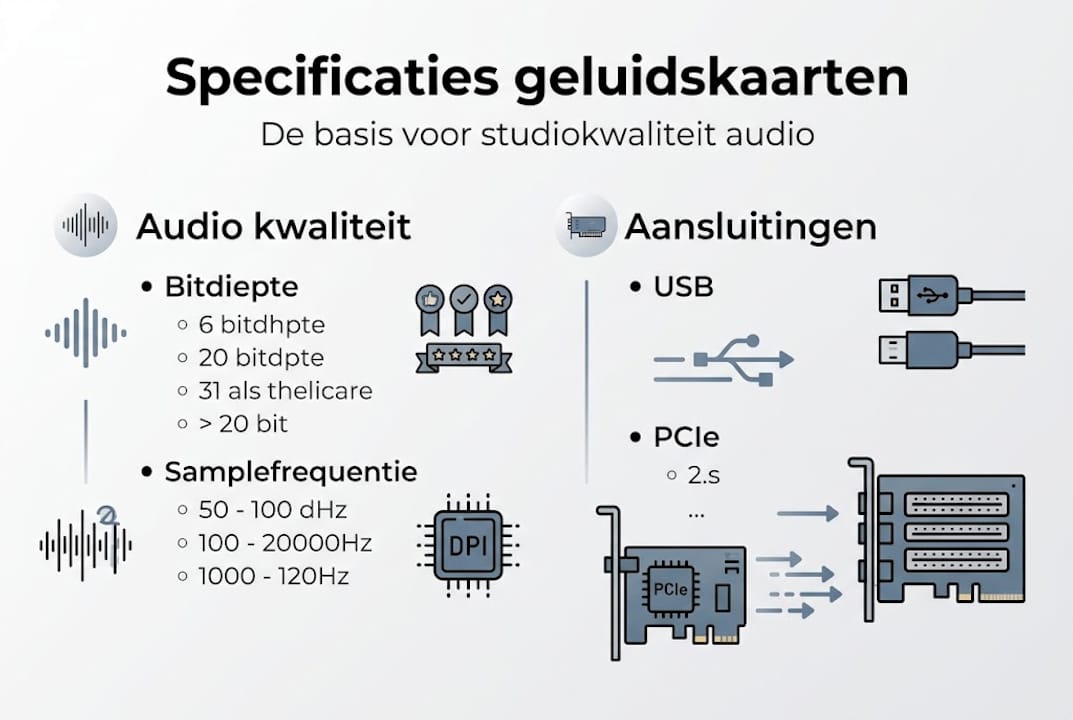
Bit depth and sampling frequency are the foundation of your digital audio. A higher bit depth (24-bit versus 16-bit) provides more dynamic range, meaning soft and loud sounds are captured more accurately. A higher sampling frequency (96kHz or 192kHz versus 44.1kHz) captures more detail in the higher frequency range. For most productions, 24-bit/192kHz with SNR above 100dB is the standard for superior sound quality.
| Specification | Standard | Professional |
|---|---|---|
| Bit depth | 16-bit | 24-bit |
| Sample frequency | 44.1 kHz | 96 or 192 kHz |
| SNR | 85-90 dB | 100+ dB |
| Latency (USB) | 10-15 ms | 5-7 ms |
| Latency (Thunderbolt) | 5-8 ms | Less than 4 ms |
Latency is highly dependent on the connection type. USB interfaces typically achieve 5 to 7 ms at low buffersizes, while Thunderbolt interfaces can dip below 4 ms. Want to know more about optimizing this? Then read about reducing audio latency for concrete tips.
Other specifications not to be ignored:
- Direct monitoring versus software monitoring: Direct monitoring sends the input signal directly to your headphones, without processing by the computer. This eliminates audible delay.
- MIDI connectivity: Useful if you use hardware synthesizers or drum computers. Not every interface has this on board by default.
- ADAT expansion: An ADAT input allows you to connect additional preamps or converters, expanding the number of inputs without buying a new interface.
- Number of channels: How many microphones or instruments do you want to record at once? A singer-songwriter will have enough with two inputs; a drummer will soon need eight or more.
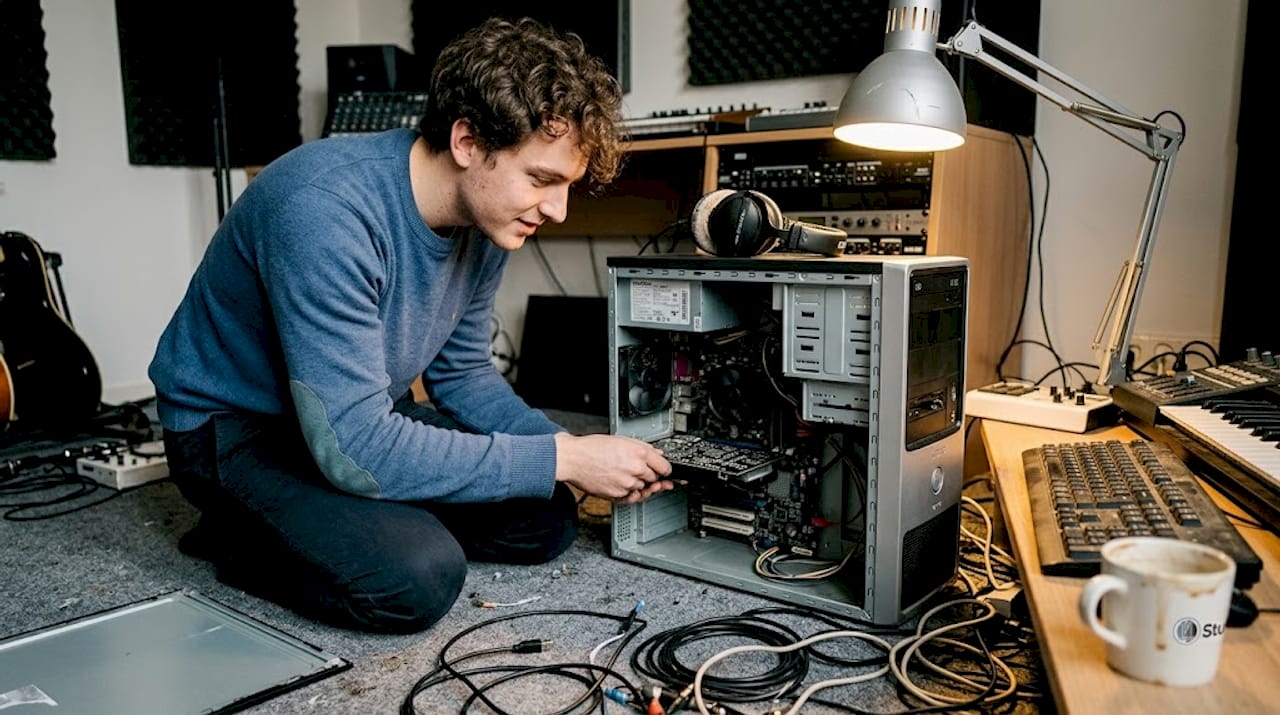
For fixed desktop studios, a PCIe sound card offers additional stability and the lowest possible latency, making it interesting for producers who want to maximize their workflow.
Interface types: comparing and choosing for your situation
Now that you know what to look for in terms of specs, it’s time to compare which sound card types fit your application. The three most common connection types are USB, Thunderbolt and PCIe. Each has its own advantages and disadvantages.
| Type | Latency | Price | Mobility | Suitable for |
|---|---|---|---|---|
| USB | 5-7 ms | Low to medium | High | Home studio, mobile |
| Thunderbolt | Less than 4 ms | Medium to high | Medium | Semi-pro, multi-track |
| PCIe | Less than 2 ms | Medium to high | No | Fixed desktop studio |
According to low latency performance research, PCIe offers less than 2 ms latency for high-end desktops, Thunderbolt is ideal for multi-channel professional setups and USB is fully adequate for home studios.
So how do you choose the right type? Follow these steps:
- Determine your use: Will you record only in your permanent studio or also on the road?
- Check your computer: Does your laptop or desktop have a Thunderbolt port? Not every computer has this.
- Estimate your channel needs: Two inputs are sufficient for most solo producers.
- Set a budget: USB interfaces offer excellent quality at a fair price.
- Consider expandability: Want to add more channels later via ADAT? Then choose an interface that supports it.
A USB interface from a reliable brand is the wisest choice for most home producers. You get professional quality without unnecessary complexity or high costs.
Pro-tip: Avoid cheap USB hubs when connecting your interface. Always connect your interface directly to a USB port on your computer for the most stable connection and lowest latency.
Are you also integrating hardware synthesizers or drum computers? Then MIDI integration is a logical next step to further optimize your setup.
The impact of your sound card on studio sound and workflow
You now have the technical details and choices clear. But what actual impact do you see when working with your sound card in practice?
The most immediate effect can be heard when recording. An interface with quality preamps captures more detail, has less background noise and gives your recordings a more open, clearer character. You can hear this difference immediately when comparing the same microphone on a built-in chip versus a dedicated interface.
The impact on your workflow is at least as great:
- Direct monitoring makes recording vocals and instruments smoother. You play in tune without delay interfering with your rhythm.
- Stable drivers ensure that your DAW runs reliably, even at low buffersizes and heavy projects with many plugins.
- More inputs give you the freedom to record multiple sources simultaneously, making sessions more efficient.
- Better DAC quality improves your mixing experiences because you judge your mix more accurately through your monitors.
But a sound card never works alone. Converters and preamps are more crucial than the number of channels for solo producers; always combine this with acoustic treatment for best results. A great interface in an acoustically bad room will still yield disappointing recordings.
A cheap interface can be the weak link in an otherwise well-equipped studio. You invest in a good microphone, excellent monitors and professional software, but if the conversion is substandard, you lose quality at the most fundamental level. Also consider the combination with studio acoustics optimization for a complete picture of what your studio needs.
Practical advice: where real improvement begins in your studio
After years of working with home producers and putting together studio setups, we always see the same pattern: people invest in expensive microphones or extra plugins, while the interface is left at the bottom of the chain. That’s a shame.
It’s not about the number of channels or the most impressive specifications on paper. Solid conversion, stable preamps and reliable drivers make the real difference. An interface that crashes at a buffer size of 64 samples is worthless, no matter how good the specs sound.
Our advice: as a home producer, always choose a proven, stable USB model from a reliable brand first. Thunderbolt or PCIe are only interesting if your workflow really demands it. And don’t forget that choosing studio software and acoustic treatment are just as important as the hardware itself. Build your studio layer by layer, starting with the foundation.
Really upgrading your studio? This will help you along
Want to get started right away with better sound quality and a smooth workflow? At i4studio.co.uk you will find a carefully selected range of audio interfaces, from entry-level to professional solutions.

Looking for a USB interface with top-notch conversion and low latency? Then check out the Antelope Audio USB interfaces for a professional experience in a compact package. Want a complete overview of what your studio needs first? Our guide on essential recording equipment will help you make the right choices step by step. Unsure which interface is right for your setup? Contact us for personal advice.
Frequently asked questions about sound cards
Why is a good sound card important for my home studio?
A quality sound card ensures clear recordings, minimal latency and reliable connectivity. Superior sound quality and low latency are only achievable with a dedicated interface that provides professional converters and preamps.
When do I choose USB, Thunderbolt or PCIe?
USB is sufficient for most home studios; Thunderbolt and PCIe are ideal for professional multi-track setups. USB is fine for most, while Thunderbolt and PCIe show their added value in very low latency and heavy professional applications.
How big a difference is there between a sound card and my computer’s built-in audio chip?
Built-in chips lack professional preamps, converters and capabilities such as direct monitoring and MIDI support. Built-in sound cards are insufficient for professional audio recording and are a clear limitation in your studio chain.
What can I do about latency problems?
Use short USB cables, avoid hubs and choose an interface with direct monitoring. High latency with USB hubs and long cables is a common cause of problems that is easy to avoid.
Should I buy an expensive interface right away?
For home use, a decent USB model is sufficient; you can always expand as your workflow changes. USB interfaces offer an ideal price-performance ratio for home producers and are more than adequate for most situations.