Choose the right computer for local radio and television: a custom-built server with SSD RAID, two 10GbE ports, a redundant power supply, and Dante/AES67.
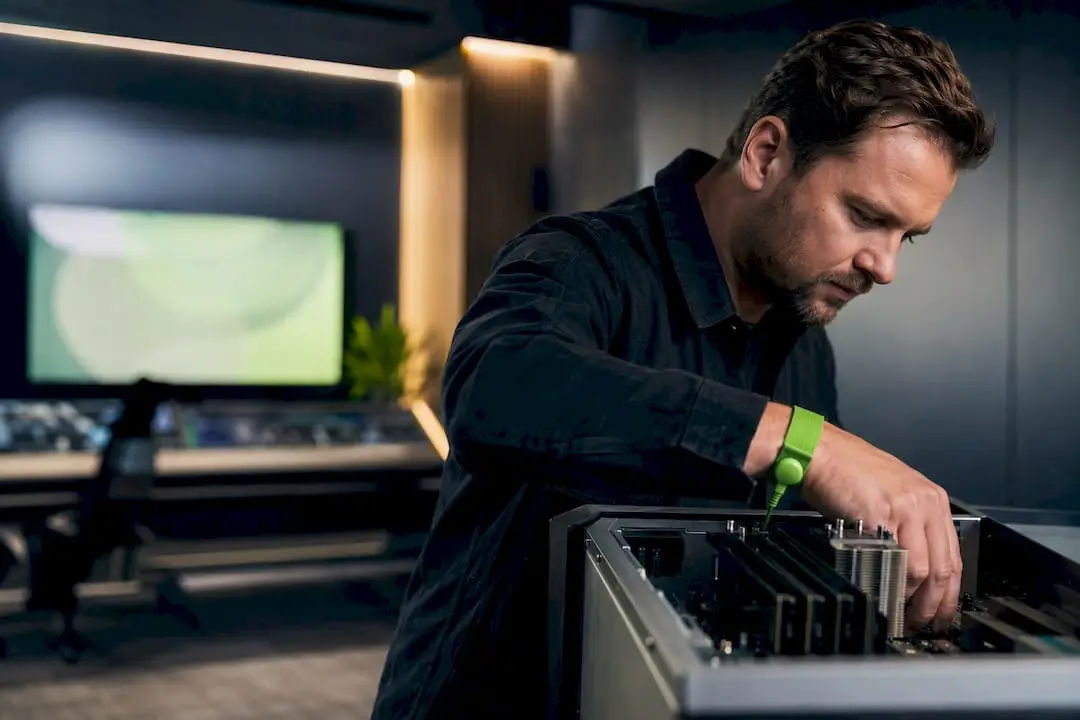

Choose the right computer for local radio and television: a custom-built server with SSD RAID, two 10GbE ports, a redundant power supply, and Dante/AES67.
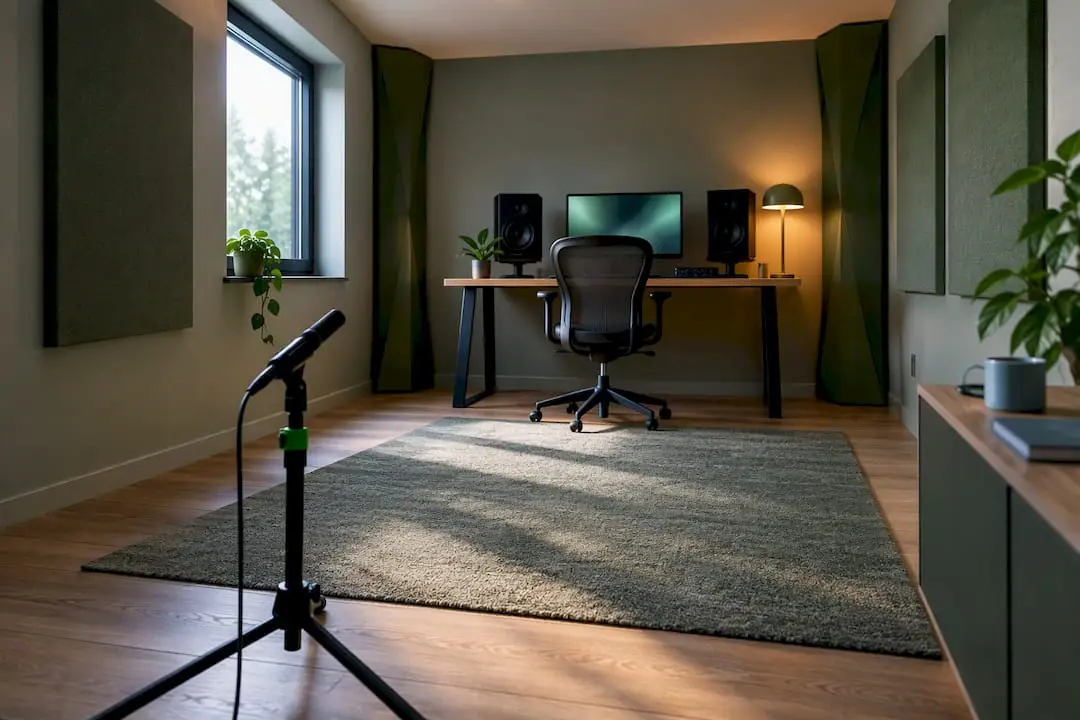
Calculate the room modes of your studio and identify problematic frequencies below 300 Hz for targeted measurement and treatment of bass modes.
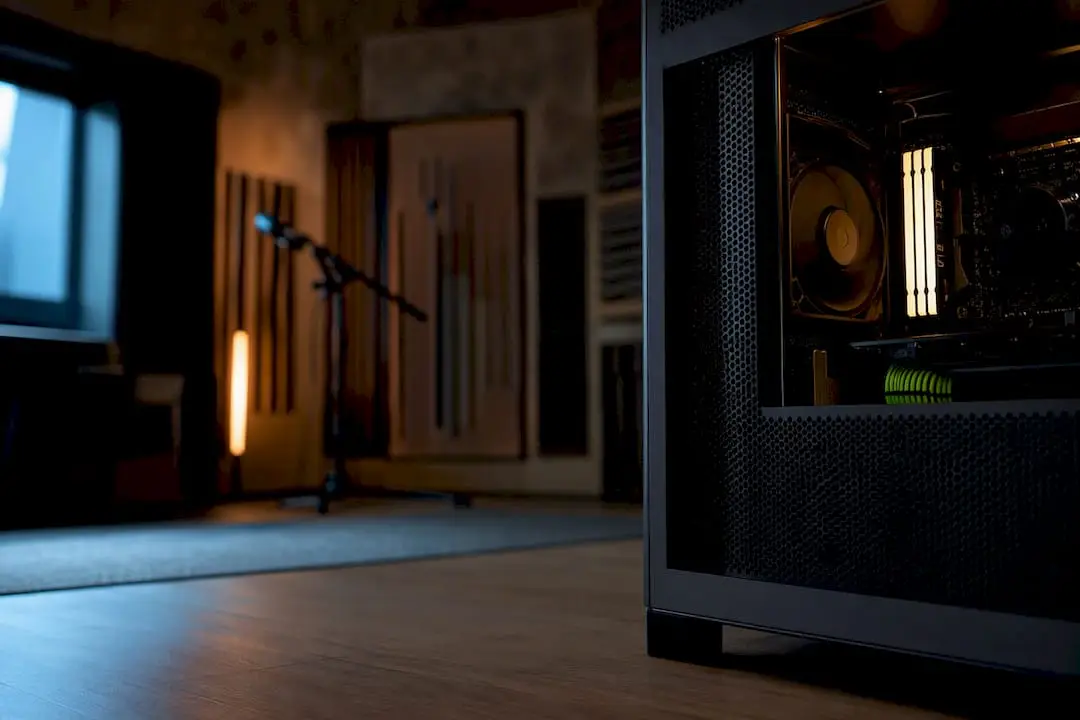
Find out what specs a studio PC really needs in 2026: cores, RAM, NVMe SSD, Thunderbolt, and quiet cooling for each use case.
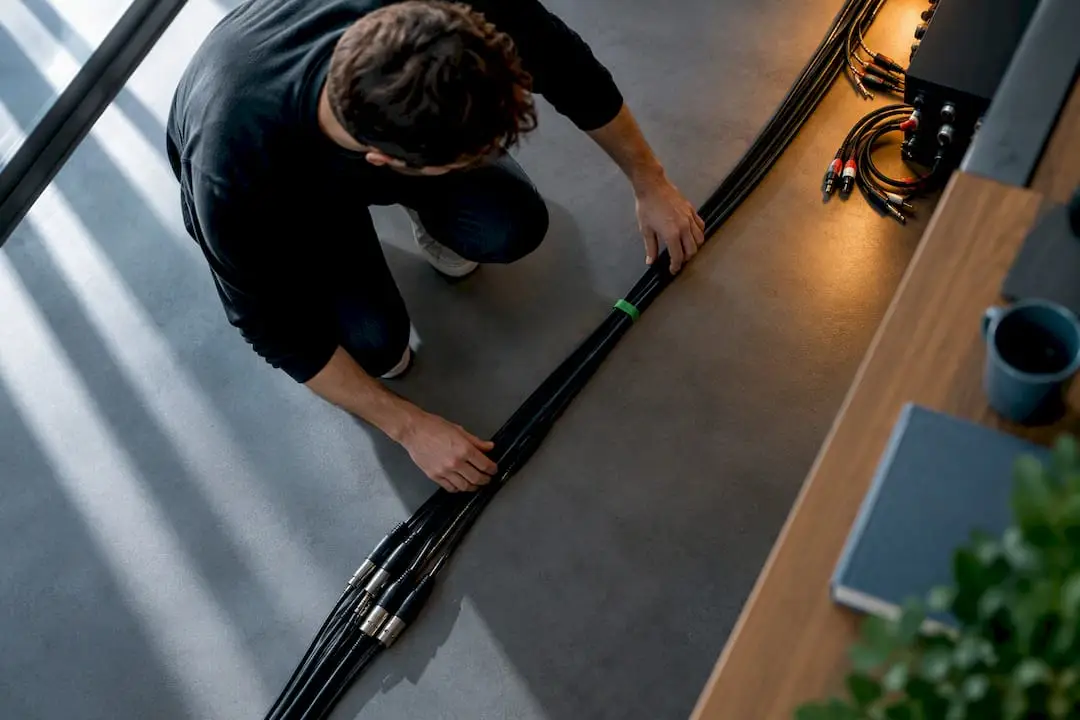
Discover a clear step-by-step guide to setting up cables without hum: one grounded outlet, use balanced XLR and TRS cables, and eliminate ground loops…
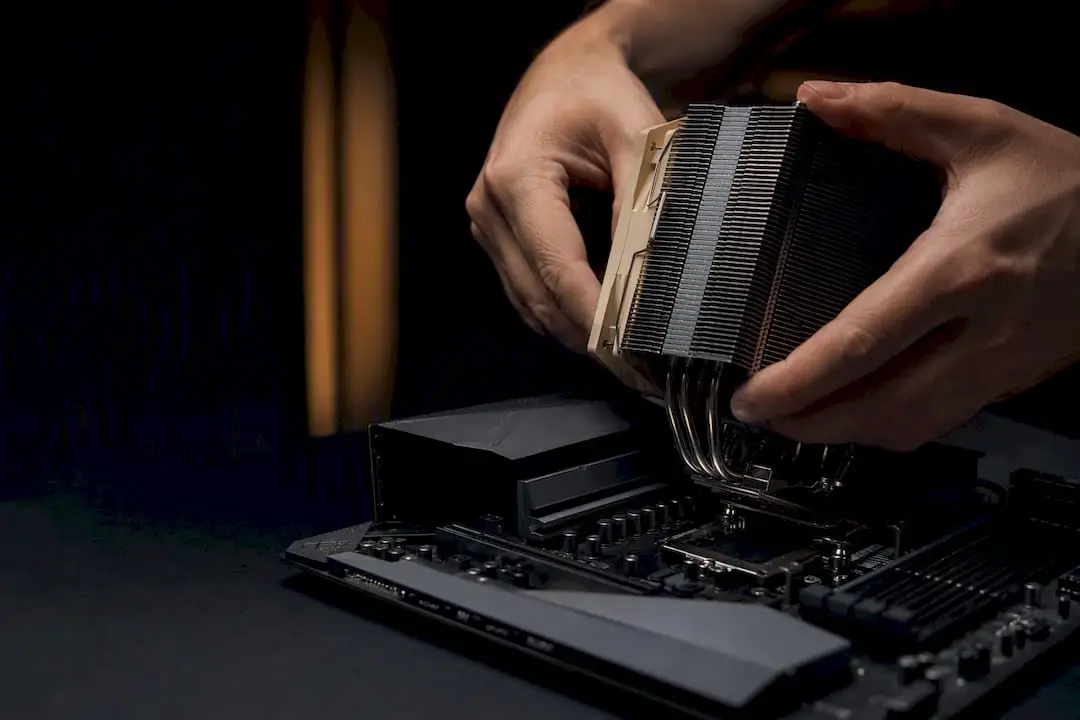
Find out what hardware requirements Resolve has: a discrete GPU with sufficient VRAM, 16–32 GB of RAM, NVMe drives, and up-to-date drivers.
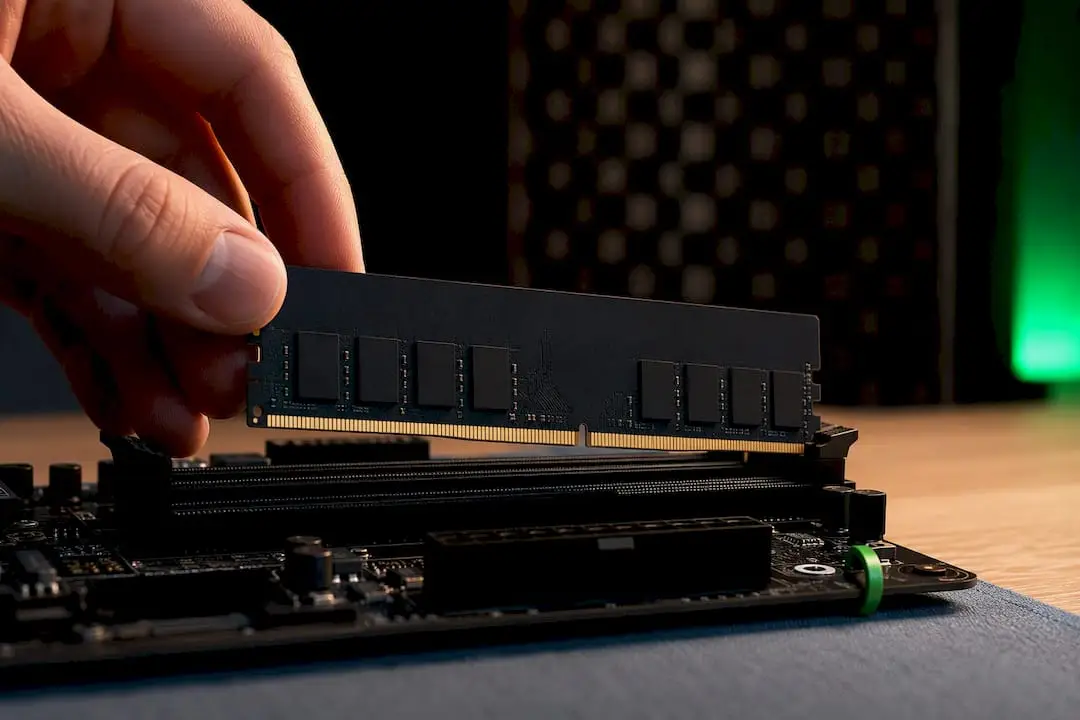
Find out what RAM capacity and speed your DAW requires: 32 GB minimum, 64 GB+ for orchestral projects, and 3200–3600 MHz (CL16) for smooth sessions.
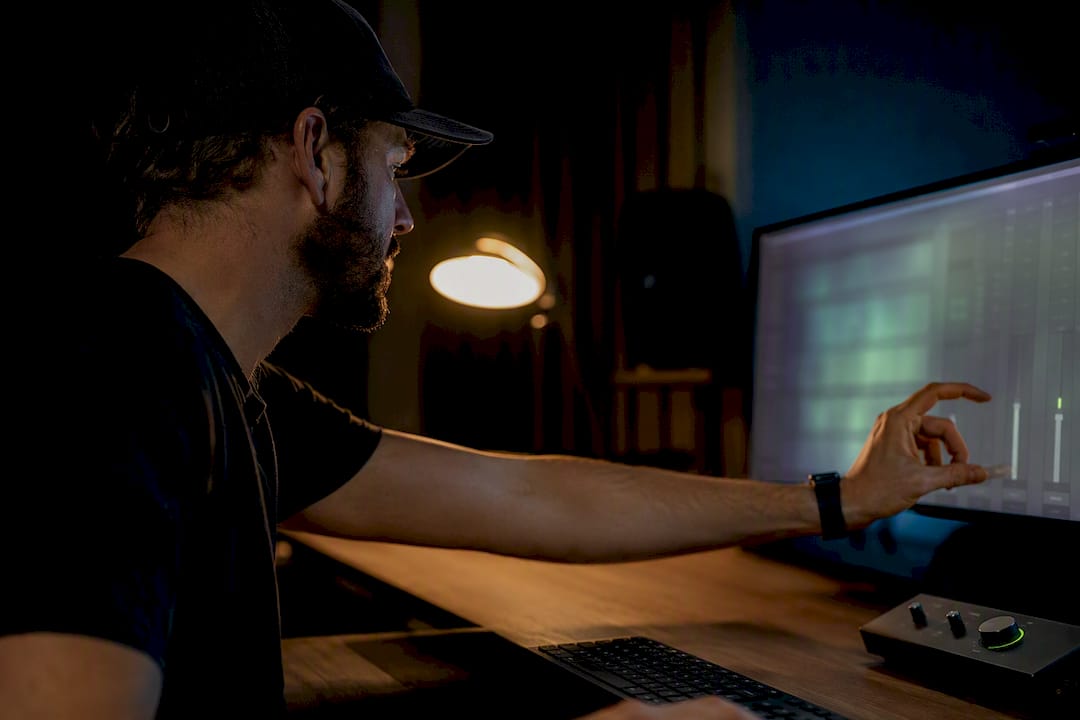
Reduce latency on Windows: choose an interface with ASIO or WASAPI, set the buffer to 128–256 samples, enable direct monitoring, and use LatencyMon to measure latency.

Add up to eight additional channels at 44.1 or 48 kHz via ADAT, avoid clocking issues, and use S/MUX to support higher sample rates.

Find out what PC specifications you need for DaVinci Resolve: 16 GB of RAM and 8 GB of VRAM for basic use; 32–64 GB of RAM and 16 GB or more of VRAM for 4K/RAW.

Find out when a Threadripper system is worth it for video: for 8K or RAW workflows, multiple GPUs, batch rendering, and tight deadlines.

Een overzicht van trainers, nieuwe producten , testen, product reviews en zelfs aankoop advies en een Kennisbank.