For a custom-built studio PC in 2026, choose a CPU with at least 12 high-performance cores (Intel Core Ultra, AMD Ryzen 7000/9000, or an Apple M4 platform), a reliable standard for RAM, and an NVMe PCIe SSD with modest capacity as the primary drive. Thunderbolt 4 or 5 is the recommended connection for professional audio interfaces, and quiet cooling is just as important as processing power once you start recording. Below, you’ll find which configuration is actually best suited for each use case—and why.
Briefly:
- For a good studio PC in 2026, a CPU with at least 12 cores and 32 GB of DDR5 memory will be sufficient for most professional productions.
- For large sample libraries and orchestral scores, systems with 16 or more cores, 64 to 128 GB of RAM, and multiple NVMe drives are recommended.
- Thunderbolt 4 or 5 offers the lowest latency for professional audio interfaces, while USB-C is suitable for less complex setups.
- SSD storage via PCIe 4.0 or 5.0 with multi-drive configurations reduces load times and prevents glitches during demanding sessions.
- A Windows build offers more upgrade options than an Apple Silicon system, which is especially important for future upgrades.
Table of contents
- Recommended Studio PC Specifications by Use in 2026
- Which components really make the difference in a studio PC?
- Which connections offer the lowest latency?
- Mac or custom Windows: which platform should you choose?
- Three configurations you can use as a basis for ordering right away
- How do AI optimizations affect studio hardware performance?
- Do you need an expensive graphics card for studio work?
- Why will storage be the fastest-changing factor in 2026?
- What years of focus on studio hardware teach you
- Order a custom studio PC from I4studio
- Sources
- Frequently Asked Questions
Recommended Studio PC Specifications by Use in 2026
Not every producer needs the same equipment. A podcaster with two microphones has different needs than a film composer who works with hundreds of orchestral samples. Three tiers provide a realistic overview.
- Entry: podcasting, beatmaking, and light tracking. A modern 6- to 8-core CPU is sufficient here, combined with 16 to 32 GB of RAM and a 1 TB NVMe SSD. This is enough for most DAW sessions with a limited number of plugins and no heavy sample libraries.
- Mainstream pro: serious DAW sessions with lots of VSTs. Here, you’ll need 12 to 16 cores, 32 to 64 GB of RAM, and a storage configuration of 2 TB of NVMe for the system plus 2 to 4 TB of additional storage for sample and project files. This is the tier that most professional home studios and small commercial studios fall into.
- Film and scoring: large sample libraries. Think 16 or more cores, 64 to 128 GB of RAM, and multiple 4 TB NVMe drives, combined with Thunderbolt I/O for fast external expansion. Orchestral libraries load gigabytes of samples at a time, and that’s where memory literally becomes the bottleneck.
The general guideline from several 2026 build guides for music production PCs identifies the CPU, RAM, and storage as the three factors that most influence how a system performs under load. If you’re unsure which tier suits your workflow, the page “Which Studio PC Is Right for You?” provides a practical checklist.
Which components really make the difference in a studio PC?
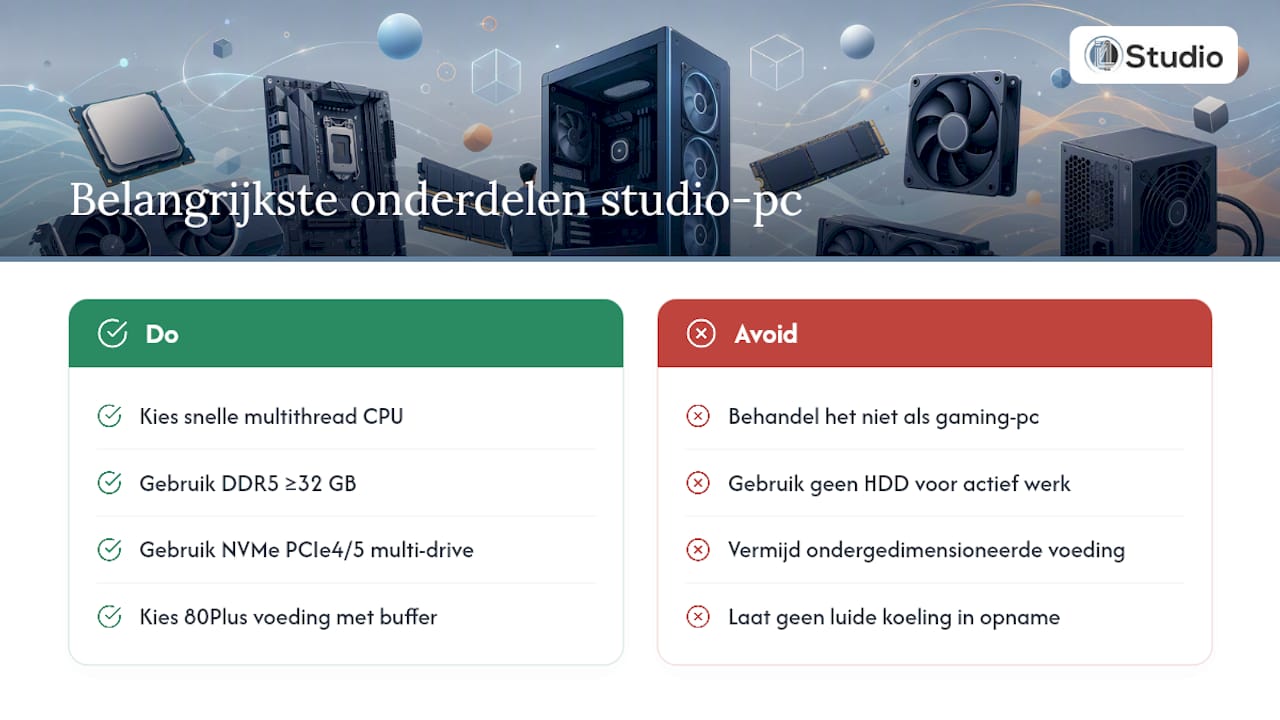
A studio PC isn’t just a gaming machine with a different sticker on it. The priorities are different, and you can see that in every component.
Processor. Cores remain important because DAWs are becoming increasingly multithreaded, but single-thread performance still determines how low you can get your latency during tracking. An Intel Core Ultra or AMD Ryzen 7000/9000 with high boost clocks and enough cores offers the best balance for most workflows.
Memory. DDR5 will be the standard by 2026, and 32 GB is a realistic starting point for serious producers. Film and orchestral workflows require 64 to 128 GB, simply because sample libraries load gigabytes of audio into memory before you hear a single note. With less than 32 GB, you’ll quickly run into swapping and dropouts during sample-heavy sessions.
Storage. NVMe over PCIe 4.0 or 5.0 has become the storage standard, and a multi-drive setup works better than a single large drive: one NVMe drive for the operating system and DAW, and a second for samples and active projects. Reserve a hard drive solely for archiving; never use it for active work.
Motherboard and VRM. A motherboard with a stable power supply and enough PCIe lanes prevents bottlenecks when you combine multiple NVMe drives and a Thunderbolt card.
Power Supply. Choose a power supply with 80 Plus certification and sufficient headroom above the measured power consumption. An undersized power supply is one of the most underestimated causes of instability during recording sessions.
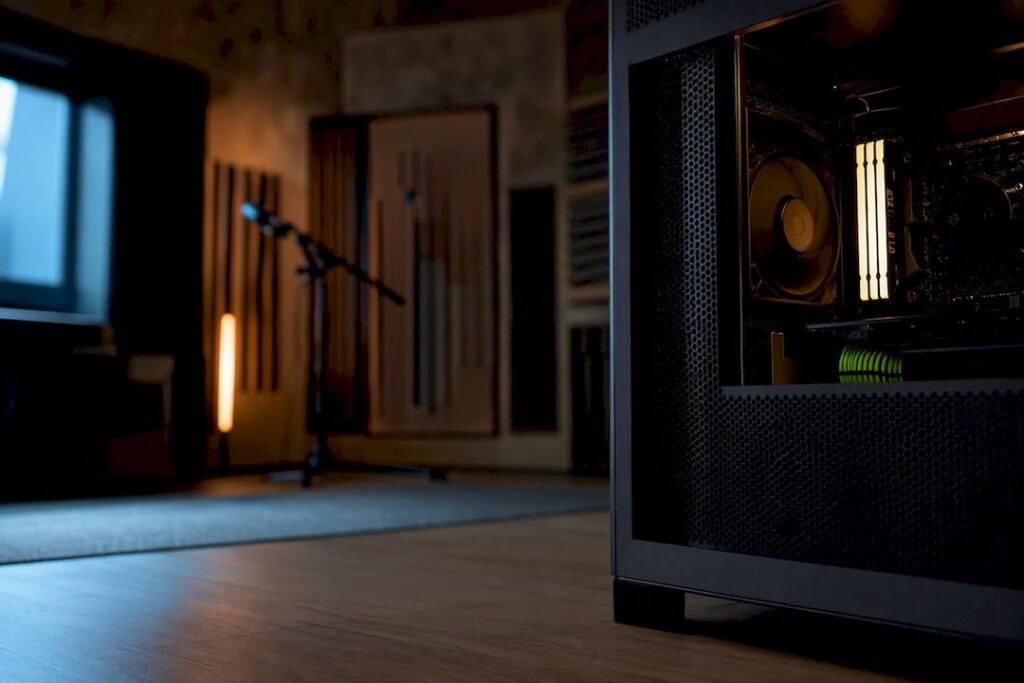
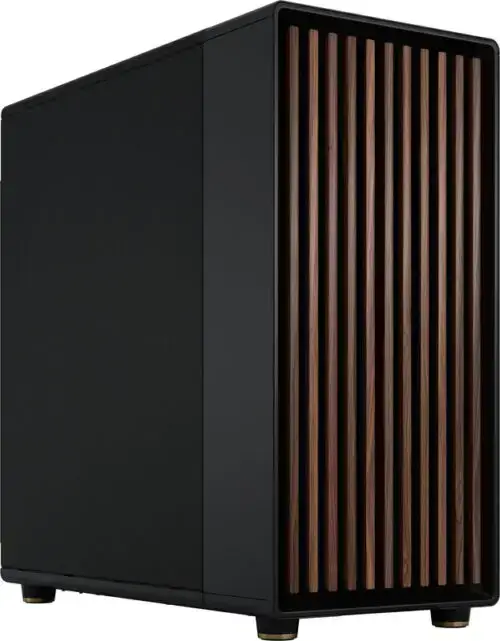
Cooling and case. Silence is just as important for tracking as processing power: a microphone picks up every fan. A case with sound dampening and low-RPM fans—or a quiet AIO cooler—prevents your system from being heard in the recording.
Pro tip: If possible, place your system outside the recording room or inside a soundproof cabinet. Even the quietest fan is audible on a sensitive condenser microphone.
Which connections offer the lowest latency?
The choice between Thunderbolt and USB-C often has a greater impact on your recording experience than the CPU itself.
- Thunderbolt 4 or 5 is the recommended choice for professional audio interfaces with many channels: it offers the lowest round-trip latency and the most bandwidth for large interfaces.
- USB-C works just fine for most home studio interfaces with a limited number of inputs and outputs.
- Driver quality is just as important as the connection itself. Manufacturers with their own ASIO drivers or kernel-level access generally deliver more stable performance than generic USB audio drivers.
- If you’re working with more than eight channels at once, or with an interface like an Audient iD48, Thunderbolt is often not a luxury but a necessity.
- For network storage and remote sample libraries, a 2.5 Gb or 10 Gb connection is recommended; for local libraries, an external Thunderbolt SSD is faster than any network drive.
Mac or custom Windows: Which platform should you choose?
This choice will determine not only how much you enjoy your work, but also your career path for the coming years.
- Apple Silicon (M4-class): excellent efficiency, strong single-thread performance, and whisper-quiet operation, but unified memory limits future upgrades. What you choose when you buy is what you’ll keep for years.
- Windows custom build: more flexibility to replace RAM, storage, or the GPU later on, often better value for the money, and more room for additional PCIe cards.
- Rule of thumb: If you work in Logic Pro and value quiet operation and simplicity over upgradability, Apple is a better fit. If you work in Ableton Live or FL Studio and want to expand your memory or storage yourself in three years, a custom Windows build is the more logical choice.
Pro tip: Don’t just think about today. A system that you can upgrade in two years with additional storage or RAM will save you from having to buy a whole new one.
Three configurations ready to use as a basis for ordering
- Entry-level build: for podcasters and beatmakers. 6 to 8 cores, 16 to 32 GB of RAM, an NVMe SSD with sufficient storage capacity, and a USB-C interface. Affordable and more than adequate for light tracking.
- Mainstream pro build: for producers with lots of plugins and sessions. 12 to 16 cores, 32 to 64 GB RAM, 2 TB NVMe system drive plus 2 to 4 TB sample drive, Thunderbolt interface.
- Film and scoring build: for composers with large orchestral libraries. 16 or more cores, 64 to 128 GB of RAM, multiple 4 TB NVMe drives, Thunderbolt I/O.
Would you like to take a closer look at these configurations, including the exact components? The ” Studio PC Examples ” page shows what these builds look like in practice.
How do AI optimizations affect studio hardware performance?
AI-driven plugins—such as vocal restoration, adaptive mastering, and real-time noise reduction—require more and more processing power during the session itself, not just during rendering. This shifts the load from short spikes to continuous background processes that run alongside your DAW.
As a result, CPUs with more cores and better efficiency per watt offer a real advantage as soon as you use AI-based plugins during mixing rather than afterward. A system designed solely for traditional DAW workloads may reach its limits here, especially when running multiple AI plugins simultaneously in a single session.
Working memory also plays a role here: some AI models for audio load local datasets into RAM instead of sending everything to the cloud, which in turn supports the previously mentioned 32 GB as a minimum. Expect this type of load to increase in the coming years as more plugin developers build AI features in as standard. Those who reserve space in cores and memory now will prevent their machines from falling behind within a year.
Do you need an expensive graphics card for studio work?
For pure audio production, a high-end GPU is usually not a priority. Integrated graphics or an entry-level model are sufficient for the vast majority of DAW use, since mixing, arranging, and plugin processing are primarily handled by the CPU.
That changes as soon as you start working with video: color correction, exporting at higher resolutions, or working with GPU-accelerated effects in video plugins do benefit from a more powerful card. Some modern audio plugins use GPU acceleration for computationally intensive convolution reverbs or AI-based processing, but that remains the exception, not the rule.
If you’re combining audio with video editing, it’s smarter to invest in a mid-range GPU than to spend your entire budget on the CPU. For those who regularly create soundtracks for videos, a video-editing PC with a more powerful GPU is often a better foundation than a dedicated audio build.
Why will storage be the fastest-changing factor in 2026?
NVMe over PCIe is the reason why load times for large projects have dropped dramatically in recent years. Whereas a session with many samples used to take minutes to load from a hard drive, it now takes only a matter of seconds.
The real advantage lies in multi-drive setups: one NVMe drive for the operating system and the DAW, and a second one specifically for samples and project files. This prevents write and read operations from interfering with each other during intensive sessions, which in turn reduces the likelihood of audio glitches during recordings.
PCIe 5.0 drives are slowly beginning to replace the 4.0 standard, resulting in even higher throughput speeds. For most studio workflows, that benefit is still limited, but for film and scoring projects involving terabytes of samples, the difference is starting to become noticeable. Reserve hard drives exclusively for archiving completed projects; never use them for anything you’re still actively working on.
What Years of Focus on Studio Hardware Teach You
Quiet operation and reliability are more important than graphics power once you actually start recording. The most common mistake isn’t a CPU that’s too slow, but a sample drive that can’t handle the I/O load during a demanding session.
…
– harold
Order a custom-built studio PC from I4studio
Our custom-built studio PCs are assembled with a focus on stability, low latency, and support, rather than generic components that just happen to play music.
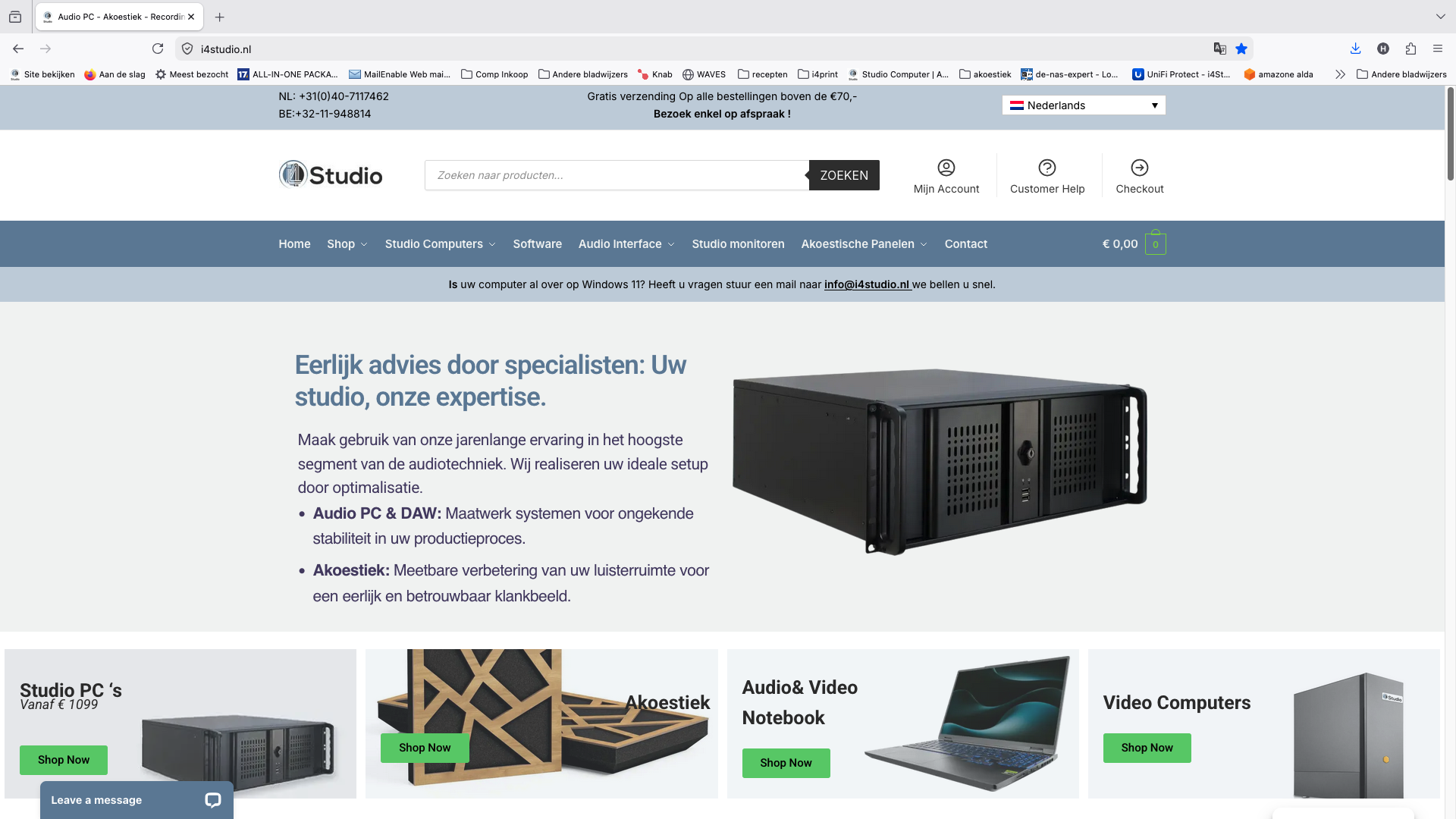
Custom Studio PCs start at a certain price point. They are built based on your workflow. If you’re unsure which configuration is right for you, take a look at the studio PC examples first for some concrete starting points. In addition to the PCs, we also provide advice on acoustic panels, audio interfaces, microphones, and studio monitors, so that the entire space around your system is optimized. If you’d like to get started right away with a custom quote, you can submit your requirements on I4studio and receive personalized advice on the right configuration.
Sources
- Best PCs for Music Production in 2026: Mac and Windows | MusicRadar
- Best 2026 Music Production PC: Our Ultimate Build Guide – Stereo Daily
- The Ultimate Guide to Computer Specs for Music Production PCs in 2026 | HSR
- Music Producer Workstation Setup (2026)
Frequently Asked Questions
How much RAM will I need for a studio PC in 2026?
For most serious producers, 32 GB of DDR5 is the realistic standard. If you work with large orchestral or film scoring libraries, 64 to 128 GB is recommended because samples are loaded entirely into memory.
Is an NVMe SSD required for a studio PC?
It’s not required, but it is the practical standard. NVMe over PCIe provides the speeds needed to load large sample libraries smoothly, and a multi-drive setup with a dedicated drive for samples prevents slowdowns during sessions.
Should I choose Thunderbolt or USB-C?
For professional audio interfaces with many channels, Thunderbolt 4 or 5 is the better choice due to lower latency and higher bandwidth. For most home studio interfaces with a limited number of connections, USB-C works just fine.
Do I need a high-end graphics card for music production?
For pure audio production, an entry-level model or integrated graphics are usually sufficient, since DAW processing runs primarily on the CPU. If you combine audio with video editing, however, a more powerful GPU is worth the investment.
How much does a custom-built studio PC cost?
You can find the starting price on the website; the exact price depends on the configuration you choose, such as the CPU, memory, and storage.
Can I upgrade a Windows Studio PC later on?
Yes, a custom Windows build usually offers more room to add RAM, storage, or an additional PCIe card later on. That makes the upgrade path more flexible than with an Apple Silicon system with unified memory.