



If you are looking for the best video editing computer, you need a machine that can keep up with you. And while you can make some concessions when it comes to certain features and components, it should be able to render your projects without stuttering, delays or interruptions.
That means that whatever PC you use, it must have powerful and fast internals. The longer your project and the higher the resolution you work in, the more robust those parts need to be. The more performance your video computer can deliver, the faster you can work and render in the video editing software of your choice.
In terms of power, you’ll need a processor with solid multi-core performance, since you’ll be doing complex operations, lots of fast RAM, and of course a discrete graphics card that can run in the resolutions you hope to work in.
What to Look for in a Video Editing PC
In recent years, laptops have become more popular thanks to advances in mobile graphics and display technologies, but they don’t compare to a standard desktop computer in expandability and upgradeability. In addition, a laptop also has the problem of keeping the temperature low if we reduce performance
Most video editing software depends on the CPU; multiple cores and powerful graphics are required for effective editing. Video editing programs are also heavy in terms of memory usage, so the more the merrier. The operating system must have a solid state drive (SSD) so that the operating system and applications load and run quickly. Since fast USB 3.2 ports have become ubiquitous, using an external drive for final work storage is no longer as much of a problem as it once was. This has expanded options from full workstations to compact models with fewer internal storage spaces. We do recommend a fast SSD NVMe M2 disk for the project
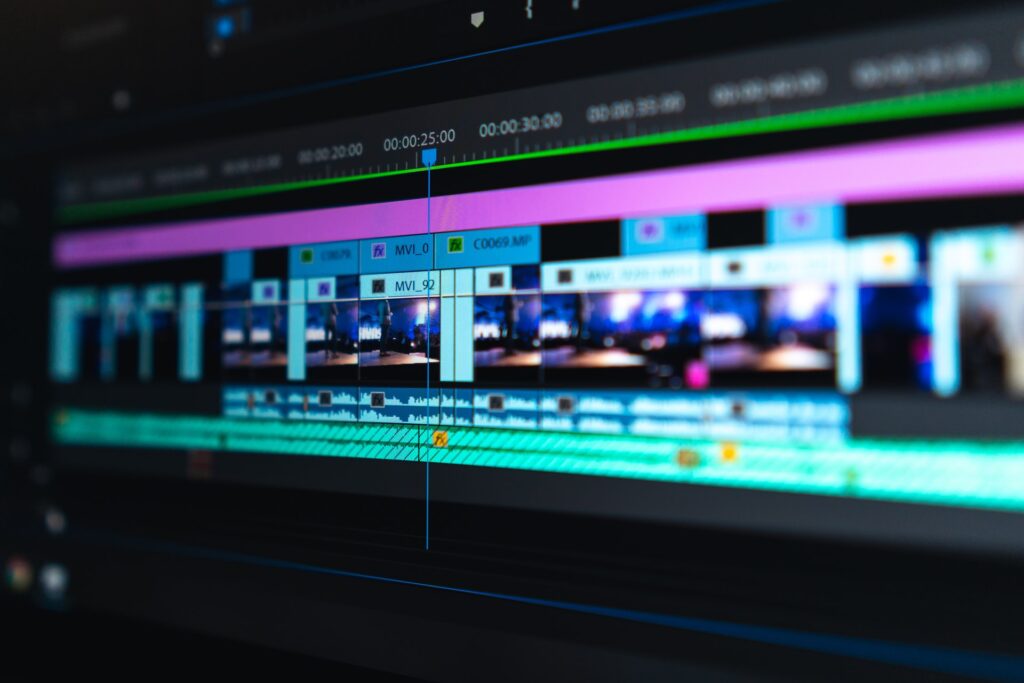
How do we select a PC for video editing
In order to work with heavy video editing programs like Adobe Premiere, you will need 16 GB of RAM to work comfortably, although technically 32GB of RAM is also recommended. A fast discrete GPU – if available – will also help once you get past the simple clipping of footage and start doing transitions, overlays and other fancy effects. Adobe Premiere and DaVinci Resolve are optimized to move encoding from the main CPU to the graphics card GPU.
The best video cards for video editing in 2022
The best video cards for video editing will export your videos faster, so you can spend more time creating content
Looking for the best video cards for video editing? This guide will help you choose the right card for your needs, explain the jargon and help you find the card at the right price.
Update – Q1 2022: Currently, due to production shortages and massively increased demand from gamers and crypto currency miners, there is a major shortage of almost all brands and models of graphics cards. Nvidia’s RTX 30-series cards are rare, and the ones available may be sold for wildly inflated prices. Regularly check the latest prices from our respected partners to make sure you get the best deal possible.
Update Q2 204
One of the better options for creatives is the nvidea Nvidia GeForce RTX 3090.
Update q2 2026
At present advise the 5090 unfortunately by shortening it is quite expensive and the 5080 is a good consideration
Help and or advice needed please contact us info@i4studio.nl
Specifications:
- Kloksnelheid: 1.395MHz (1.695MHz Boost)
- Shaders: 10.496
- Ray-processors: 82
- AI-processors: 328
- Geheugen: 24GB GDDR6X
- Geheugenkloksnelheid: 19,5Gbps
- Poorten: 1x HDMI 2.1, 3x DisplayPort 1.4a
- Stroomconnector: 1x 12-pin
- TDP: 350W
The Nvidia GeForce RTX 3090 remains a top choice among graphics cards, despite being a previous-generation GPU. Thanks to the colossal 24GB of RAM, no game or complex graphics project will suffer from performance issues. Even some 8K performance at 60fps is achievable with the 3090. It is an extremely expensive device and also quite bulky, so for many users it may be a bit too much of a good thing. Essentially serving as a successor to the Titan, the Nvidia GeForce RTX 3090 targets creative users struggling with intensive rendering of 3D projects and video a bit more than the average gamer.
In the past, video editing software relied solely on your computer’s central processor (CPU) to process and output video. But even with 4, 6, 8, or even more cores, a CPU can’t compete with the incredible power of a graphics card, which can hold thousands of processing cores. It’s actually a bit more technical than that, but the bottom line is that a graphics card can export video much faster than even a top-end CPU.
And while the very best graphics card will give you extra coding performance, it really isn’t necessary. Even a lower mid-range card will give your editing rig a serious speed boost, while more expensive video cards will only provide marginally better performance. If your editing software supports hardware video acceleration (almost all popular editing packages support it, with programs like DaVinci Resolve relying heavily on the graphics card’s hardware), upgrading your computer’s graphics card can give you a significant performance boost in video editing and video editing. video editing
Of course, choosing the right video card for you will depend on your budget, as well as the type of computer you’re upgrading. First, you can only upgrade the graphics card of a desktop computer, not a laptop



