You can’t build a truly quiet studio PC by buying just one quiet component; instead, you need to design the entire cooling chain as a single system. The case, CPU cooler, fans, power supply, and fan curves must all be coordinated, because a single weak link will ruin the entire quiet setup. Therefore, opt for a sound-dampening case combined with a large air cooler or a well-damped AIO, a semi-passive power supply, and fan curves tuned for real-world studio workloads—not synthetic stress tests.
Quick checklist before ordering parts:
- Case: sound-dampening material on the inside, not thin sheet metal.
- CPU cooler: large surface area, low RPM instead of a small cooler running at high speed.
- Fans: 140 mm where the case allows.
- Power supply: semi-passive, so the fan stops completely when the system is idle.
- Placement: not directly next to the microphone and not in a corner where sound reflects.
Key insights
A quiet desktop PC is achieved when the case, cooler, fans, power supply, and fan curves are designed as a single integrated system rather than selected individually.
| Item | Details |
|---|---|
| A Systemic Approach First | Design the case, cooler, fans, and power supply together; a single weak component renders the rest unusable. |
| 140 mm vs. 120 mm | Larger fans run slower for the same airflow and produce noticeably less noise. |
| Semi-passive power supply | Eliminates fan noise during idle and light mixing—exactly when you’re recording the most. |
| Measure objectively | Test idle and studio load separately, change one variable at a time, and record the dB(A) level. |
| I4studio as a validation partner | Provides pre-tested configurations and test reports in accordance with the same end-to-end approach. |
Table of contents
- Specifically: Which components do studio owners choose?
- Why do the case, airflow, and placement all work together to ensure quiet operation?
- Large air cooler, AIO, or passive cooling: which is right for your studio PC?
- How do you set fan curves for a quiet studio PC?
- What role do power supplies and vibrations play in studio noise?
- How do you measure whether your studio PC is truly quiet?
- What are the minimum requirements for a quiet studio PC?
- What i4studio prioritizes in every silent build
- How i4studio helps you get a truly quiet studio PC
- Sources
- Frequently Asked Questions
Specifically: Which components do studio owners choose?
At i4studio, we build silent studio PCs using the same categories of components time and time again, simply because they work in practice. A silent PC relies on passive cooling whenever possible, low-RPM fans, and vibration damping at every contact point. That’s reflected in this shortlist.
- Case: The Fractal Design Define is considered a benchmark design thanks to its double walls and sound-dampening panels on the sides and front.
- CPU cooler (air): The Noctua NH-D15 G2 is an excellent air-cooling reference model: large cooling surface, two low-speed fans, and very little audible noise under normal studio workloads.
- CPU cooler (compact): The Gelid Solutions Slim Silence stays below 26.5 dB and fits in compact Mini-ITX cases, with TDP support up to approximately 130 watts.
- CPU cooler (AIO): The be quiet! Silent Loop 3 series combines a quiet pump with Silent Wings fans, with manufacturer-specified noise levels of approximately 19.8 dB at low speed for the 360 mm version.
- Power supply: semi-passive units that only start their fans under heavy load, so your system remains completely silent during idle and light mixing.
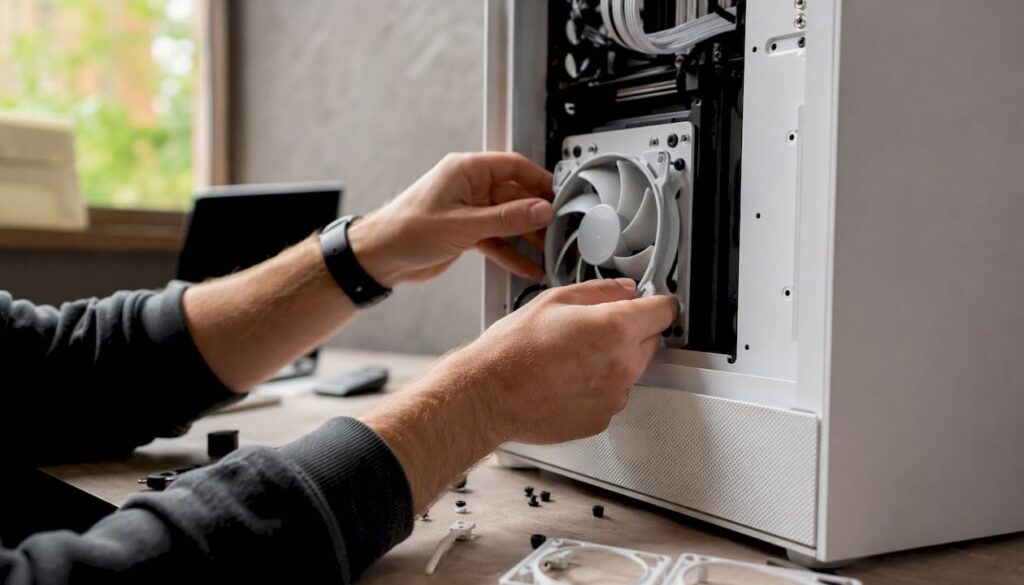
- Fans: Choose 140 mm over 120 mm whenever the case allows it, with series such as Silent Wings or the Noctua NF-A line.
- Storage and Mounting: an SSD instead of a hard drive, and vibration dampers at each mounting point.
Why do the cabinet, airflow, and placement all work together to determine how quiet it is?
If you disrupt that path, turbulence occurs, and turbulence is one of the biggest invisible sources of noise in a studio PC.
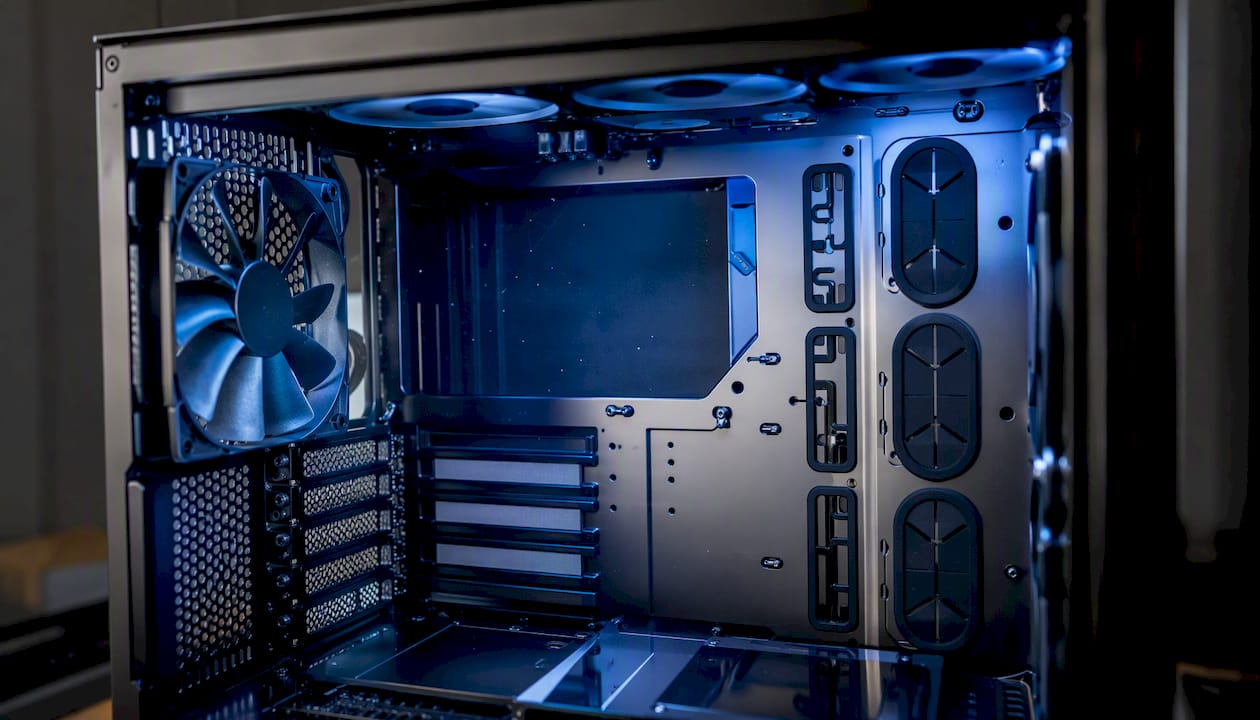
Sound-absorbing panels reduce noise, but they also restrict airflow. Compensate for this by using larger fans that move the same airflow at lower speeds, and by designing well-thought-out ducts between the intake and exhaust.
Studio placement does the rest. Don’t place your computer right under your desk against a wall, because that amplifies resonance and reflects low-frequency sound back toward the microphone. Keep it away from recording points and avoid corners where sound builds up.
Pro tip: Create a single, focused airflow path through the cabinet and use large, slow-spinning fans. You’ll achieve the same cooling results with significantly fewer decibels than with small, high-speed fans.
Large air cooler, AIO, or passive cooling: Which one is right for your studio PC?
A large air cooler provides the best acoustic performance for most studio workflows: a larger surface area means a lower fan speed for the same cooling capacity. Models from the Noctua NH series are industry leaders in this regard, but be sure to check the height in relation to your case top and the RAM clearance above the sockets.
All-in-one (AIO) water cooling offers higher cooling capacity under heavy loads, such as extended rendering sessions in your DAW. Be sure to consider pump noise and the quality of the radiator fans. The be quiet! Silent Loop 3 demonstrates how a three-chamber pump design reduces turbulence and noise, even in the 420 mm version.
Fully passive cooling is only feasible with low-TDP processors or special case designs without active ventilation. There is a real risk of thermal throttling under heavy loads.
- Always check RAM clearance and radiator space before purchasing.
- Consider compact alternatives such as the Gelid Slim Silence for Mini-ITX cases.
How do you set fan curves for a quiet desktop PC?
Larger fans operate at a lower RPM to achieve the same airflow, and a lower RPM means less audible noise. That is why 140-mm fans have an acoustic advantage over 120-mm models.
Set your fan curve through the BIOS, motherboard software, or a separate fan hub. A practical basic curve starts only above 40 degrees Celsius, gradually increases to 60 percent speed around 65 degrees, and reaches full power only above 75 degrees.
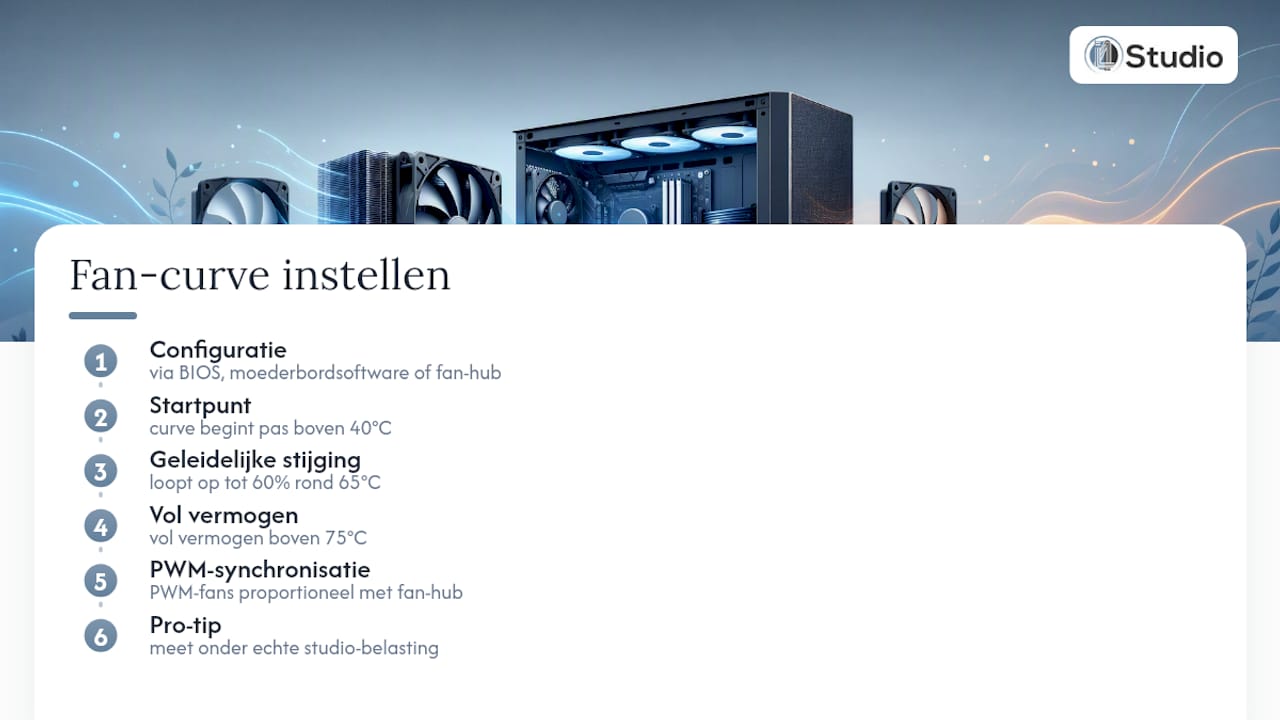
A fan hub allows you to synchronize multiple PWM fans proportionally, so they don’t speed up independently of each other and create unnecessary noise.
Pro tip: Set up your curve and then measure it under real-world studio load—such as a plugin-heavy mix render—rather than under a synthetic stress test that never puts that much strain on your system.
What role do power and vibrations play in studio sound?
A semi-passive power supply doesn’t start the fan until the load increases. As a result, your system remains completely silent during idle and light mixing, which is exactly the scenario in which most of your recording time takes place.
SSDs make virtually no mechanical noise. If you do use a hard drive for storage, mount it using anti-vibration rubber pads. Loose cables, fan mounts, and HDD caddies are the most underestimated sources of vibration in a studio PC.
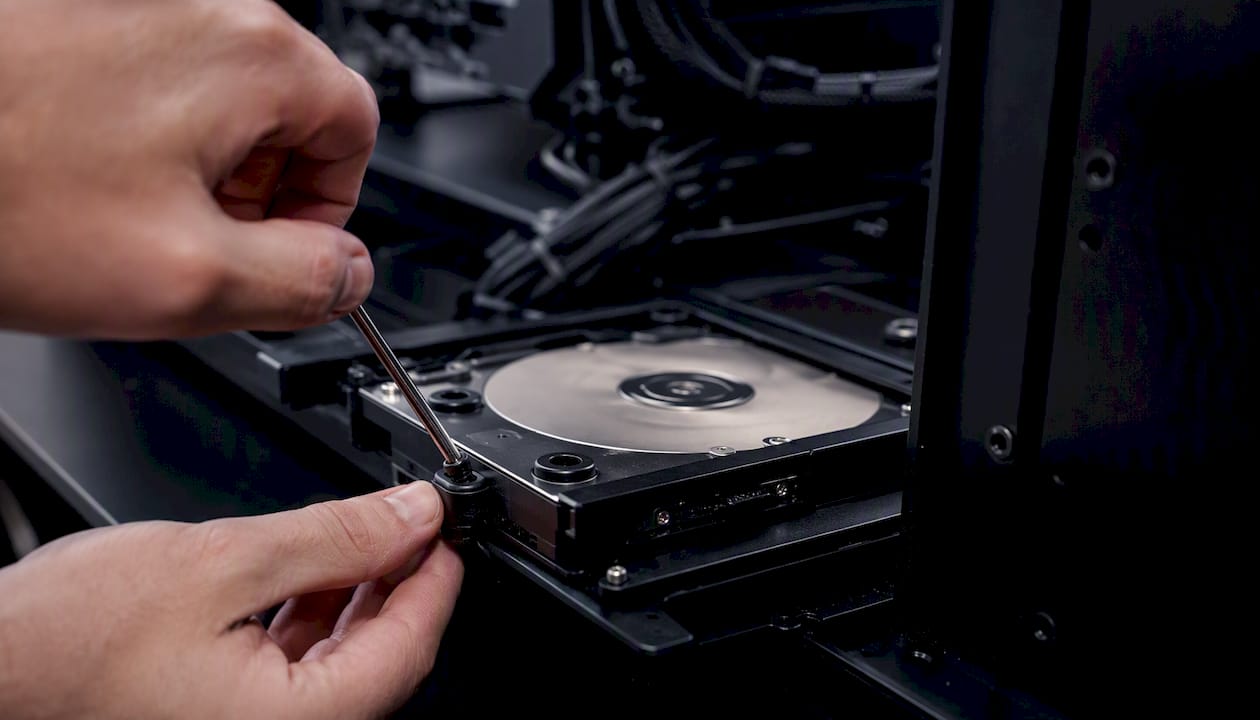
Pro tip: Check every screw in the cabinet and use rubber washers where metal parts might resonate against each other.
How can you tell if your studio PC is really quiet?
Objective measurement prevents you from concluding, based on a hunch, that your system is quiet enough.
- Measure from a distance of 1 meter, both at idle and during typical studio workloads such as a DAW render or a plugin-heavy mix.
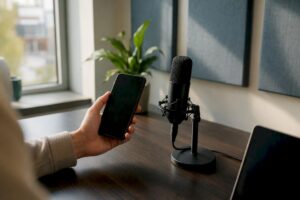
- Use a smartphone dB meter as a baseline; consider a professional sound level meter if you’re recording at a professional level.
- Change one variable at a time—for example, fan speed, placement, or PSU mode—and record the difference in dB(A).
- Document each measurement so you can objectively compare your progress.
Well-designed, quiet systems typically operate at around 19 to 21 dB(A) under normal loads, provided the entire system is set up correctly. If you’re working in a heavily insulated room, be sure to consider ventilation as well: silencers can reduce fan noise by tens of decibels without requiring you to open a window.
What are the minimum requirements for a quiet studio PC?
I4studio follows a standard checklist before a studio PC is shipped. These criteria stem from the supply chain approach described earlier in this article.
- Case with sound-dampening interior material.
- At least one 140 mm intake fan.
- Semi-passive power supply.
- CPU cooler that stays well within the processor’s TDP budget.
- Idle target below 20 dB(A), mix-render target in the low twenties.
- Compatibility check for RAM clearance and radiator space.
- Vibration check at all mounting points.
Pro tip: Have i4studio prepare a test report for your current build, or order one of our pre-tested studio PC models right away.
Not sure which specifications your workflow requires? Then check out the specs a good studio PC needs before ordering parts.
What i4studio prioritizes in every silent build
Our process is always the same: first, the system design; then, component selection; and only after that, tuning and validation. Those who reverse this order often end up buying expensive parts that interfere with each other acoustically. An expensive air cooler mounted on a thin steel case with small fans results in less quiet operation than a mid-range cooler in a well-designed case.
Our clients in the audiovisual sector—from home studios to professional suites—are increasingly asking for measurable results rather than just promises. Do you need a test report or would you like personalized advice? Contact us, and we’ll work with you to assess your space and workflow.
How i4studio Helps You Get a Truly Quiet Studio PC
I4studio is the alternative to piecing together individual components with no guarantee that the combination will run quietly. While you could spend hours trying to find compatible coolers, fans, and cases on your own, we provide pre-tested configurations for which we’ve already measured the noise level under realistic studio workloads.

Our offerings include ready-to-use, quiet studio PCs, fully custom builds tailored to your workflow, and test reports that show exactly what your system produces at idle and during mixing. We specialize in studio-compatible builds in which acoustics and hardware are designed together, rather than conceived separately.
Want to see right away what a tested configuration can do? Check out the studio PC examples and request a quote for a build that fits your space and workflow. Still unsure about the entry-level option? First, check the minimum specs required for a studio PC to be suitable for your needs.
Sources
Frequently Asked Questions
What is the most important factor for a quiet studio PC?
The cooling system as a whole—not just a single quiet component. The case, cooler, fans, power supply, and fan curves all need to work together to keep noise levels down in your recording room.
Is an AIO liquid cooler quieter than an air cooler?
Not necessarily. A large air cooler often has fewer moving parts and no pump noise, while an AIO like the be quiet! Silent Loop 3 does combine high cooling capacity with a quiet pump.
How many dB(A) is realistic for a quiet studio PC?
Well-designed systems typically operate at around 19 to 21 dB(A) under normal load, provided that the case, cooler, and fan curves are properly matched.
Why is a 140 mm fan better than a 120 mm fan for quiet cooling?
A larger fan moves the same volume of air at a lower RPM, and a lower RPM means less audible noise.
Can i4studio test an existing system for noise level?
Yes, i4studio prepares test reports for existing builds and also offers pre-tested studio PC configurations with known dB values.