
Briefly:
- A CPU processes tasks one at a time, while a GPU performs thousands of calculations simultaneously.
- An NPU is specifically designed for energy-efficient AI computations, particularly during inference.
A CPU is a general-purpose processor that handles tasks one at a time, a GPU processes thousands of calculations simultaneously, and an NPU is specifically designed for energy-efficient AI computations. The difference between a CPU, GPU, and NPU for AI lies in their architecture and specialization. For AI applications such as image recognition, speech processing, and running language models, that specialization makes a big difference in speed, energy consumption, and performance. Want to know which processor is best suited for your AI project or hardware? Read on to find out exactly what you need to know.
What is the difference between a CPU, GPU, and NPU for AI computations?
The CPU, GPU, and NPU complement each other with a clear division of labor: the CPU is flexible, the GPU is powerful for parallel computations, and the NPU specializes in AI computations. This division of labor explains why each type of processor performs differently on AI tasks.

A CPU (Central Processing Unit) is the general-purpose processing unit of a computer. It processes tasks sequentially, which means it executes instructions one at a time. This makes it versatile, but it is relatively slow for AI computations. AI computations are inefficient on a CPU because they consist of repetitive, simple patterns that a CPU cannot process quickly.
A GPU (Graphics Processing Unit) has hundreds to thousands of small cores that operate simultaneously. This makes it ideal for matrix multiplication, the core of virtually every neural network. An NPU (Neural Processing Unit) takes it a step further: it is architecturally designed specifically for those AI computations, with specialized data paths that save energy compared to a GPU.
Architecture Determines AI Performance
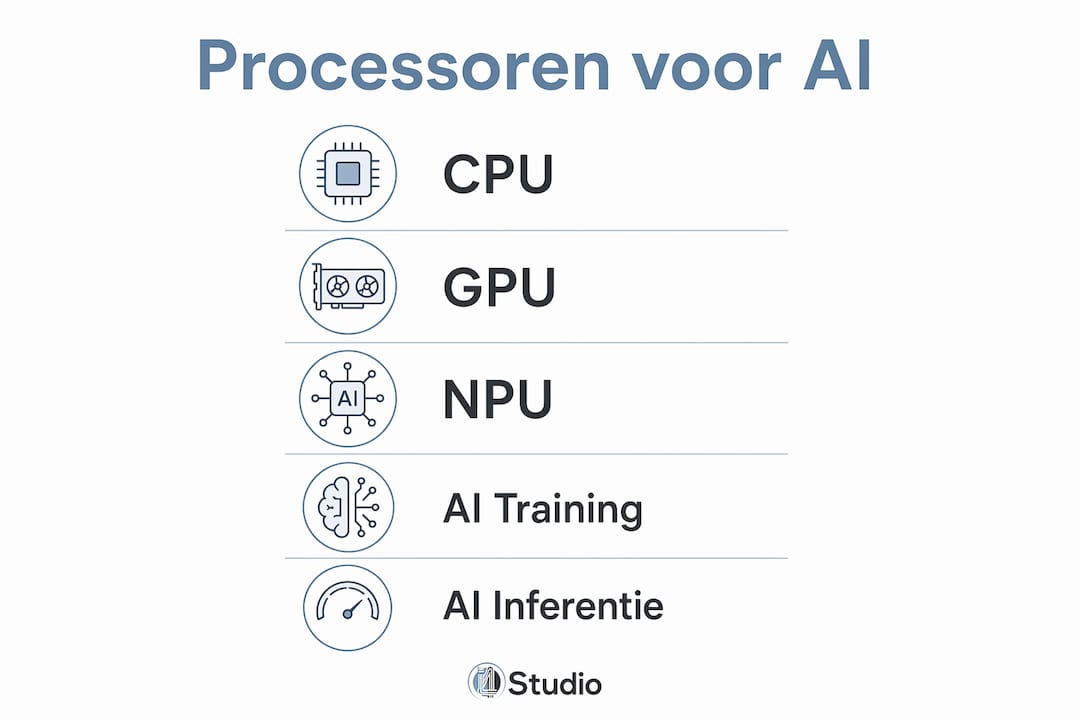
A processor’s architecture determines how well it can handle AI tasks. A CPU has a small number of powerful cores. A GPU has thousands of simple cores that work in parallel. An NPU has specialized circuits that perform matrix multiplication and neural network inference directly in hardware.
- CPU: 4–32 powerful cores, sequential, flexible for all tasks
- GPU: hundreds to thousands of small cores, operating in parallel, highly effective for training and inference
- NPU: specialized circuits for AI computations, low power consumption, fast inference
AI workloads such as matrix multiplication dominate deep learning inference and training. GPUs with wide parallel cores and NPUs with specialized data paths are architecturally best suited for these tasks.
Pro-tip: Parallel processing is the key to fast AI. A GPU performs thousands of small calculations simultaneously, making AI training hundreds of times faster than on a CPU. An NPU does the same thing, but with much lower power consumption.
What advantages does an NPU offer over a CPU and GPU?
An NPU consumes significantly less power than a GPU when performing the same AI task. This makes NPUs particularly valuable in laptops, tablets, and other devices where battery life is a priority. Modern systems offload AI functions to the NPU whenever possible. If NPU support is lacking, the CPU or GPU takes over the work, which directly affects battery life and heat generation.
The practical benefits of an NPU are clear:
- Lower energy consumption: An NPU performs AI computations using a fraction of the energy required by a GPU. This noticeably extends battery life when performing AI tasks on laptops.
- Reducing the Load on the CPU and GPU: By offloading AI tasks to the NPU, the CPU and GPU remain available for other processes. This prevents slowdowns during multitasking.
- Faster on-device inference: Image recognition and speech processing are performed in real time on an NPU, without the need to send data to a server.
- Less heat generation: Because the NPU operates more efficiently, it generates less heat. This is beneficial for the device’s lifespan and user comfort.
- Local AI without an internet connection: An NPU makes it possible to run AI models entirely locally, which improves privacy and speed.
Microsoft specifies a minimum of 40 TOPS of NPU capacity to enable Copilot+ features on Windows. This is a specific performance requirement that demonstrates just how important NPU power has become for practical on-device AI capabilities.
When should you choose a CPU, GPU, or NPU for AI projects?
The choice between a CPU, GPU, and NPU depends on the type of AI task. AI training requires much longer and more intensive computing power, often using multiple GPUs simultaneously. Inference is less computationally intensive and can run on a single accelerator, such as an NPU or even a CPU. Training takes days to weeks, while inference is real-time and light enough for specialized accelerators.
The Nvidia H100 GPU can deliver 4 petaFLOPS of AI performance. That makes it suitable for intensive training in data centers, but for local inference on a laptop, such a GPU is overkill and too energy-intensive.
| AI Task | Best Processor | Reason |
|---|---|---|
| Model training (large) | GPU (multiple) | Maximum parallel computing power required |
| Inference in the data center | GPU or NPU | Speed and throughput are priorities |
| Inference on a laptop | NPU | Low power consumption, real-time results |
| Local Speech Recognition | NPU | Fast, efficient, no server required |
| General AI Tasks | CPU | Flexible, suitable as a backup |
| Edge AI (IoT, mobile) | NPU | Compact hardware, low power consumption |
For students who want to train AI models on their own PC, a powerful GPU is the best choice. If you want to run a pre-trained model locally, an NPU or even a CPU will suffice. The right hardware specifications for AI determine how smoothly that works in practice.
Pro-tip: When buying an AI PC, don’t just look at the NPU’s TOPS rating. Also check whether the NPU TOPS are listed separately, distinct from the combined platform AI TOPS. Only the NPU TOPS determine whether a device can activate Copilot+ features.
How does software optimization for AI work on CPUs, GPUs, and NPUs?
Raw computing power is only half the story. Current AI software does not yet make optimal use of NPUs. The ecosystem and OS integrations determine whether tasks are actually sent to the NPU. If that support is lacking, the CPU or GPU will inevitably take over the work, which results in wasted energy.
Windows 11 and macOS play a central role in how AI tasks are distributed across the CPU, GPU, and NPU. AI on modern PCs works through collaboration between the CPU (control), GPU (parallel processing power), and NPU (efficient AI acceleration). Windows 11 determines which hardware is best suited for a specific task.
What Developers and Users Need to Know About Software Optimization:
- Ecosystem support is key: An NPU only works optimally if the software is explicitly designed for that hardware platform. Generic AI software falls back on the GPU or CPU.
- Windows 11 and macOS route AI tasks: Both operating systems have built-in mechanisms for routing AI workloads to the appropriate processor, but this requires compatible drivers and software.
- TOPS don’t tell the whole story: TOPS are a marketing metric for NPU capacity, but the actual AI experience depends on data types, workloads, and software coordination.
- Memory overhead is a bottleneck: NPU performance is limited by memory transfers between the CPU, RAM, and GPU or NPU. Raw computing speed does not tell the whole story about actual AI speed.
Pro-tip: Software is the bottleneck for AI hardware. In practice, an NPU with 45 TOPS performs worse than expected if the application isn’t optimized for that specific hardware platform. Always check whether your AI software supports NPU acceleration before making a purchase decision.
Marian Verhelst of KU Leuven argues that inefficiency in CPUs for AI is not insurmountable, but impractical due to the repetitive, simple calculations in which GPUs and NPUs perform better. This confirms that choosing the right processor is not only a technical decision, but also a practical and economic one.
Key insights
The CPU, GPU, and NPU complement each other in AI tasks: the CPU manages, the GPU trains, and the NPU accelerates inference in an energy-efficient manner on the device itself.
| Item | Details |
|---|---|
| CPUs are flexible, but not fast for AI | A CPU processes AI tasks sequentially and is therefore inefficient for repetitive matrix calculations. |
| GPUs are the standard for training | Multiple GPUs are required for intensive model training; the Nvidia H100 delivers 4 petaFLOPS. |
| NPU Saves Energy During Inference | An NPU performs AI computations using much less energy than a GPU, making it ideal for laptops. |
| Software Determines NPU Usage | Without OS integration and compatible software, an NPU cannot reach its full potential. |
| TOPS aren’t the whole story | Memory overhead and software optimization determine actual AI performance, not just the TOPS value. |
My Perspective on the Future of AI Processors
I’ve been closely following the development of AI hardware for several years now, and what strikes me most is how quickly the NPU has evolved from a niche component to a standard one. Two years ago, almost no one asked about NPU specifications when buying a laptop. Now it’s one of the first questions I hear.
However, what I also see is that the hype surrounding NPUs sometimes goes beyond reality. The hardware is there, but the software is lagging behind. Many AI applications that are supposedly “NPU-accelerated” still fall back on the GPU or CPU in practice. That’s not the hardware’s fault, but rather the ecosystem’s. Developers need to actively optimize their software for specific NPU architectures, and that takes time.
Here’s what I expect for the coming years: NPUs will become just as commonplace as GPUs. Every mid-range laptop and desktop will come with one as standard. The real battle will shift to software support and energy efficiency. The processor that does the most with the least energy will win—not the one with the highest TOPS on paper. For anyone currently building or buying an AI PC, my advice is: don’t just look at the GPU; also check which NPU is inside and whether your software makes use of it.
– harold
Studio PCs Ready for AI Applications
The right balance between CPU, GPU, and NPU makes all the difference in AI tasks related to music production, audio editing, and creative workflows. I4studio builds custom studio PCs that are tailored to deliver exactly that combination of performance and efficiency.

Check out the best studio PC configurations that I4studio has put together for professional use in 2026. Want to know which hardware best suits your workflow? The guide to building an AI computer will help you make the right choices for the CPU, GPU, and NPU in a single system, step by step.
Frequently Asked Questions
What exactly is an NPU?
An NPU (Neural Processing Unit) is a specialized processor designed for AI computations such as matrix multiplication and neural network inference. It consumes much less energy than a GPU when performing the same AI task.
What is the difference between a CPU and a GPU for AI?
A CPU processes tasks sequentially using a few powerful cores, while a GPU utilizes thousands of small cores in parallel. As a result, a GPU is many times faster than a CPU for AI training.
Do I need an NPU for AI on my laptop?
An NPU is not required, but it is valuable for local AI tasks such as speech recognition and image processing. Without an NPU, the CPU or GPU takes over the work, which consumes more power and reduces battery life.
What does TOPS mean in the context of an NPU?
TOPS stands for Tera Operations Per Second and indicates how many calculations an NPU can perform per second. Microsoft requires a minimum of 40 TOPS for Copilot+ features, but actual performance also depends on software and memory speed.
When should you use a GPU instead of an NPU?
A GPU is the best choice for training large AI models, which require maximum computing power. An NPU is better suited for on-device inference, where energy consumption and speed must be balanced.