TL;DR:
- Power quality affects the sound quality and performance of your studio equipment.
- Problems such as hum and interference often arise from ground loops, voltage variations or EMI.
- Start with power organization and grounding before investing in expensive electrical solutions or acoustics.
You’ve just purchased a new set of monitors, your interface is top-notch, and your acoustic panels hang perfectly on the walls. Yet there’s a subtle hum on your recordings, or the signal sounds flatter than expected. The cause? Nine times out of ten, it’s in something you can’t even see: the quality of your power supply. Many producers and musicians invest thousands of dollars in gear, but forget that electricity is the silent factor that drives, affects and sometimes sabotages all that equipment. In this article, you’ll learn exactly how power affects your studio and what to do about it specifically.
Table of contents
- Why electricity is essential for your studio
- From source to speaker: how power affects your sound
- Practical solutions: from power conditioner to logical power routing
- The balance: electricity versus acoustics and space
- What most studio owners overlook
- Taking your studio to the highest level: practical solutions from i4studio
- Frequently asked questions about electricity in the studio
Key Insights
| Item | Details |
|---|---|
| Electricity is the foundation | Power quality and routing directly affect every step in your studio workflow and sound outcome. |
| Power conditioners reduce noise | Power conditioning prevents annoying hum or buzz and protects your valuable gear. |
| Acoustics remain critical | Optimize acoustics and setup first; power optimization follows as a necessary step afterwards. |
| Practical solutions work best | Simple, smart changes in power management often yield immediate results without large investments. |
Why electricity is essential for your studio
Power is the backbone of any studio. Without stable, clean electricity, no part of your setup functions optimally, from your studio PC to your monitors and outboard gear. Yet most musicians treat power as something natural: you plug in a power cord and you’re done. That’s an expensive misconception.
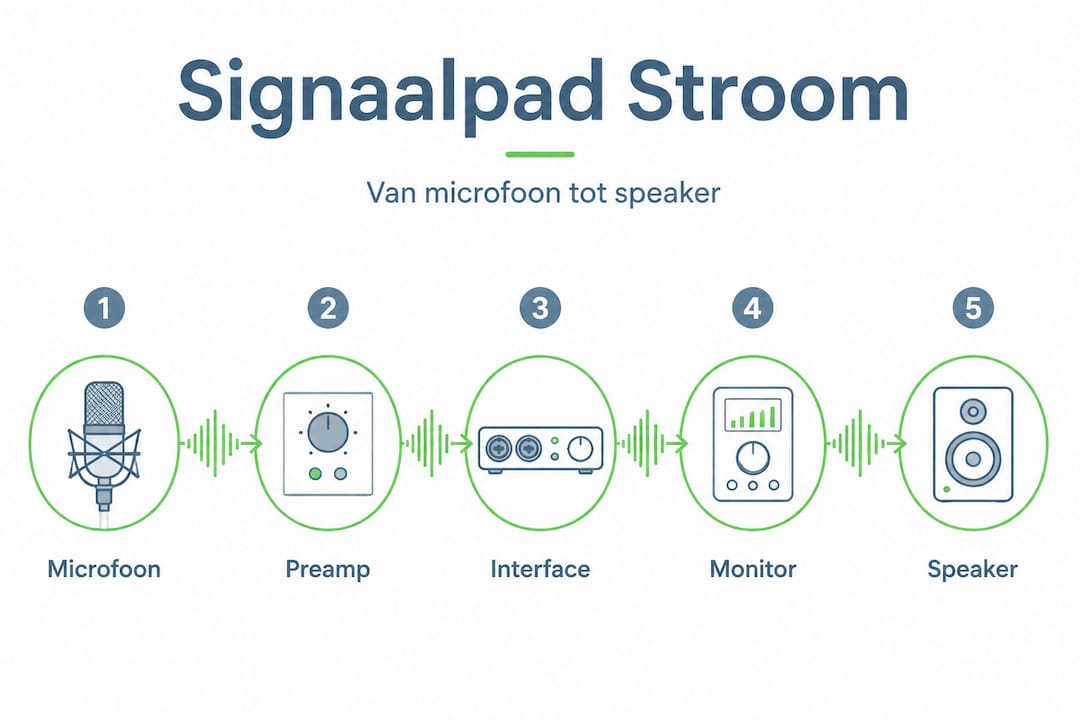
Electricity affects your entire signal path. That begins the moment your microphone receives phantom power through your interface, runs through your preamps, converters and amplifiers, and ends at the transducers in your monitor speakers. Each device in that chain responds to the quality of the power it receives.
Consider the professional studio features that make the difference between amateur and pro sound: a consistent, clean power signal comes standard. Professional studios have dedicated power groups, balanced power supplies and professional conditioning for a reason.
The quality of your workflow is also related to how you organize flow. Efficient workflows and technical organization help determine whether you can work consistently toward a final result. A studio that regularly breaks down or suffers from interference throws your creative process into disarray.
The most common power-related problems in a studio are:
- Ground loops (ground loops): Occur when multiple devices are connected together via different power groups. The result is an audible hum at exactly 50 Hz or multiples thereof.
- Voltage fluctuations: Devices that receive fluctuating voltage perform inconsistently and may be damaged over time.
- Electromagnetic interference (EMI): Caused by other nearby electrical devices, such as refrigerators, air conditioners or lights.
- Voltage transients: Short, sharp spikes in the power supply that can damage sensitive audio electronics.
Pro-tip: Connect all your audio equipment to the same power group. This is the easiest way to avoid ground loops without additional investment.
“A well-organized studio starts with a well-thought-out flow design. Those who ignore the basics solve problems that shouldn’t be there.”
Also check out our comprehensive studio setup tutorial for a complete overview of how to build a professional home studio, including the electrical side of things.
From source to speaker: how power affects your sound
Now that the importance is clear, we look specifically at the places in your signal path where electrical quality has immediate audible effects. Because knowing where the problems arise is the first step toward a solution.
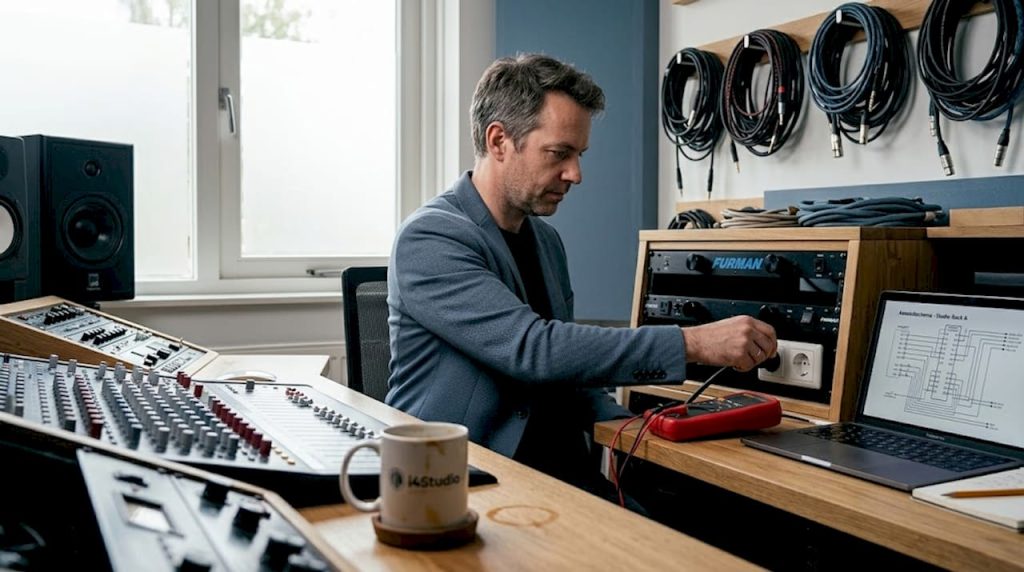
Electrical noise and dirty power can cause audible interference in the form of hum and buzz, making recordings sound less clear. Power conditioning is used to reduce this noise and protect equipment.
Each link in your signal path is vulnerable in a different way:
- Microphone and preamp: Here phantom power (48V) is crucial. Unstable power gives noise in the preamp stage. That noise sits on top of the signal and is difficult to remove in the mix without affecting the signal itself.
- Audio interface and converter: The AD/DA conversion (analog to digital and back) is extremely sensitive to voltage. Even small variations affect sample accuracy and can cause subtle jitter, affecting your stereo image and depth.
- Amplifiers and active monitors: Active monitors contain their own amplifier. A contaminated power supply acts directly on the power amplifier section, resulting in audible artifacts or reduced dynamics.
- Computer system: A studio PC with an unstable power supply is more likely to have crashes, dropouts and latency spikes. A good power supply unit (PSU) is not a luxury but a requirement.
Here is an overview of the most vulnerable points and their symptoms:
| Device | Symptom of poor flow | Severity |
|---|---|---|
| Preamp/interface | Audible hum, noise increase | High |
| AD/DA converter | Jitter, loss of detail | High |
| Active monitors | Buzz, distortion at high volume | Medium |
| Studio PC/laptop | Dropouts, crashes, latency | High |
| Outboard gear | Irregular behavior, color change | Medium |
| Lighting (dimmer) | EMI on nearby equipment | Low to medium |
Dimmer switches for lighting are an underestimated source of electrical interference. They generate EMI that can reach other devices through the wiring. Replace dimmer switches in or near your studio with regular switches or LED dimmers that are specifically EMI-poor.
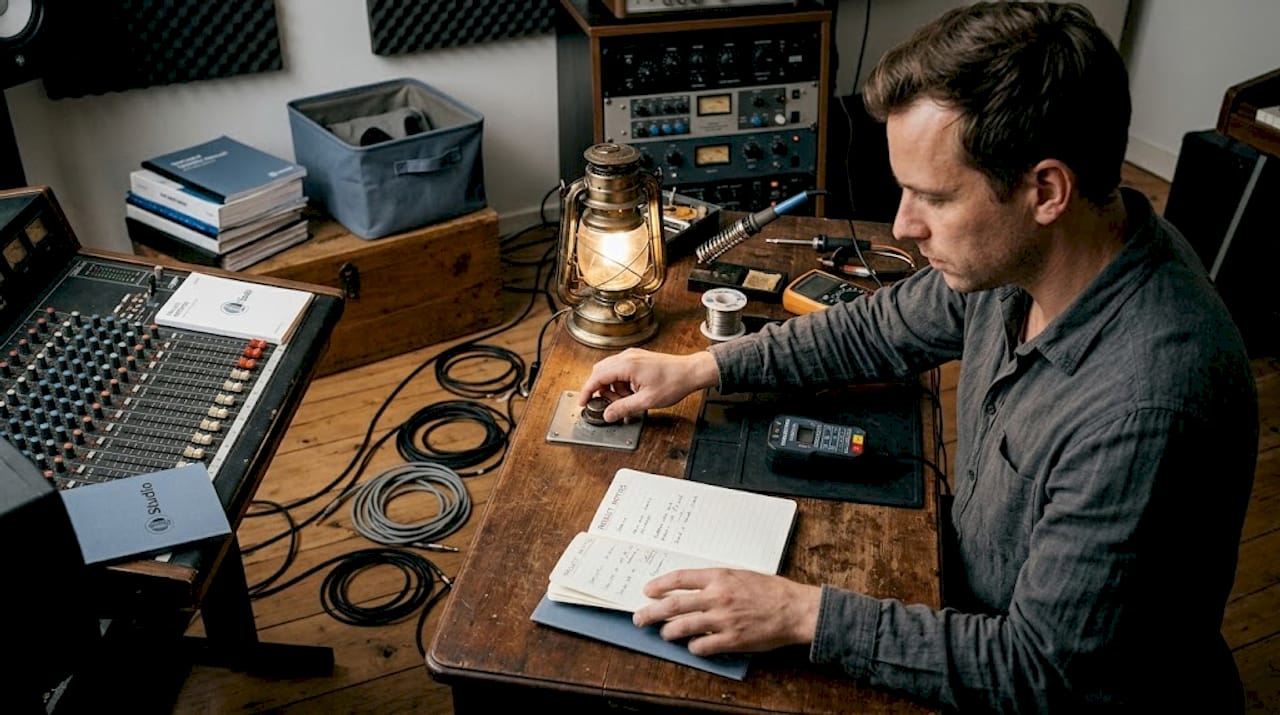
Another common mistake: electrical faults are too often ignored or misdiagnosed as a problem of the equipment itself. Hear a hum? Check your grounding first before looking for a faulty device.
Interestingly enough, the better you understand and apply basic principles of acoustics, the faster you learn to distinguish between electric noise and acoustic noise. Both sound different and require different approaches.
Pro-tip: Use a simple noise meter app on your phone to measure the basic noise level in your studio before and after adjustments to your power setup. That way you can hear and see immediately if an intervention makes a difference.
Practical solutions: from power conditioner to logical power routing
With the effects of bad power clearly in sight, it’s time for concrete action. Fortunately, there are multiple levels of solutions to suit every budget and studio location.
Power conditioners filter noise in the power supply and reduce hum and buzz in recordings, while protecting equipment from voltage spikes and transients.
A comparison of the most commonly used solutions:
| Solution | What it does | Budget | For whom |
|---|---|---|---|
| Grounded power strip | Basic protection, no filtering | Low (10-30 euros) | Everyone as a minimum |
| Surge protector | Protects against power surges | Low-medium (30-80 euros) | Beginners and hobbyists |
| Power conditioner | Filters out noise, stabilizes voltage | Medium-high (100-600 euro) | Semi-pro and professional studios |
| UPS (uninterruptible power supply) | Also backup in case of power failure | High (200-800 euros) | Studios with critical workflow |
| Dedicated power group | Separate circuit via electrician | Variable | Fixed studio installations |
Here are the steps best followed in order for a smart power installation:
- Start with an audit of your current setup. How many devices are connected? On which outlet and group?
- Group all your audio equipment on one group. This is the most effective and cheapest first step against ground loops.
- Replace cheap power strips with grounded, quality ones. A properly grounded outlet is the foundation of everything.
- Add a surge protector if you live in an area with fluctuating mains voltage or frequent thunderstorms.
- Consider a power conditioner if you are still experiencing hum or buzz in your recordings after the above steps.
- For a permanent studio, have a dedicated group installed by a licensed electrician. This is the professional standard for a good reason.
- Check your cable routing. Keep power cables and audio cables as far apart as possible. Never run them parallel over long distances. If they cross, do so at right angles (90 degrees).
Common mistakes are:
- Stack all equipment on one inexpensive power strip with five-way extension cord
- Bundle power cables together with balanced XLR or TRS cables
- Purchasing a power conditioner without first solving the ground loop problem
- Never check the grounding of electrical outlets, even in a new room
Want to get started on the acoustic side of your studio next? Our acoustics improvement guide explains step-by-step which treatments make the most difference.
Pro-tip: A simple outlet tester costs less than 15 euros and tells you instantly if your outlets are properly grounded. Use this as your first check in any new studio environment.
Want to know how to have an electrical installation properly inspected for optimal safety? An inspection by a certified installer gives you security and is not a superfluous luxury with a fixed studio installation.
The balance: electricity versus acoustics and space
Following these steps with electricity is an important nuance. Power optimization is valuable. But it does not solve acoustic problems, and it does not replace good monitor positioning.
The acoustic construction of the studio remains dominant to how you hear the end result and make mixing decisions. Power optimization can eliminate noise, but does not replace good monitor position or room treatment.
“Power can make your recordings cleaner. But a bad space makes any mix unreliable, no matter how clean your signal is.”
This is a pitfall we frequently encounter. A producer invests hundreds of dollars in power conditioners and premium power cables, but the monitors are still in the corner of the room. The result: an electrically clean but acoustically unusable signal.
The correct order of optimization:
- Step 1: Monitor position. Provide an equidistant triangle and sufficient distance from the walls.
- Step 2: Space treatment. Basval, diffusion and absorption at the primary reflection points.
- Step 3: Power quality. Once your acoustic foundation is right, power improvements are audible and meaningful.
- Step 4: Cable quality and routing. Balanced cables and logical routing prevent residual interference.
- Step 5: Fine tuning. Only now is a power conditioner or dedicated group a worthwhile investment.
Our comprehensive guide on acoustics studio improvement helps you choose the right treatments for your space. And the music studio decorating guide guides you step by step through the entire decorating process.
In short, use power as a basic requirement that you put in order, not as a solution to everything that doesn’t sound right.
What most studio owners overlook
Here’s something we can say after years of experience with studio setups: most sound problems producers bring to us are not power problems. They are the result of poor acoustics, incorrect monitor positioning or a workflow that hides errors rather than eliminates them.
The fixation on electrical solutions is understandable. Power is measurable, tangible, and feels like a technical problem with a technical solution. You buy a power conditioner online, you install it, and you feel like you’ve done something. But if the actual bottleneck is a first-order reflection obscuring your low-mid, that power conditioner solves nothing.
Our advice: do some critical listening first. Take a known reference track, listen in your studio and compare with headphones. Do you hear a difference in low frequencies or stereo depth? That’s acoustics. Do you hear a constant tone or buzz that has nothing to do with the music? That’s current.
Only when you know for sure what the cause is, invest in the right solution. Distrust expensive power solutions that claim to “improve your sound” without a clear diagnosis of what is wrong. Setting up your studio properly based on acoustics will give you more efficiency than the most expensive power conditioner brand without getting everything else right.
Power is a basic requirement. Get it right, but don’t overestimate the impact.
Taking your studio to the highest level: practical solutions from i4studio
At i4studio, we guide producers and musicians every day in building a studio that really works, from power management to acoustic treatment. We know how frustrating it is when expensive gear doesn’t deliver what you expect from it, and we also know exactly where the solution lies.

Whether you’re starting out with your first home studio or looking to optimize an existing setup, we have the knowledge and products to help you move forward. From essential power management solutions to custom acoustic packages. Check out our studio pc components tutorial for a complete overview of the technical basics, or start with our studio gear basics if you want to know what gear you need first. Contact us for personalized advice tailored to your studio situation.
Frequently asked questions about electricity in the studio
What is the biggest effect of bad power in my studio?
Bad power causes electrical noise and results in audible hum or buzz on your recordings and monitoring, directly damaging your recording quality.
Does a power conditioner always make sense in a home studio?
A power conditioner helps reduce noise, but is especially useful if there is demonstrable hum or interference in your setup. Without diagnosis, it is an expensive purchase that adds little.
Should I invest in power optimization or acoustics first?
Always start with acoustics and monitor position, because space and acoustics remain dominant to how your mix sounds. Stream optimize as your next step once the acoustic foundation is in place.
What is a sign of electrical interference in the studio?
Audible hums, crackles or unexplained background noise during recording or playback indicate problems with power or grounding. Electrical noise causes audible interference separate from your audio signal itself.
What first steps can I take myself against power problems?
Start with properly grounded power strips, keep power and audio cables separate, and use one power group for all your audio equipment whenever possible. This solves most basic problems at no extra cost.