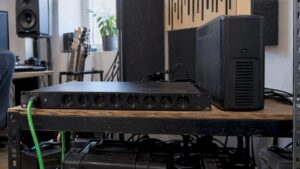
Yes, for small to medium-sized studios looking to quickly set up a recallable Dolby Atmos monitoring workflow, the Audient ORIA is an excellent choice. The combination of multichannel I/O up to 9.1.6, onboard DSP, and an included SoundID bundle makes calibration quick and repeatable. Please note: The ORIA does not replace acoustic treatment of your room.
Briefly:
- The Audient ORIA is suitable for small to medium-sized studios that want to quickly set up a repeatable Atmos monitoring workflow, with up to 16 outputs and extensive calibration features.
- The onboard DSP allows you to set and save EQ, trim, and delay per channel as a profile, making it possible to switch between stereo and Atmos in just a few seconds.
- When used at higher sample rates (88.2 or 96 kHz), the ADAT output is limited to four channels, and the unit does not offer additional expansion options for many external sources.
- The SoundID Reference measurement microphone and trial license enable fast and accurate calibration, but physical acoustic treatment remains important and cannot be addressed by the hardware alone.
- For proper integration, you need to consider your desired monitor layout, the number of sources, whether you need analog or digital inputs, and your budget for speakers and acoustic treatment.
Table of contents
- Why ORIA Works Well in Practice as an All-in-One Monitor Controller and Interface
- Technical specifications that matter for studio integration
- Calibration and monitoring workflow: SoundID, DSP profiles, and downmix checks
- Important limitations and considerations for implementation
- Quick checklist: Is ORIA the right purchase for my studio?
- Our experience: when we recommend ORIA
- Purchase and service options at i4studio
- Sources
- Frequently Asked Questions
Why ORIA effectively functions as an all-in-one monitor controller and interface
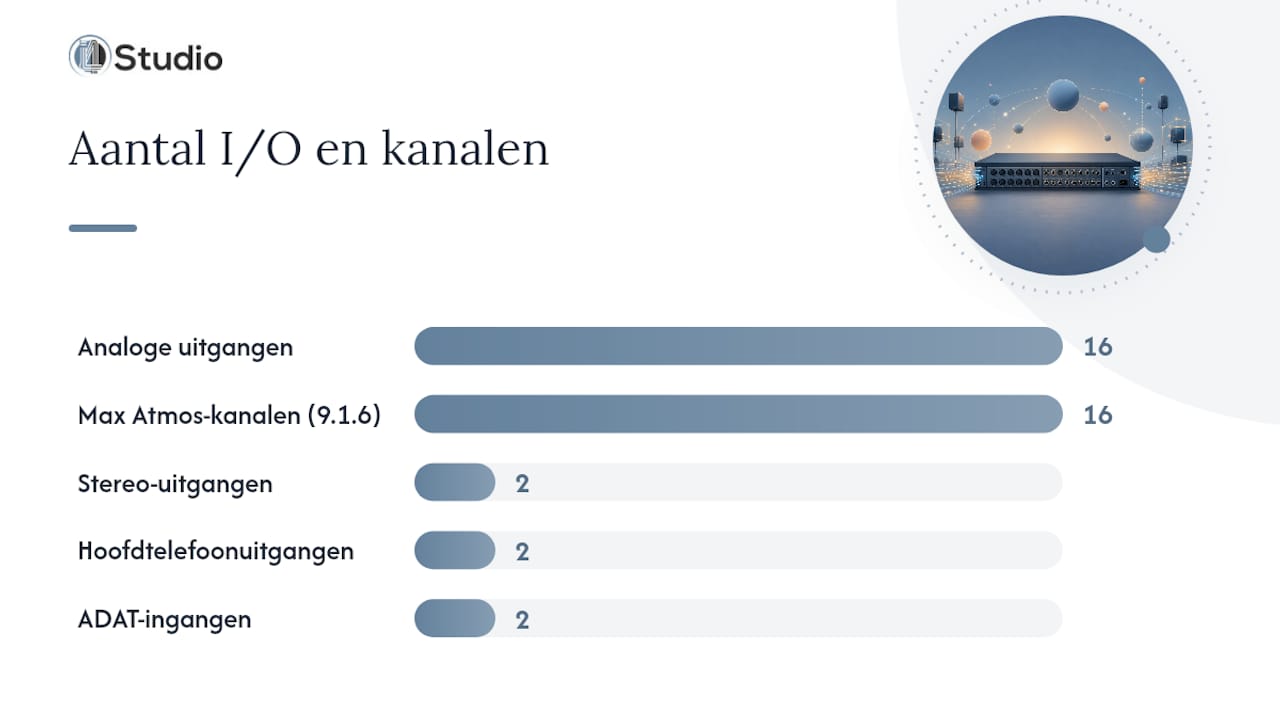
Anyone building an Atmos setup today often combines an interface, a separate monitor control panel, and standalone room correction software. ORIA combines those three functions into a single unit, with 16 balanced analog outputs that provide enough capacity for setups up to 9.1.6.
The key feature is the onboard DSP: you can set EQ, trim, and delay per channel and save those settings as a recallable profile. This lets you switch between a stereo check and a full Atmos render in seconds, without having to reroute everything. Integration with the Dolby Renderer supports downmix control directly from those profiles, which is handy when you need to deliver a mix in both 9.1.6 and stereo.
With ORIA, Audient includes a calibration microphone and a 60-day trial license for SoundID Reference, allowing you to calibrate right away without having to make a separate purchase. This makes the device particularly appealing for studios that regularly switch between music production, post-production for film or TV, and game audio—each of which requires a different reference format.
| Best for | Exits | Onboard DSP & Calibration | I/O Expansion | Sample Rate / Conversion | Standout feature | Price / Availability |
|---|---|---|---|---|---|---|
| Small- to medium-sized music and post-production studios with a recallable Atmos workflow | 16 analog outputs, DB25, AES, 2 stereo outputs, 2 headphone outputs | Per-channel EQ, trim, delay, bass management, included SoundID calibration | 2 ADAT inputs, optional Dante card | 24-bit/96 kHz | Onboard DSP with SoundID integration and 16 outputs | Available through i4studio; Studio PCs starting at the price listed on the official website |
Technical specifications that matter for studio integration
For an engineer who needs to integrate an existing rig, the I/O layout and conversion quality are what matter most. Sound On Sound describes ORIA as an interface and monitor controller in one, operating at 24-bit/96 kHz.
- 16 analog outputs via DB25, supplemented by AES digital outputs for formats up to 9.1.6.
- Two stereo outputs and two headphone outputs for quick reference checks alongside the main monitoring.
- Two front inputs for mic, line, or instrument, plus two ADAT inputs for additional channels.
- 24-bit/96 kHz conversion, with an optional Dante card for network audio expansion.
- Firmware and drivers are actively maintained; always check for the latest version for your DAW and operating system during installation.
This layout makes ORIA suitable for studios that already use analog summing or outboard gear, as long as the DB25 connections fit into your patchbay. For those who need more inputs than the two front channels, ADAT is the recommended expansion option, subject to the channel limitations discussed below.
Calibration and monitoring workflow: SoundID, DSP profiles, and downmix checks
The calibration step is where ORIA sets itself apart from a standalone interface-plus-controller setup. Reviewers at TapeOp report that a complete measurement using the included microphone takes about 45 minutes, depending on the room and the number of measurement points.
- Place the included measurement microphone at ear level at the mixing position and start the SoundID Reference measurement for each speaker channel.
- Let the software calculate EQ corrections, trim, and timing for each channel, and apply them via ORIA’s onboard DSP.
- Save the result as a profile so you can switch back to the calibrated state later with the push of a button.
- Check the downmix to stereo or 5.1 via the Dolby Renderer link, so you know how the mix sounds outside the Atmos environment.
- Control profiles and volume levels from your desktop or iPad—convenient when moving between the listening position and the control room.
The per-channel EQ block features eight bands, a trim range of ±12 dB, and a delay between 0 and 75 ms, supplemented by a high-pass filter between 30 and 500 Hz for bass management, such as MusicRadar reports in the field test.
Pro tip: Save separate profiles for stereo reference and full Atmos render: this way, you can compare how a mix sounds in both formats in just a few seconds.
Key Limitations and Considerations for Implementation
ORIA is a powerful central monitoring hub, but it does have its limitations. Anyone who wants to connect a large number of external devices should calculate the channel capacity in advance.
- At 88.2 or 96 kHz, ADAT drops back to four channels per port, which limits the total input capacity at higher sample rates.
- The ORIA has no ADAT outputs and offers limited insert options, making extensive analog outboard integration more difficult than with a modular setup.
- Calibration with SoundID corrects the signal, but speaker placement and room acoustics remain a separate process that no interface can resolve.
- Firmware updates regularly improve profile storage and ADAT routing, so be sure to periodically check for compatibility with your DAW and the Dolby Renderer.
Dolby itself recommends at least 7.1.4 as a speaker layout for an Atmos music studio, and emphasizes that hardware is only part of the process. So first determine which reference format your space can handle before finalizing the I/O configuration.
Quick Checklist: Is ORIA the Right Purchase for My Studio?
Before you purchase an ORIA, it’s worth clarifying a few practical questions. This checklist will help you avoid running into channel or budget limitations down the road.
- Which monitor layout do you want to support now and in two years: stereo, 7.1.4, or the full 9.1.6?
- How many external analog or ADAT sources are you routing in, and does that fit within the channel capacity at your desired sample rate?
- Do you work primarily in-the-box, or do you want to continue inserting a lot of analog outboard gear via the patchbay?
- Have you set aside a budget for speakers, acoustic panels, and a SoundID license after the 60-day trial period?
Anyone who answers these questions honestly will know right away whether ORIA is the right fit or if another combination of an interface and separate room correction software makes more sense.
Our experience: when we recommend ORIA
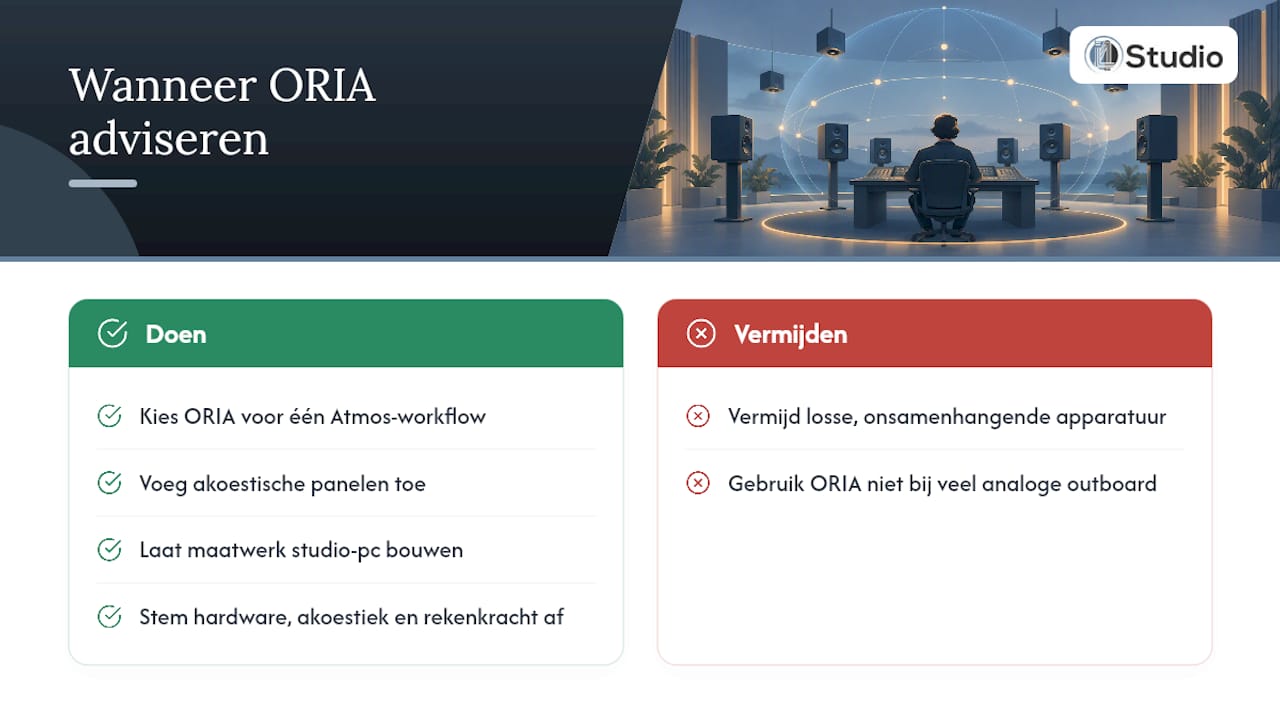
At i4studio, we primarily recommend ORIA to producers and post-production studios that want to move away from a patchwork of disparate equipment and transition to a single, repeatable Atmos workflow. For studios that continue to rely primarily on analog outboard gear, a more modular setup sometimes makes more sense.
In addition to the interface itself, we always take the space into account: our recommendations for acoustic panels and our custom-built studio PCs are directly tailored to that space, ensuring that the hardware, acoustics, and computing power are all in balance.
— harold
Purchase and service options at i4studio
An Atmos setup starts with the right hardware, but its success depends entirely on how well the rest of the system is tuned. At i4studio, you can combine the purchase of the Audient ORIA with personalized advice on acoustics and a studio PC tailored to your workflow—all without having to coordinate three different suppliers yourself.
- Visit the Audient ORIA product page for specifications and availability.
- Ask for advice on acoustic panels if your space hasn’t been treated yet.
- Build a custom studio PC optimized for multichannel mixing.
| Step | What You’ll Get |
|---|---|
| Product Recommendations | Personalized customization based on your monitor layout and rig |
| Acoustic Consulting | Assessment of the room and placement before purchase |
| Studio PC Configuration | Custom PC starting at the price listed on the official website, tailored to your DAW |
Pro tip: When placing your order, be sure to ask about coordination between ORIA and your acoustic panels—this will save you from having to conduct a second round of measurements later on.
Still unsure about the right configuration? Contact us atinfo@I4studio.nl for a customized quote.
Sources
- ORIA – Immersive Audio Interface and Monitor Controller – Audient
- Audient Oria Review | MusicRadar
- Audient ORIA Immersive Monitor Controller Review | TapeOp
- Audient Oria Review | Sound On Sound
- Dolby Atmos Music Studio Best Practices (Support)
Frequently Asked Questions
What is an audio interface used for?
An audio interface converts analog signals from microphones, line sources, or instruments into digital audio, and vice versa to the monitor outputs. With the Audient ORIA, multichannel routing and monitor control are added, specifically aimed at immersive audio formats.
Is the Audient ORIA suitable for entry-level home studios?
The ORIA is primarily designed for studios that already use multichannel monitoring, not for a simple stereo home setup. The number of outputs and the onboard DSP capabilities only really come into their own when you scale up to 7.1.4 or 9.1.6, as Dolby itself recommends as the minimum for an Atmos music studio.
How much does the Audient ORIA cost at i4studio?
The ORIA is sold through i4studio as part of its line of audio interfaces; the exact price is listed on the product page. Studio PCs that you can pair with the interface are available; current prices are listed on the website.
How many external channels can I connect to ORIA?
ORIA offers two ADAT inputs in addition to the two front inputs, but at 88.2 or 96 kHz, ADAT is limited to four channels per port, as described by Sound On Sound. So plan your capacity based on your desired sample rate, not on the maximum at lower frequencies.
Does SoundID calibration replace acoustic treatment of my room?
No, SoundID corrects the signal based on measurements, but apart from that, the physical acoustics of your room remain a separate consideration. Dolby explicitly mentions speaker placement and room treatment as separate investments in addition to the hardware itself.