TL;DR:
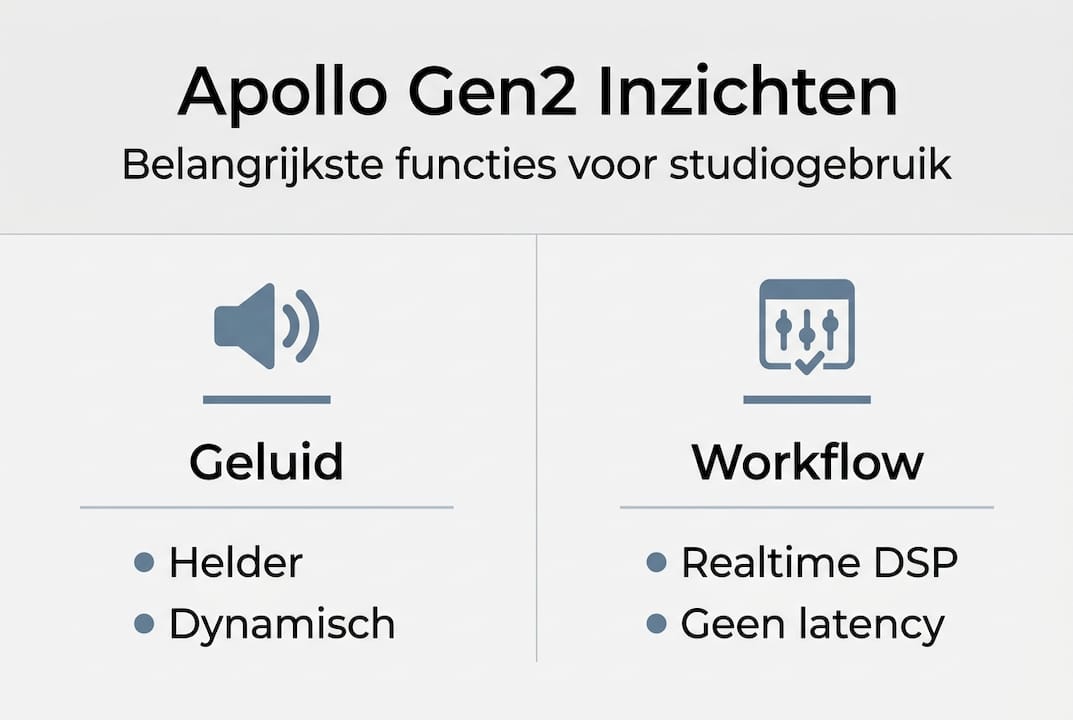
- Apollo Gen2 offers superior AD/DA conversion with 129dB dynamic range and low THD+N.
- Thanks to built-in UAD-2 DSP processors, complex plugins can be used in real time without latency.
- Its compact design, convenient features and included bundles make it ideal for home studios.
The Universal Audio Apollo Gen2 has fundamentally changed the way musicians and home studio owners record. Where you used to need expensive outboard gear for studio-quality sound, that quality now fits into a compact interface on your desk. Yet many producers still hesitate over the choice: Is Apollo Gen2 really that different from a Focusrite or RME? The answer lies in the details of the conversion, the DSP architecture and the workflow the system offers. In this review, we explain exactly what sets Apollo Gen2 apart and how to get the most out of it.
Table of contents
- What distinguishes Universal Audio Apollo Gen2 from other audio interfaces?
- DSP power: real-time processing and plugin chains without latency
- The benefits for home studios: design, features and bundles
- Practical application: this is how to optimize your recording setup with Apollo Gen2
- Our vision: why Apollo Gen2 offers more than technology specs
- Getting started with professional studio solutions
- Frequently Asked Questions
Key Insights
| Item | Details |
|---|---|
| Superior audio quality | Apollo Gen2 offers exceptionally clear sound thanks to advanced AD/DA conversion. |
| Real-time plugin processing | With UAD-2 DSP, you can use complex plugin chains without latency during recording and mixing. |
| Perfect for home studios | Compact design, talkback mic and Essentials+ plugins make it ideal for home use. |
| Instant workflow optimization | The interface simplifies the recording process and increases creative possibilities. |
What distinguishes Universal Audio Apollo Gen2 from other audio interfaces?
When you put two interfaces side by side, the specs sometimes seem close on paper. But in practice, you notice the difference immediately. The Apollo Gen2 delivers 129dB D/A dynamic range and a THD+N of only -118dB, which means the signal you record is extremely clean. By comparison, the Focusrite Clarett+ scores lower on both counts, which is audible on critical listening.
The AD/DA conversion (analog to digital and back) is the heart of any interface. With Apollo Gen2, these converters are designed with precision you normally only find in high-end studio equipment. The result is a soundstage that sounds wider, deeper and more transparent.
Comparison of popular audio interfaces:
| Interface | D/A dynamic range | A/D dynamic range | THD+N |
|---|---|---|---|
| Universal Audio Apollo Gen2 | 129 dB | 124 dB | -118 dB |
| Focusrite Clarett+ 4Pre | 120 dB | 118 dB | -107 dB |
| RME Fireface UCX II | 114 dB | 110 dB | -110 dB |
What further distinguishes Apollo Gen2:
- Unison preamp technology: the hardware preamp responds directly to the impedance of the connected plug-in, just like real outboard gear
- Thunderbolt connectivity: low latency and high bandwidth for multiple I/O channels simultaneously
- Scalability: via Thunderbolt link multiple Apollo units together for larger setups
- UAD plugin ecosystem: access to precise emulations of legendary studio hardware
The Apollo Twin X Quad Gen2 is a good entry for solo producers, while the Apollo x16 Gen 2 is ideal for larger setups with lots of I/O.
“The improvement in conversion quality is not only measurable, but also clearly audible at every recording session.”
Now that you know why sound is so important, let’s look at the practical workflows and capabilities Apollo Gen2 creates.
DSP power: real-time processing and plugin chains without latency
One of the biggest frustrations with home recording is latency. You sing or play, but hear yourself back just a little too late. That disrupts your timing and feel. Apollo Gen2 solves this with built-in UAD-2 DSP chips that completely take over plug-in processing from your computer.
UAD-2 DSP stands for Universal Audio Digital Signal Processing. These chips sit physically in the interface and process audio independently of your CPU. The UAD-2 DSP cores make it possible to run complex plugin chains in real time during tracking, with near-zero latency.
Overview of DSP configurations:
| DSP configuration | Number of cores | Suitable for |
|---|---|---|
| Duo Core | 2 | Solo producers, small setups |
| Quad Core | 4 | Home studio, multiple channels |
| Hexa Core | 6 | Larger productions, many plugins |
How does that work in practice? Here’s how to build a real-time plugin chain:
- Open your DAW and set Apollo Gen2 as the primary audio device
- Open the UAD Console application next to your DAW
- Load a Unison preamp plugin on the input channel (for example, an 1176 compressor or a Neve preamp emulation)
- Add additional UAD plugins on the channel strip in Console
- Activate the “Low Latency Monitoring” mode in Console
- Record and hear yourself right back with all plugins active
Pro-tip: Divide your DSP load smartly. Use the heaviest plugins (such as tape machine emulations) during the mix phase through your DAW, and reserve the DSP capacity during tracking for your preamp Unison plugins and a compressor. That way, you’ll always have enough space left over.
The Apollo Twin X Duo Gen2 is an excellent choice if you’re just getting started with UAD. If you want to know more about how Apollo fits into a complete home studio setup, Apollo power home studio provides a good overview.
Now that you know how Apollo Gen2 handles real-time plugin chains, it’s time to see why this interface fits perfectly into the modern home studio.
Benefits for home studios: design, features and bundles
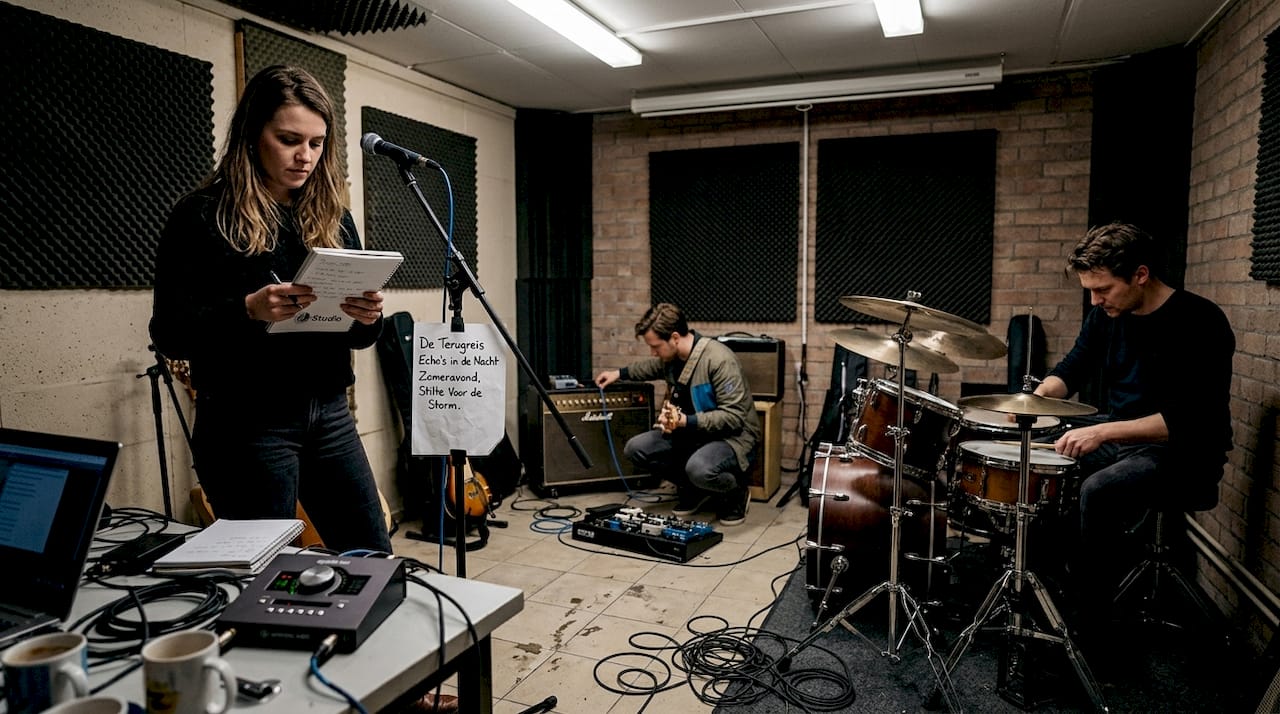
A home studio has different requirements than a commercial studio. Space is limited, so is the budget, and you don’t want to spend half a day setting up equipment. Apollo Gen2 is ideal for home studios because of its compact design, built-in talkback mic, comprehensive monitor controls and the included Essentials+ plugin bundle.
Specifically, what does that mean for your workflow?
- Talkback mic: communicate directly with the artist in the recording room without a separate system
- Monitor controls: quickly switch between mono (to control your mix), dim (lower volume temporarily) and alternate monitors
- Compact design: the Twin X fits on any desk without taking up space you need for other equipment
- Essentials+ bundle: includes immediately usable plugins such as the UA 610-B preamp emulation, the Teletronix LA-2A compressor and the Marshall Plexi guitar amp emulation
“The included plugins are not just demos. They are fully functional and immediately usable for professional productions.”
The Apollo x8p Gen2 Studio offers more input channels for those recording with a band. For an entry-level model with all the essentials, the Twin X Duo Gen2 Essentials is a strong choice.
Pro-tip: Install all plugins from the Essentials+ bundle immediately after activation, even if you don’t think you need them right now. Universal Audio releases regular updates that add new features to existing plugins. That way you won’t miss any improvements.
With the design and additional features as a foundation, we will now look at how Apollo Gen2 directly contributes to the recording process and workflow optimization.
Practical application: this is how to optimize your recording setup with Apollo Gen2
Buying a good interface is step one. Setting it up optimally is step two, and many producers skip that step. Here’s a concrete roadmap for getting the most out of your Apollo Gen2.
- Set the sample rate correctly: use 48kHz for video and podcasting, 96kHz for music productions where you want maximum quality
- Calibrate your monitor volume: use the dim function to mix at a lower volume, that way you can hear the balance better
- Use Unison preamps at the source: load a preamp plugin on the input channel before you start recording, not afterwards
- Route through the Console app: set up your monitoring setup through UAD Console, not your DAW, for the lowest latency
- Save your Console presets: save your favorite settings as presets so you can get started quickly with each session
Common mistakes you want to avoid:
- Buffer size too high during tracking: this increases latency. Set the buffer low (64 or 128 samples) during recording
- Run all plugins through the DAW: use UAD Console for monitoring plugins and reserve your CPU for the DAW mix
- No gain staging: set input level to maximum -18dBFS average for optimal headroom
Apollo Gen2’s superior conversion quality with 129dB D/A dynamic range means that every setting you make is actually audible. Poor gain staging has nowhere to hide.
Pro-tip: Use the Apollo E2m Monitor Controller to complement your Apollo setup for even more precise monitor control in your studio. The Apollo x8p Heritage Edition adds on top of that an extensive selection of vintage plugin bundles.
Following these concrete applications is our own look at the real impact of Apollo Gen2 in professional and home studios.
Our vision: why Apollo Gen2 offers more than technology specs
Technical specs tell you what an interface can do. But they don’t tell you what it feels like to work with it. What we see time and time again with users who switch to Apollo Gen2 is that the real power comes through only after a few weeks. The power for your home studio is not just in the converters, but in how the system speeds up your creative process.
Musicians accustomed to standard interfaces are beginning to think differently about sound. They become more conscious about preamp choices, they experiment more with plugin chains during tracking, and they lose less time fixing recordings in the mix. That’s the real value. Not the 129dB on paper, but the decisions you make differently because you hear the difference. Apollo Gen2 is not a gadget. It’s a working tool that changes the way you produce.
Getting started with professional studio solutions
If you are serious about your studio setup, the combination of the right interface, good monitoring and thoughtful acoustics is the foundation. At i4studio you will find not only the Apollo Gen2 interfaces, but also the matching solutions for a complete professional workflow.

For anyone serious about getting started now, find products and solutions below that fit well with the Universal Audio Apollo Gen2 workflow. Check out the complete Studio Bundle for a turnkey recording setup, or compare the Antelope Audio Zen Quadro as an alternative with proprietary DSP technology. Everything you need for a professional studio can be found at i4studio.co.uk.
Frequently Asked Questions
What makes Universal Audio Apollo Gen2 different from previous models?
Apollo Gen2 delivers improved AD/DA conversion with 129dB D/A dynamic range and THD+N of -118dB, which is a clear step forward from the first generation.
Can I use complex plugin chains with Apollo Gen2 without latency?
Yes, the UAD-2 DSP cores process plugins completely independent of your CPU, allowing you to record in real time with multiple active plugins without noticeable delay.
What features make Apollo Gen2 suitable for a home studio?
The compact design with talkback mic, monitor controls and the included Essentials+ plugin bundle make Apollo Gen2 instantly deployable in any home studio setup.
Is Apollo Gen2 compatible with my DAW software?
Yes, Universal Audio Apollo Gen2 works smoothly with most popular DAWs such as Ableton Live, Logic Pro and Cubase, on both Mac and Windows.