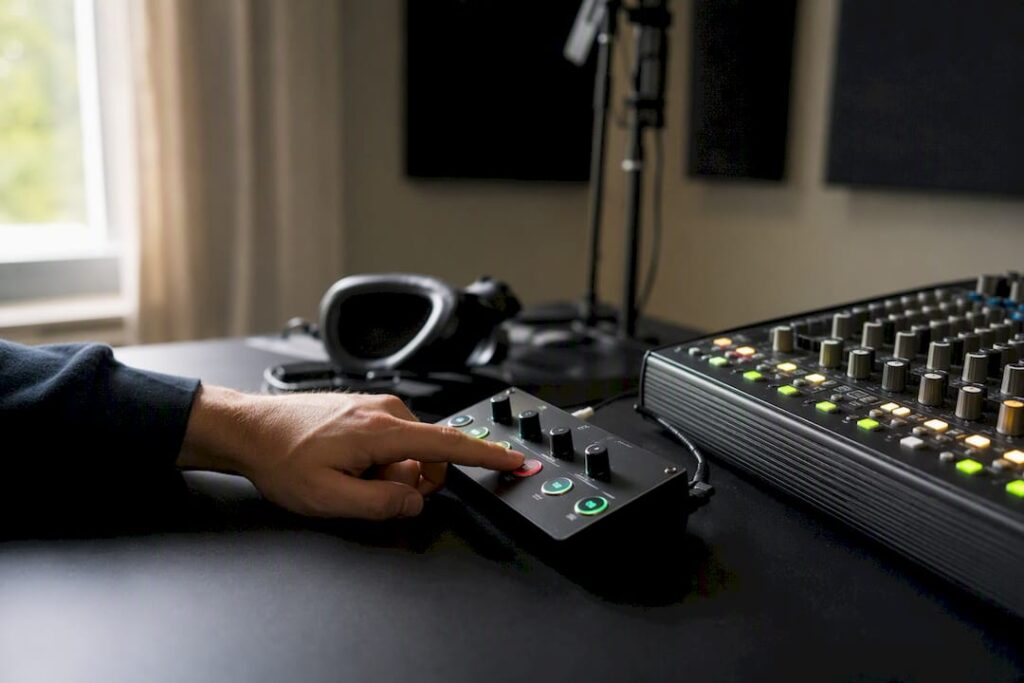
For most small- to medium-sized recording studios, a compact desktop talkback controller is the fastest and most reliable choice. Such a unit connects easily to your existing mixer or interface, offers direct control without a software layer, and usually has a dim or ducking function that automatically lowers the monitor mix as soon as you speak. That’s exactly why hardware beats software in practice: no network latency, no crashing plugins during a take.
Before you order anything, check one thing: does your mixer or audio interface have a free cue send or aux output available? Without that connection, you won’t be able to send a signal to the artist’s headphone amplifier, no matter how good the talkback unit is.
- Small studio, one recording room: compact desktop controller with built-in microphone
- Studio with multiple cue mixes: unit with multiple aux outputs or built-in headphone amp
- Larger facility with multiple rooms: wired intercom system with multiple stations
Key insights
A compact desktop talkback controller with a mute function and beacon indicator is the most reliable and quickest-to-install communication solution for most studios.
| Item | Details |
|---|---|
| Choose based on studio size | Desktop controller for a single room, multi-station intercom system for facilities with multiple booths. |
| Dim/ducking is essential | This feature automatically attenuates the monitor mix while speaking and prevents disruptive volume spikes. |
| Test latency beforehand | Analog signal paths avoid the latency often associated with software-based DAW routing. |
| Follow a standard testing procedure | Check intelligibility, echo, and dim response before each session. |
| I4studio Offers Expertise on Integration | I4studio provides consulting services on talkback systems in combination with custom-built studio PCs and acoustic solutions. |
Table of contents
- What types of talkback solutions are available for a studio?
- What technical features should you look for?
- How do you set up a talkback system step by step?
- Practical experience from I4studio: when does each system work best?
- I4studio provides support with delivery, integration, and consulting
- Sources
- Frequently Asked Questions
What types of talkback solutions are available for a studio?
There are roughly four categories of talkback solutions, and the right choice depends mainly on how many rooms and users you need to serve.
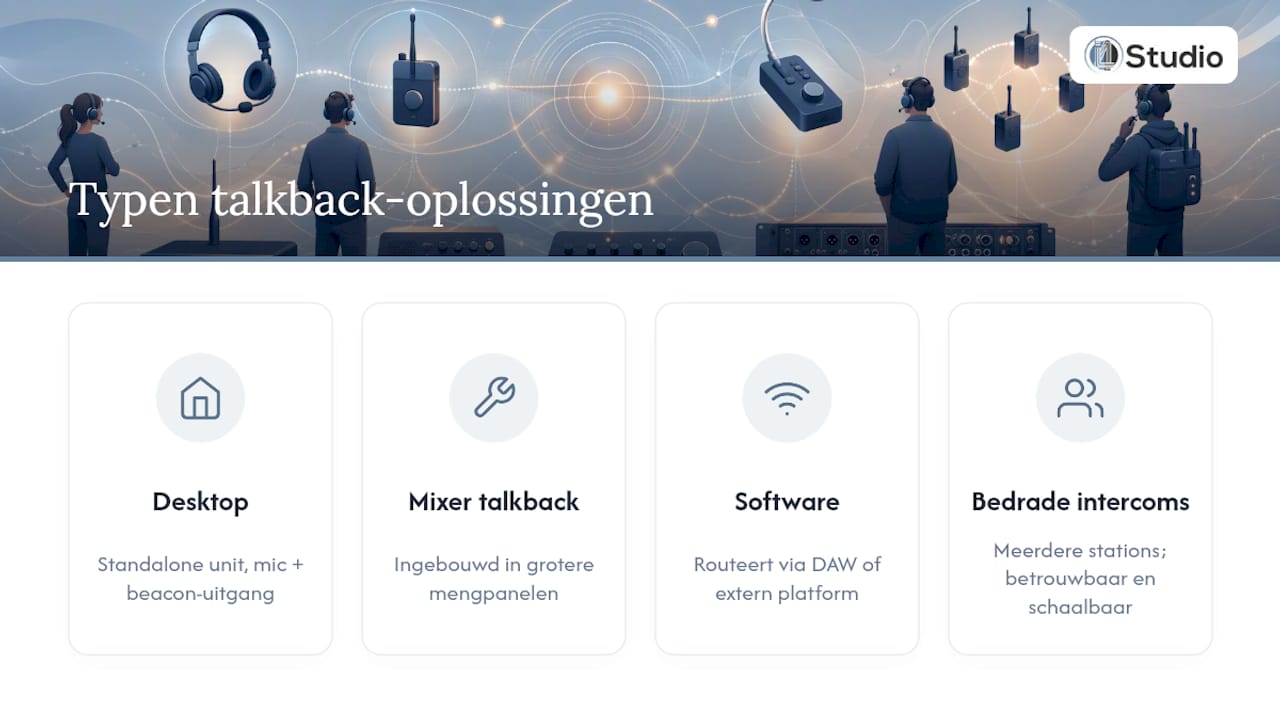
Desktop talkback controllers are standalone devices that you place next to the mixer. The Radial Studio-Q is a good example of this: a compact unit with a built-in microphone, the option to connect an external XLR mic, dim/ducking, and a beacon output for a warning light in the recording room. Perfect for a project studio or a single vocal booth.
Integrated mixer talkback is already built into larger analog or digital mixing consoles. This is convenient if you’re already working with such a mixer, but less flexible if you want to expand to a second room later on.
Software- and plugin-based talkback routes communication through your DAW or a separate communication platform like Gimme Studio. This works great for remote sessions or when network latency remains low enough, but it’s no substitute for dedicated hardware in latency-sensitive, professional recording sessions.
Wired intercom systems with multiple stations are available for larger facilities. For environments with multiple live rooms or broadcast-style workflows, such a system—as described on Canford—offers a level of reliability and scalability that a single desktop unit simply cannot match.
What technical features should you look for?
Not all talkback units are the same. Before you evaluate a quote or make a purchase, consider the following points:
- Connections: XLR input for an external microphone, TRS outputs for cue sends, and ideally a footswitch jack for hands-free operation during recording.
- Dimming and ducking function: This automatically lowers the monitor mix as soon as the engineer speaks, so the artist doesn’t experience a disruptive peak in their headphones. Without this function, you have to adjust the faders manually, which can easily go wrong during a session.
- Beacon or LED indicator: A visual signal in the recording room prevents a singer from being interrupted in the middle of a phrase. This feature is consistently cited as a key benefit in product descriptions from Bax Music and others—and for good reason: it noticeably reduces communication errors during busy sessions.
- Latency and signal path: Analog talkback paths have virtually no measurable delay, whereas a software-based route through your DAW always introduces buffer latency.
- Frequency range and noise level: Specifications such as 20 Hz to 20 kHz and a low THD percentage ensure that speech comes through clearly without clicks or background noise, as clearly explained in Radial’s own specifications.
Pro tip: Don’t just look at the number of inputs; also test how quickly the dim function responds. A slow ducking response feels just as disruptive during a live take as not having a dim function at all.
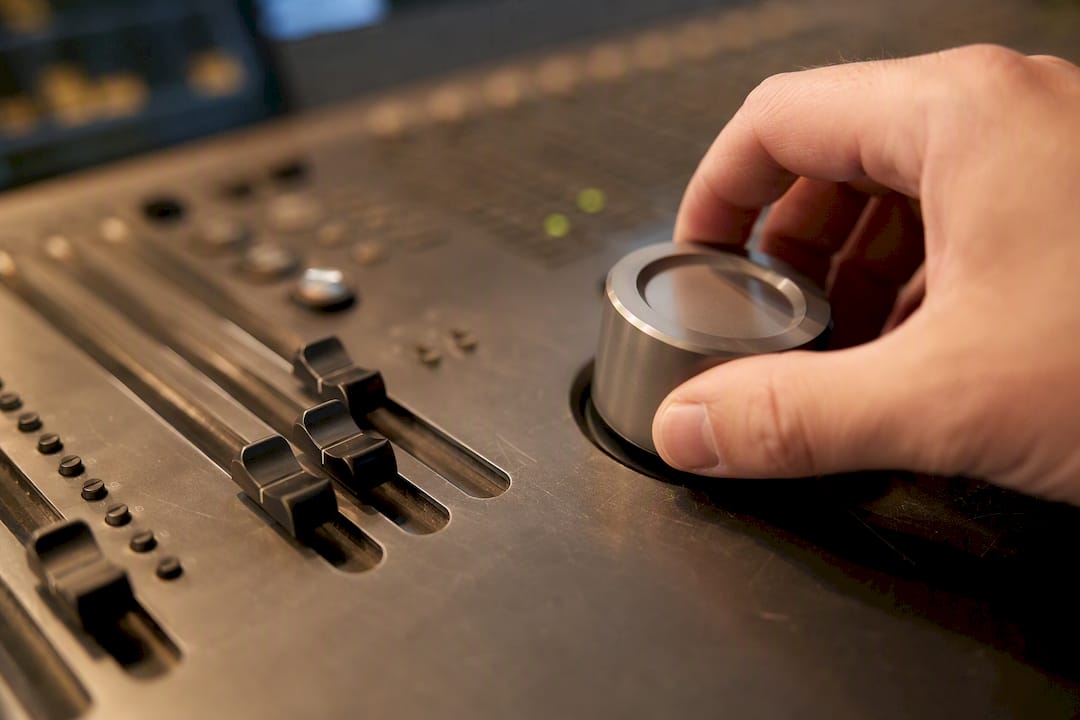
Build quality matters too: metal enclosures with sturdy potentiometers will last for years in a studio where equipment is handled and moved around daily.
How do you connect a talkback system step by step?
The signal path is essentially the same for virtually every talkback system, regardless of the brand or model you choose.
- Microphone to talkback unit: Connect the built-in or external microphone to the mic input on your controller.
- Talkback unit to cue send: Route the output to an available aux or cue send on your mixer or interface.
- Cue send to headphone amp: from there, the signal goes to the headphone amplifier in the recording room, mixed with the regular monitor mix.
- Configure dimming/ducking: Set the mixer or talkback unit to specify how many decibels the monitor mix will be reduced when you press the talk button—usually between 10 and 20 dB.
- Test the audio clarity: Have someone sit in the recording room and check to see if your voice comes through clearly without distortion.
- Check latency: If you’re routing through your DAW, measure the delay in milliseconds. If the delay is audible, a separate analog talkback unit is often the better solution for bypassing DAW latency, as practical experience with studio routing has shown.
- Check for echo and feedback: A common problem is that the talkback microphone picks up the headphone signal. If this happens, lower the source volume or use a directional microphone capsule.
Studios that systematically follow these steps report noticeably fewer interruptions during sessions, as is also recommended on the Adworth website for recording studios. Practical guidelines for talkback etiquette and routing, as described by Soundbridge, emphasize that a standard test procedure before each session is just as important as the hardware itself.
For studios with multiple rooms, there is an additional consideration: a wired system with multiple belt stations is more reliable than individual wireless headsets, simply because there is less risk of RF interference and the power supply is centrally controlled.
I4studio’s practical experience: when does which system work best?
In installations supervised by I4studio, it has been shown time and again that a compact desktop unit is more than sufficient for the vast majority of project studios. Only for facilities with multiple recording rooms or a dedicated control room do we recommend a more extensive intercom system.
Talkback never stands alone. It’s part of a broader monitoring and routing setup, so it needs to fit in with the rest of your studio PC and acoustic design. When building custom studio PCs, we always ensure there are enough audio inputs and outputs so that a talkback unit can be connected without any hassle.
Here is a summary of our recommendations for purchasing and installation:
- First, check the number of available aux or cue sends on your existing mixer or interface.
- Choose a unit with a beacon function if you regularly work with singers or voice-over artists.
- Always test the volume level during an actual session, not just in silence.
- Combine setting up your talkback system with a check of your studio acoustics, because a reverberant room can make even the best talkback unit unintelligible.
A technician on the first time talkback saved a session
A session once came to a complete standstill because the engineer kept having to get up to relay instructions to the singer in the booth. After installing a simple desktop talkback with a mute function, that changed immediately: no more interruptions, no more missed takes due to miscommunication.
The most common mistake I see? People skip the dim setting and just use an on/off switch. It works, but it feels clunky. My advice: take those five minutes to set up ducking. You’ll notice the difference in your workflow right away.
I4studio provides support with delivery, integration, and consulting
I4studio is the go-to partner for Dutch studio owners when a talkback system needs to truly integrate with the rest of the setup—not just hang there as an afterthought. Where an online store might just send you a box of cables, I4studio works with you to consider the entire signal chain: from the talkback unit to the audio inputs on your studio PC and the acoustics of the room itself.
Are you unsure whether your current computer has enough inputs and processing power to run talkback, monitoring, and recording smoothly at the same time? Then find out how much a custom-built studio PC would cost for this purpose, or request advice using the contact options on the site. I4studio is also happy to assist with acoustic modifications that improve the intelligibility of your talkback, such as acoustic diffusers. Contact us for a customized quote tailored to the size and use of your studio.
Sources
- Mastering Talkback Communication for Better Studio Sessions — Soundbridge
- Gimme Studio — Publishing and Communication Platform
- Studio Talkback Systems — Canford
Frequently Asked Questions
What exactly is a talkback system in a studio?
It’s a communication system that allows the engineer to speak directly with the artist in the recording room via a separate microphone and cue send, usually with a mute function that temporarily mutes the monitor mix.
Do I need hardware, or is software enough?
Software like Gimme Studio works well for remote workflows with low network latency, but for latency-sensitive, professional sessions, a dedicated hardware unit is more reliable.
What are the minimum connections I need?
Make sure you have an XLR input for the microphone, a free aux or cue send on your mixer, and ideally a footswitch jack for hands-free operation.
Can I4studio help me integrate talkback into my studio?
Yes, I4studio provides advice on combining talkback hardware with custom-built studio PCs and acoustic solutions, ensuring that the entire signal chain is seamlessly integrated.
When do I need a larger intercom system instead of a desktop unit?
If your studio has multiple recording spaces or live rooms, a wired intercom system with multiple stations offers greater reliability than standalone desktop units or wireless headsets.