Identify sound leaks in your studio by testing windows, doors, and ventilation. Find out when a sound level meter is helpful and avoid unnecessary insulation costs.
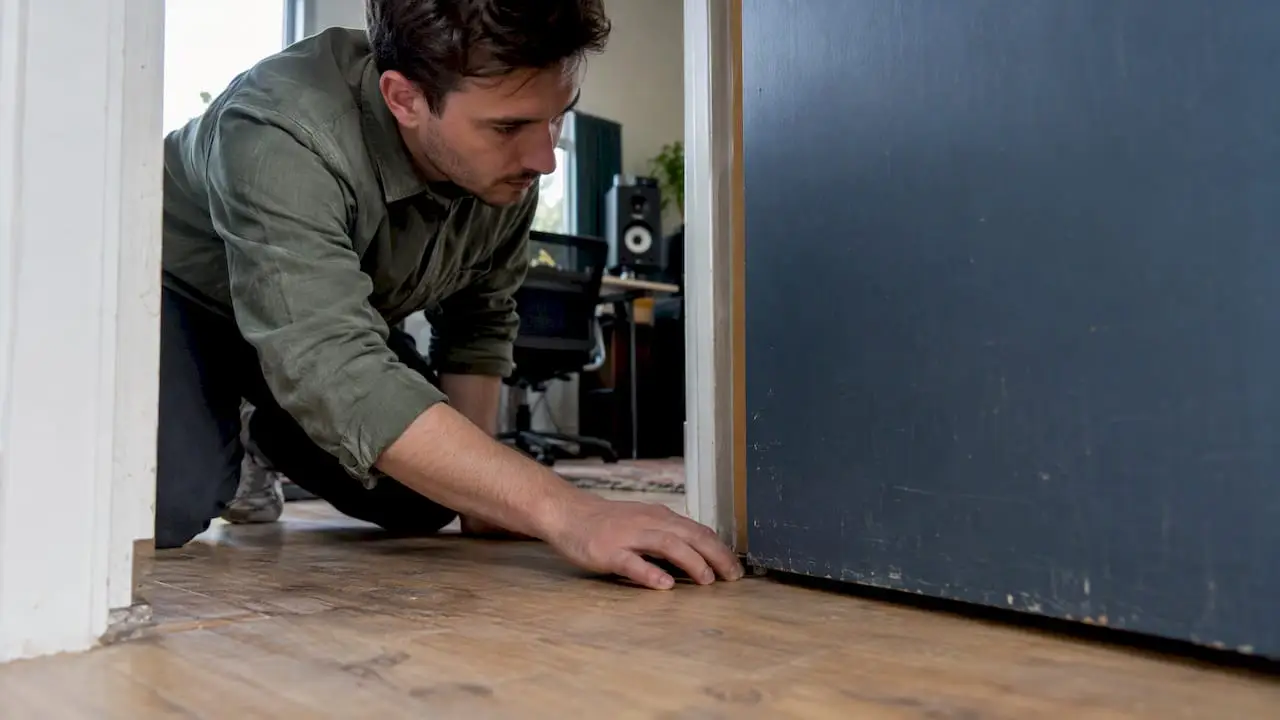

Identify sound leaks in your studio by testing windows, doors, and ventilation. Find out when a sound level meter is helpful and avoid unnecessary insulation costs.
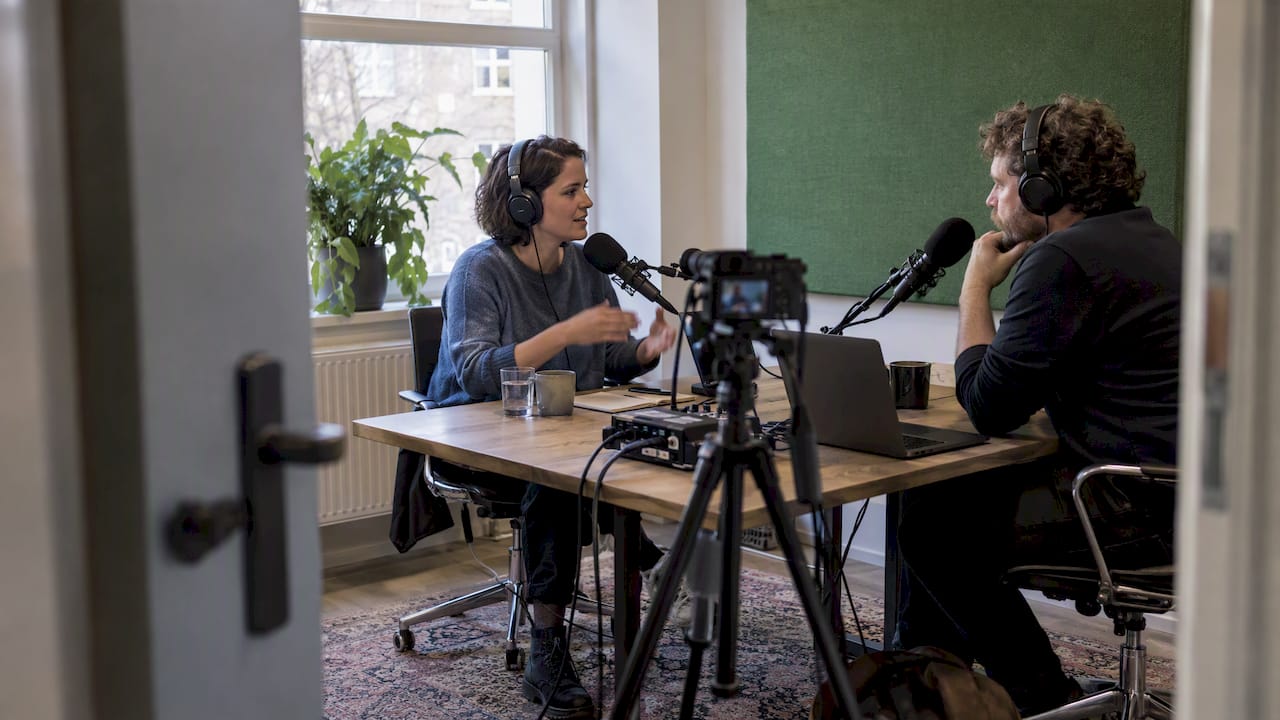
Find out what you need for a podcast studio with high-quality video and audio: choose the right microphone, recording equipment, headphones, and camera for your setup.
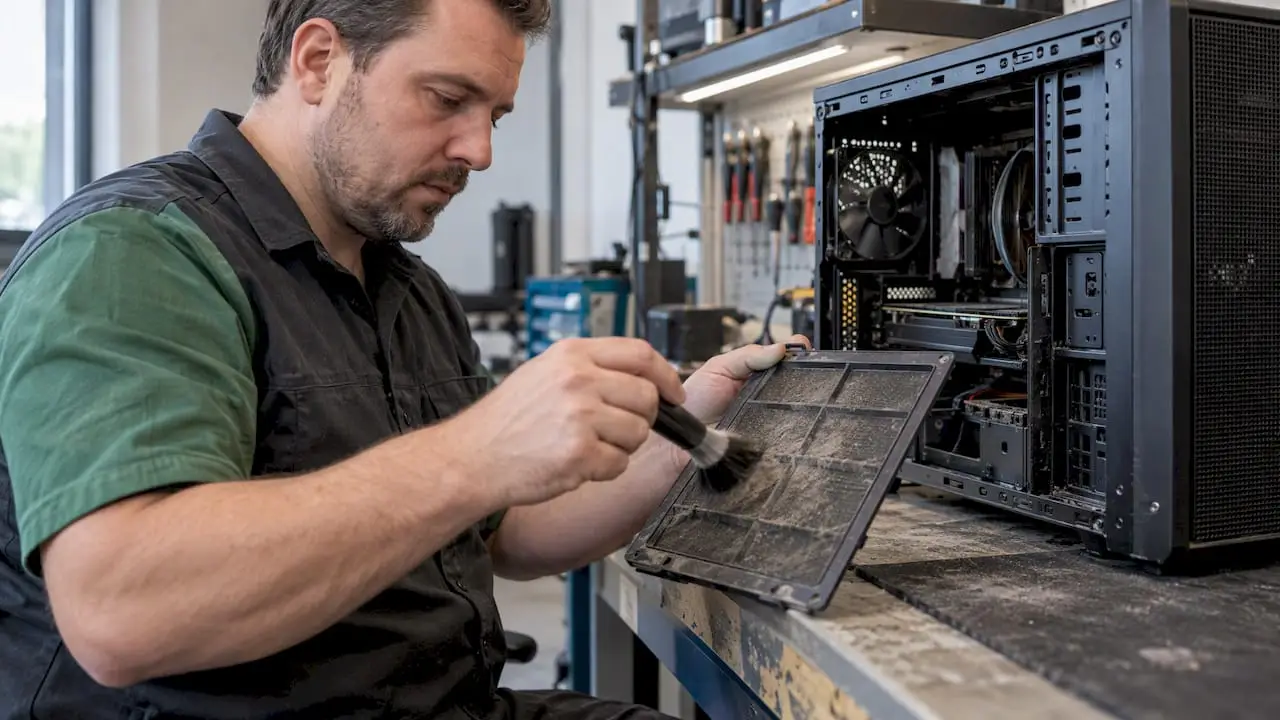
Proper computer maintenance prevents data loss, slow performance, and overheating. Learn how to safely clean your PC and keep it running smoothly for longer with a regular maintenance routine.
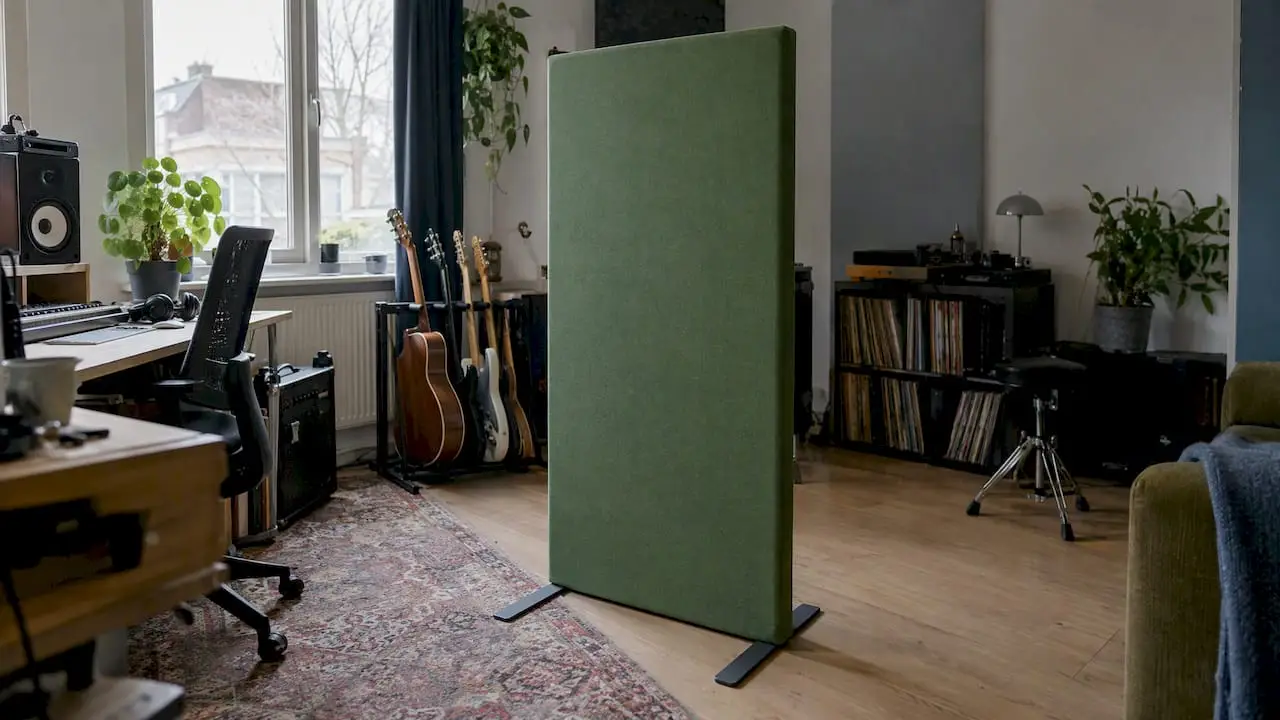
Improve the acoustics in your rental home without drilling holes—using wall panels, heavy curtains, and freestanding screens. Find out what reduces reverberation—and what doesn’t.

Have a local studio undergo a professional acoustic measurement to determine the reverberation time, Schroeder frequency, and ideal panel placement, all documented in a clear measurement report.

Calibrate your studio monitors using -20 dBFS pink noise and a measurement microphone: range 79–85 dB SPL, measure the frequency response with Room EQ Wizard, and adjust…
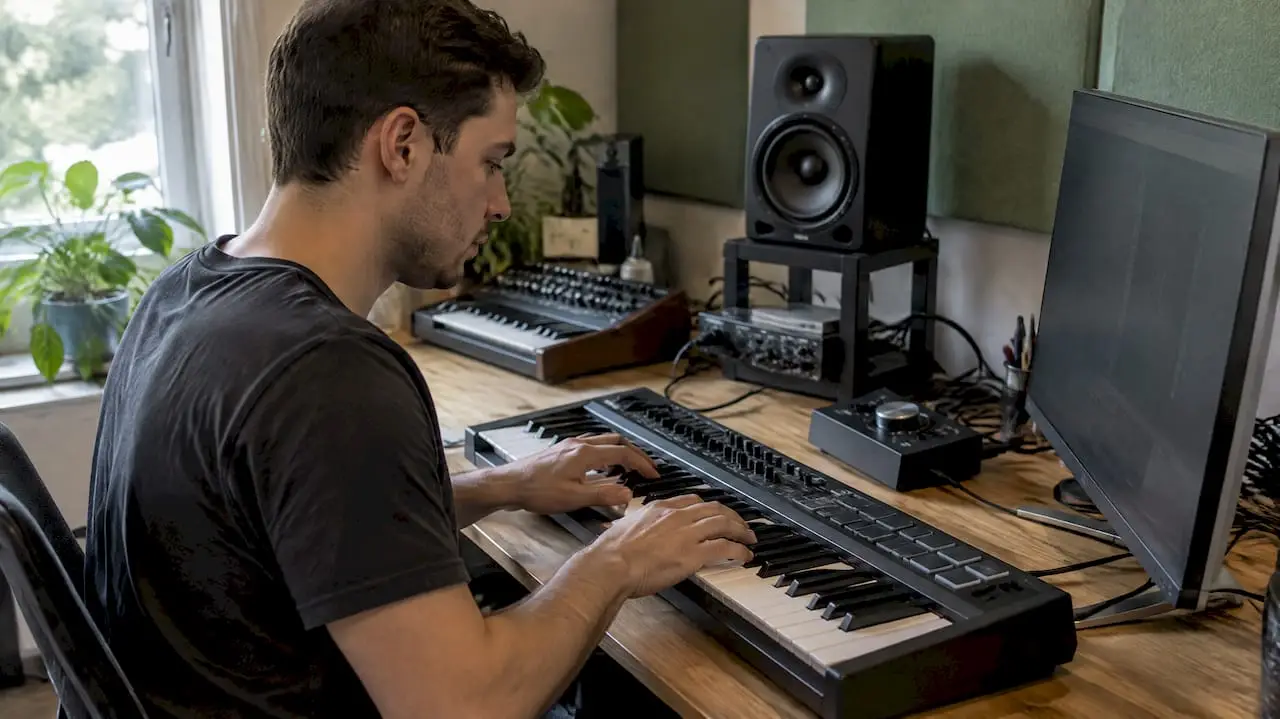
Discover what AI means for music production in 2026: ideas and vocal separation, mandatory provenance documentation, and how to get started right away.

Optimize the layout of your control room: symmetry around the listening position, the correct sweet spot, and the mirror method to reduce reflections.
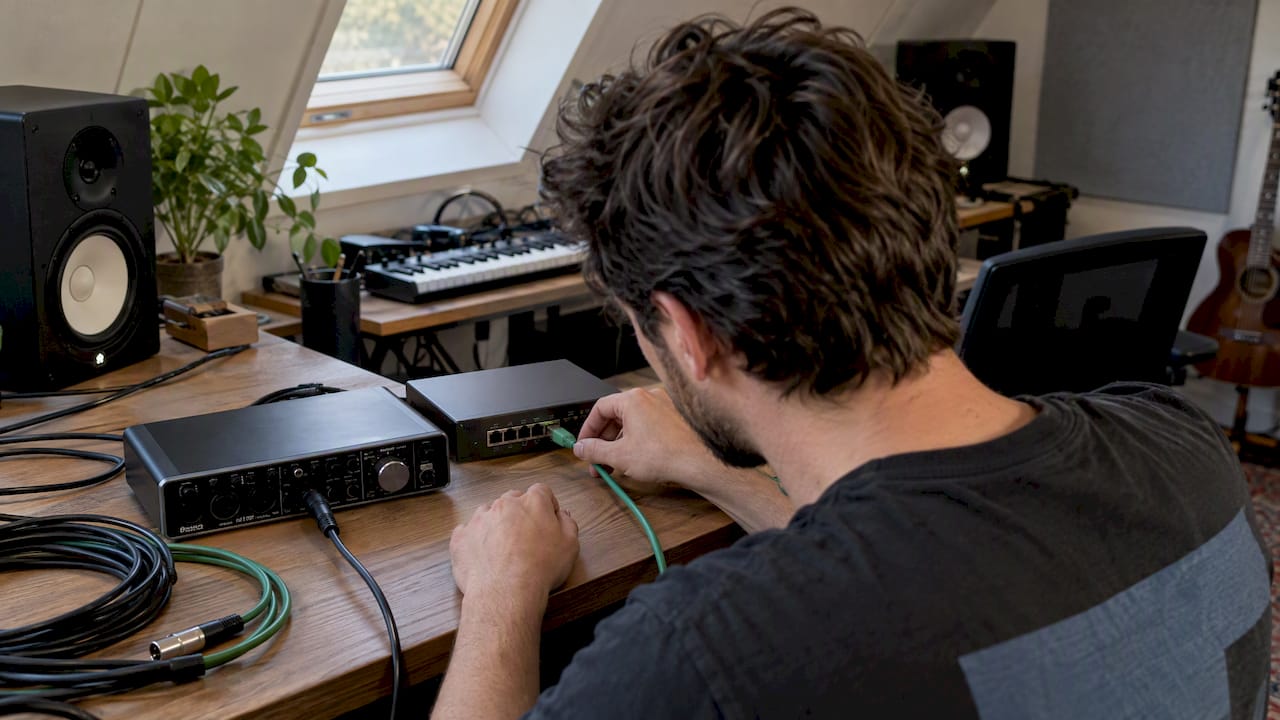
Find out if Dante works in your home studio and how to set up your network: low-latency multichannel audio, fewer cables, and a checklist.
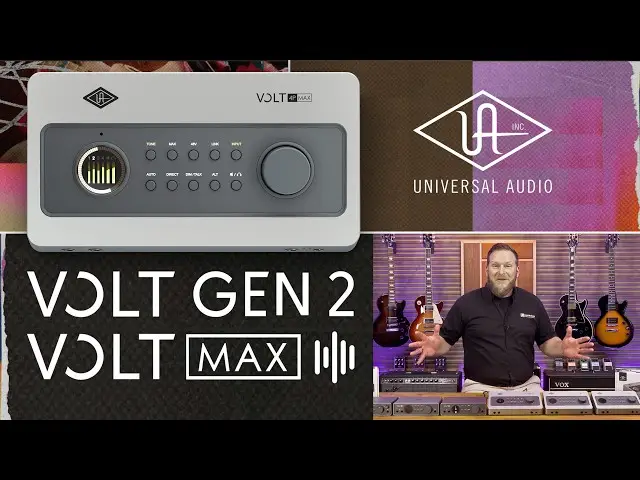
Are you looking for that warm, professional studio sound for your vocals, guitars, or podcasts? With the brand-new Universal Audio Volt Gen 2 & Volt Max series, you can bring over 70 years of analog legend to your desk.

Een overzicht van trainers, nieuwe producten , testen, product reviews en zelfs aankoop advies en een Kennisbank.