TL;DR:
- DSP is the hardware processing in studio equipment that applies effects and minimizes latency, without taxing the computer. It improves direct monitoring, routing and consistency, and supports low latency during recording and mixing. Although DSP does not replace acoustics, it works best in conjunction with physical sound treatment for optimal sound.
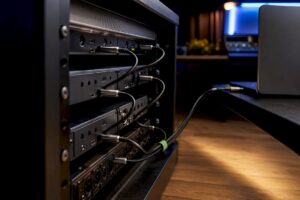
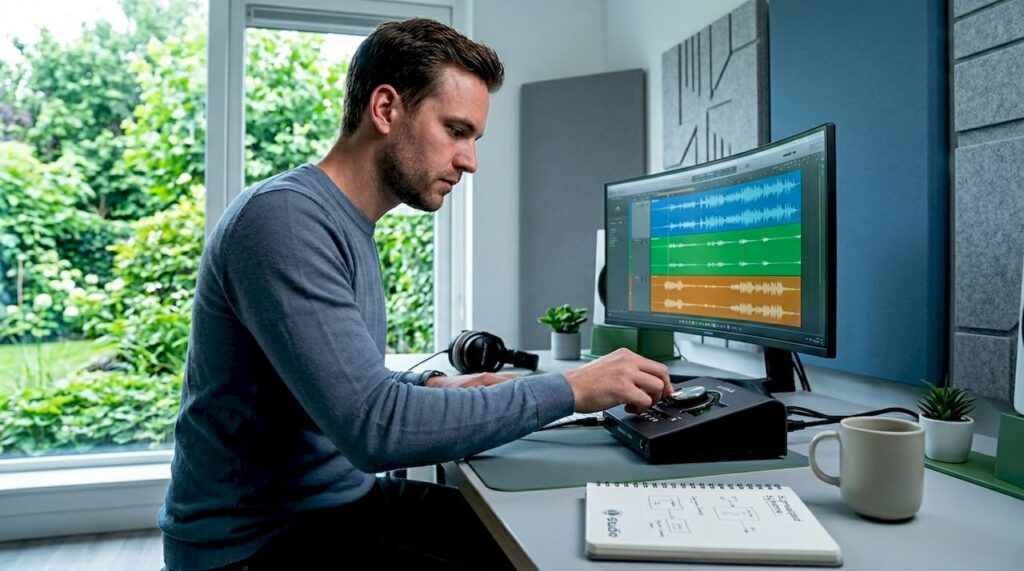
DSP, or Digital Signal Processing, is the technology in modern studios that mathematically processes audio signals in real time to apply effects, minimize latency and optimize routing without taxing your computer’s CPU. The role of DSP in studios goes beyond simply running effects. It is at the heart of how professional audio interfaces such as the Audient EVO 16, digital mixers and active studio monitors manage signals internally. Whether you’re recording at home or working in a professional environment, DSP largely determines how fast, clean and flexible your sound sounds during recording and production.
How does DSP technically work in studio equipment?
DSP processes digital audio signals via real-time mathematical operations on samples, the small pieces of digitized sound your audio interface creates. Think operations such as EQ, compression, reverb and delay. This happens internally in the device’s chip, not in your DAW or on your computer.
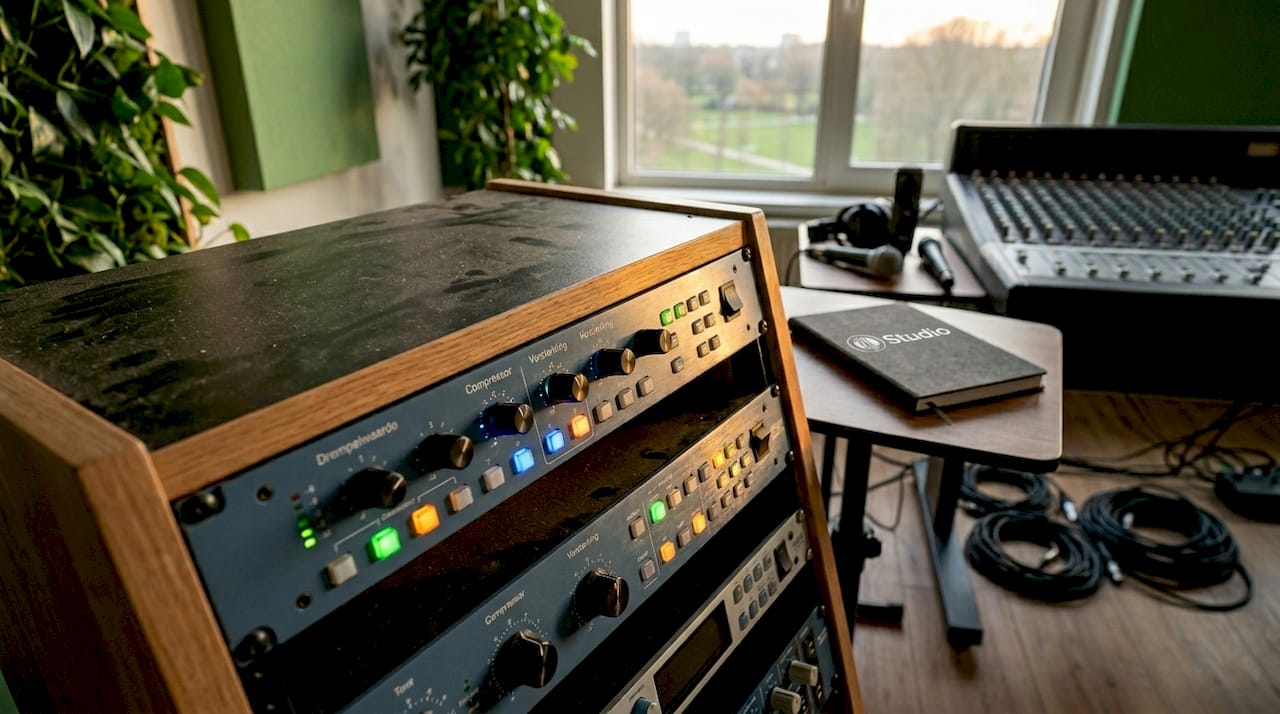
The difference with analog processing is fundamental. Analog processors operate directly on electrical signals via resistors, capacitors and transistors. DSP works on numbers. That sounds less “hot,” but it gives you precise control, repeatability and the ability to combine complex processing without losing quality.
Modern studio equipment integrates specialized DSP chips to do this efficiently. A digital mixer such as the Yamaha 01V96 or the Behringer X32 has multiple DSP cores that simultaneously process EQ, compression and routing for dozens of channels. DSP is widely used in audio interfaces, digital mixers, effects processors and active speakers.
The big advantage of dedicated DSP hardware is that signals do not have to travel through the computer buffer. This saves significantly in processing time and avoids the delay you otherwise hear when monitoring via software plug-ins.
- The analog signal from your microphone or instrument is converted to digital via the ADC (Analog-to-Digital Converter).
- The DSP chip picks up those digital samples and performs operations such as gain, EQ or compression.
- The processed signal goes to the DAC (Digital-to-Analog Converter) for your headphones or monitors.
- At the same time, the interface transmits the signal to your DAW for recording or further editing.
Pro-tip: Always check the firmware and manual of your audio interface or mixer for the maximum DSP load per core. Some DSP hardware has resource limitations per core that affect how many effects you can run simultaneously without routing problems.
What advantages does DSP offer for recording and mixing?
The biggest gain of DSP is not just in creative effects, but in consistency and control. DSP in audio interfaces allows direct monitoring with very low latency because signals are processed internally without a detour through the computer. This is crucial if you want a singer or guitarist to monitor while you record.
Imagine this: you record a vocalist and they hear themselves back with a 30-millisecond delay. That’s enough to disrupt the timing and ruin the recording. With DSP in your interface, that latency drops to less than 2 milliseconds, which is practically inaudible.
The benefits at a glance:
- Latency reduction: real-time monitoring without audible delay, even with complex effect chains.
- CPU relief: Heavy operations like reverb and compression run on the DSP chip, not on your computer. That keeps your DAW stable.
- Flexible routing: DSP allows real-time signal routing where each channel can be sent to any output with phase inversion, level control and panning.
- Consistent sound: DSP operations are deterministic. The same settings always give the same result, which analog hardware cannot always guarantee.
- Real-time effects during recording: Add reverb or compression to the artist’s monitoring mix without being on the recording.
“The biggest gains in DSP are often in consistency and control, such as routing and latency minimization, rather than just creative effects.” Source: PCHardwarePro
For a better grip on your signal flow in the studio, it’s also helpful to read the explanation of audio routing so that you make the most of DSP capabilities.
Does DSP replace traditional acoustics, or do they complement each other?
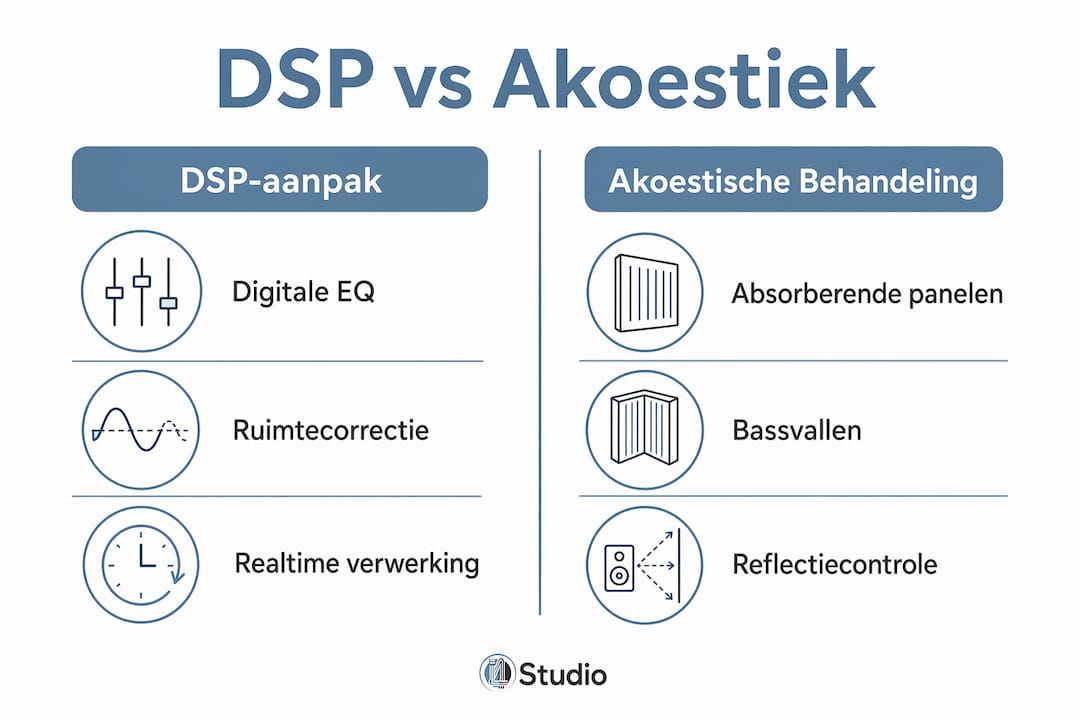
DSP improves sound, but does not replace the physical acoustics of a room. This is a common misconception, especially among musicians just starting out in studio design. DSP can reduce reflections and echoes, but the physical limits of a room still guide how sound behaves.
A bare concrete room with many parallel walls produces standing waves and flutter echoes. DSP can partially compensate for these via digital EQ or room correction algorithms such as those in the Sonarworks SoundID Reference or Dirac Live software. But it’s always better to address the cause than treat the symptom.
| Aspect | DSP approach | Acoustic treatment |
|---|---|---|
| Reducing reflections | Digital EQ and room correction | Absorbent panels and diffusers |
| Addressing standing waves | Limited effective, frequency specific | Bass traps in corners |
| Reverb control | Digital reverb reduction algorithms | Sound absorbing materials |
| Costs | One-time software or hardware | Material and installation |
| Effectiveness at low frequencies | Limited | High with proper placement |
The conclusion is clear: DSP and acoustic treatment work best together. Use acoustic panels, bass traps and diffusers as a foundation, and put DSP in for fine-tuning and monitoring. A good studio starts with room design, not software.
Pro-tip: First, invest in basic acoustics such as absorbent panels at the first reflection points and bass traps in the corners. Then you can use DSP tools such as Sonarworks to correct the remaining irregularities. The other way around doesn’t work as well.
What DSP applications are there in professional and home studios?
DSP technology in audio appears in many forms, from simple audio interfaces to complex digital mixers and active studio monitors. It is useful to know which application suits your situation.
DSP in audio interfaces
Audio interfaces such as the Focusrite Scarlett series, Universal Audio Apollo and Audient EVO 16 include built-in DSP for direct monitoring and effects processing. Universal Audio goes the furthest in this: their Apollo interfaces run UAD plug-ins directly on the DSP chip, giving you access to emulations of classic hardware such as the Neve 1073 or SSL G-Bus Compressor without CPU load.
DSP in digital mixers
Digital mixers such as the Yamaha 01V96, Behringer X32 and Allen & Heath SQ series contain multiple DSP cores. In professional studios, DSP is used for monitoring, routing and effects, providing real-time adjustments during recording and live sessions.
DSP in studio monitors and active speakers
Active studio monitors such as the Genelec 8000 series and Adam Audio T series contain DSP for internal crossover filtering, room correction and EQ adjustments. This makes them more accurate than passive monitors with analog crossovers.
| Device type | DSP application | Example |
|---|---|---|
| Audio Interface | Direct monitoring, UAD plugins | Universal Audio Apollo, Audient EVO 16 |
| Digital mixer | Routing, EQ, compression, reverb | Yamaha 01V96, Behringer X32 |
| Studio monitor | Crossover, room correction | Genelec 8050, Adam Audio T7V |
| Effect processor | Reverb, delay, modulation | Lexicon PCM96, TC Electronic M6000 |
| Software plugins | Offline and real-time DSP | Waves, FabFilter, iZotope |
Software DSP plug-ins such as those from Waves, FabFilter or iZotope run on your computer’s CPU. They offer more flexibility and are easy to update, but require more computing power. Hardware DSP is faster and more reliable for real-time use, but less flexible in terms of updates and adjustments.
How do you optimally use DSP in your studio workflow?
A good DSP workflow starts with understanding the distinction between two purposes: real-time monitoring during recording and offline processing for mix and mastering. Clear separation between these two prevents overcorrection and keeps your signal flow uncluttered.
Follow this sequence for an effective DSP effect chain:
- Gain staging and basic balance: Set the correct input levels first. Too much gain at the beginning causes problems that DSP cannot fix later.
- Time-based effects: Add delay and reverb after the basic balance is right. Optimize effect chains by doing gain staging first, then time-based effects, and only lastly fine EQ adjustments.
- Fine EQ: Use EQ as a final step to minimize interaction between effects and correct minor frequency problems.
- Monitoring versus recording: Put DSP effects in the artist’s monitoring mix, but record the dry signal. That way you keep flexibility in the mix.
- Check DSP load: Keep an eye on your interface or mixer’s DSP meter. Overloading leads to artifacts or dropouts.
Common mistakes include overusing DSP correction to compensate for poor acoustics, recording an already heavily processed signal without dry backup, and ignoring the resource limits of your hardware.
Pro-tip: Use DSP in your audio interface for real-time monitoring to keep latency low. Then do the deeper post-processing with DAW plug-ins like FabFilter Pro-Q 3 or iZotope Ozone. That way you combine the best of hardware DSP and software flexibility. Find more tips on reducing audio latency at I4studio.
For a good understanding of how your DAW and DSP work together, the explanation of digital audio workstations at I4studio is a good addition.
Key insights
DSP in studios is the foundation of real-time sound processing: without dedicated DSP hardware, professional monitoring with low latency and flexible routing is practically impossible.
| Item | Details |
|---|---|
| DSP lowers latency | Internal processing in the interface prevents detour through computer, making monitoring reliable. |
| DSP does not replace acoustics | Physical room treatment remains necessary; DSP is an addition, not a replacement. |
| Effect order is crucial | Gain staging first, then time-based effects, then fine EQ gives the best results. |
| Hardware versus software DSP | Hardware DSP is faster for real-time use; software DSP offers more flexibility for mixing and mastering. |
| Monitor resource limits. | Monitor DSP load per core to prevent artifacts and outages. |
What I’ve learned about DSP after years in the studio
When I first worked with a Universal Audio Apollo, my first reaction was: why does everything sound so much tighter than with my previous interface? The answer was DSP. Not the UAD plug-ins, but the way the device processed signals internally without my computer noticing.
What I’ve learned since then is that many musicians see DSP as something magical for effects, when the real power is in the invisible tasks: routing, latency, gain staging. A vocalist who hears himself clearly and without delay sings better. That’s not an opinion, that’s what I see over and over again in practice.
My honest advice for beginners: don’t buy the most expensive interface because of the DSP plugins. Buy an interface with solid DSP routing and low latency, and get to know it well. The Audient EVO 16 is a good example of this. Affordable, reliable and with enough DSP capability for most home studios.
For advanced users, separating real-time DSP monitoring from offline DAW processing is the key strategy. Those who confuse the two end up with an overcorrected mix that doesn’t add up outside the studio. Keep it simple on the front end, and work in detail in the DAW.
The future of DSP in music production is moving toward even more integration between hardware and software, with AI-driven room correction and adaptive effect chains. But the basics remain the same: good sound starts with a clean signal chain, and DSP is the engine that makes that possible in real time.
– harold
Discover the right hardware for your studio at I4studio

At I4studio you will find studio equipment tailored to the requirements of serious musicians and audio enthusiasts. Whether you’re looking for an audio interface with powerful built-in DSP or a studio PC built for music production, the selection has been put together with expertise. The Audient EVO 16 audio interface is a concrete example of hardware with reliable DSP capability for instant monitoring and flexible routing. Want to know which components make the difference in your setup? Then check out the explanation of studio PC components for music production.
FAQ
What exactly is DSP in an audio interface?
DSP stands for Digital Signal Processing and is a specialized chip in your audio interface that mathematically processes audio signals in real time. This allows direct monitoring with low latency and internal effect processing without taxing your computer.
How is DSP different from regular software plugins in a DAW?
Hardware DSP processes signals internally in the device with very low latency, while software plugins run on your computer’s CPU and require more processing time. For real-time monitoring, hardware DSP is more reliable; for mixing and mastering, software plug-ins offer more flexibility.
Can DSP solve bad acoustics in my studio?
DSP can partially compensate for acoustic problems through digital EQ and room correction, but does not replace physical acoustic treatment. Invest in absorbent panels and bass traps first, then use DSP for fine-tuning.
What equipment has built-in DSP for home studios?
Audio interfaces such as the Universal Audio Apollo, Focusrite Scarlett and Audient EVO 16 include built-in DSP. Active studio monitors from Genelec and Adam Audio use DSP for internal crossover filtering and room correction.
How do I avoid overloading the DSP in my device?
Keep an eye on your interface or mixer’s DSP meter and check the firmware for resource limits per core. Some DSP hardware has limitations that lead to artifacts or dropouts if too many simultaneous operations are performed.