Building your home studio can seem like an overwhelming task. You may have already listed a few things that you need, but at the beginning of your journey, questions will certainly arise. If you’ve already made a list of a microphone, speakers, DAW, and an audio interface, you may want to step back and rethink what’s most important to you. How you decide to spread and invest your already tight budget will depend on your specific shooting needs.
Want to record vocals and an acoustic guitar at the same time? Do you record multitrack? Then an audio interface with sufficient channels and a high-quality studio microphone is the most important for your sound.
Do you make beats or mix and master someone else’s work? Then professional studio monitors, master-quality monitor outputs, and a wide variety of plugins are what you’d want to put your money into.
Since most home studio beginners combine the roles of recording engineer and mixing engineer, it’s worth pulling out all the stops for the purpose of this article. Let’s take a look at what equipment should have a place in your home studio.
Essential equipment for your home studio
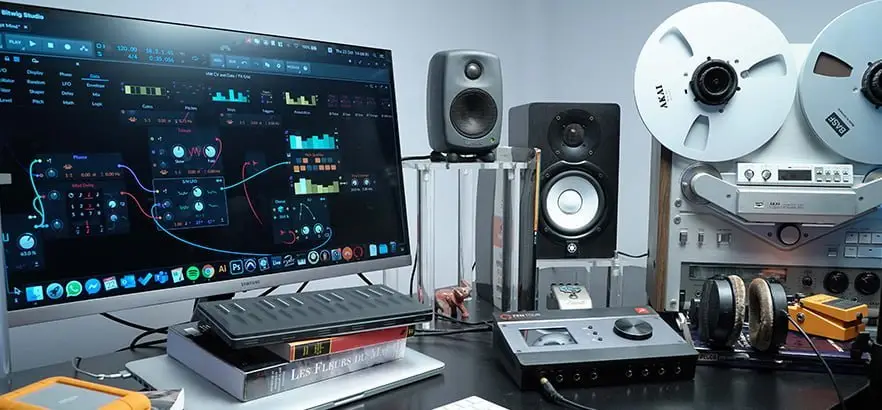
The centerpiece of any home studio setup where analog sounds are converted into digital data and the desktop computer (audio PC) or (DAW) laptop remains the opposite. Nowadays it’s perfectly plausible to do everything completely “in the box” and create within your DAW environment using VSTs, virtual instruments and plugin effects.
If you like working in a large session with lots of plugins, a higher sample rate, and a lower buffer size, then you should consider upgrading your computer’s specs. Processing power, a decent fast HDDs (or even better – an SSD), and at least 16 GB of RAM will handle most audio tasks just fine. You can always contact us for honest advice, together we go through your wishes and future plans and we work towards the best solution for your situation.
Certain software applications and audio interfaces are only compatible with one operating system, so whether you prefer macOS or Windows, be sure to check their system requirements before purchasing.
If you plan on shooting on location or playing live, a high-quality laptop will prove more useful than a desktop computer. If you do all your work from your home studio, and rarely move your setup, investing in a second screen will make your workflow faster and much easier. For location work we offer special audio laptops with fast and a lot of memory, equipped with 2 fast SSDs. If you have a fixed location, choose a desktop, these are not only more price-friendly, but also often a lot faster and have better performance.
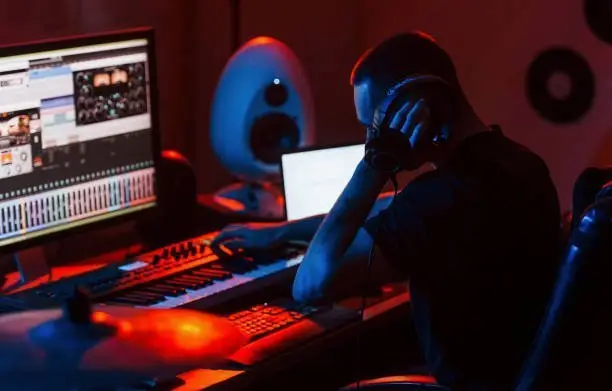
Digital Audio Workstation (DAW)
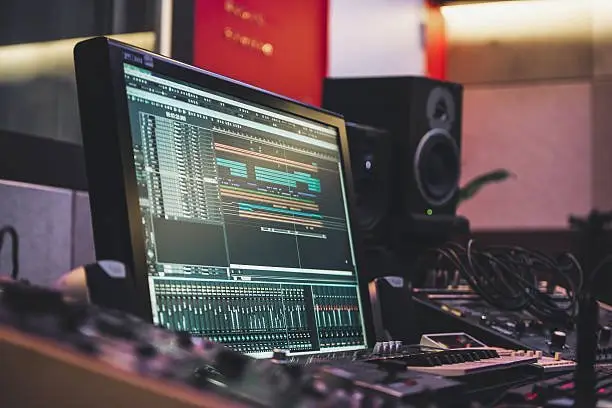
If you want to get your ideas into your computer and create a mixed audio track file (ie MP3, WAV) that you can share with the world, you need a DAW . This software application allows you to put processed audio in it, which is visualized in the form of a time-based grid with different tracks.
These audio tracks can then be styled using plugins and additional tracks can be built using software instruments such as synthesizers and samplers. Since it is the software environment where the recording, mixing and editing of your music happens, it is very important to choose the right one for you. There is a learning curve with each, and the usability differs drastically.
Once you understand the general concept in digital audio workstations, it becomes easier to switch between several – as many audio engineers do. Popular choices and industry standards include Logic Pro (macOS only), Ableton Live, FL Studio, Pro Tools, and Cubase. There are other DAWs that offer uniquely niche solutions, such as Bitwig Studio for electronic musicians who want a digital modular setup and Propellerhead Reason for hip-hop musicians looking for an extensive library of instruments. When in doubt, try out the demo versions of different DAWs. Most programs come in different packages or editions, which is especially important when budgeting for your studio.
Your whole home studio depends on the combination computer /DAW and audio Interface.
Another piece of advice is to see what your friends and fellow musicians are using, they are often the first to get you started using the DAW software
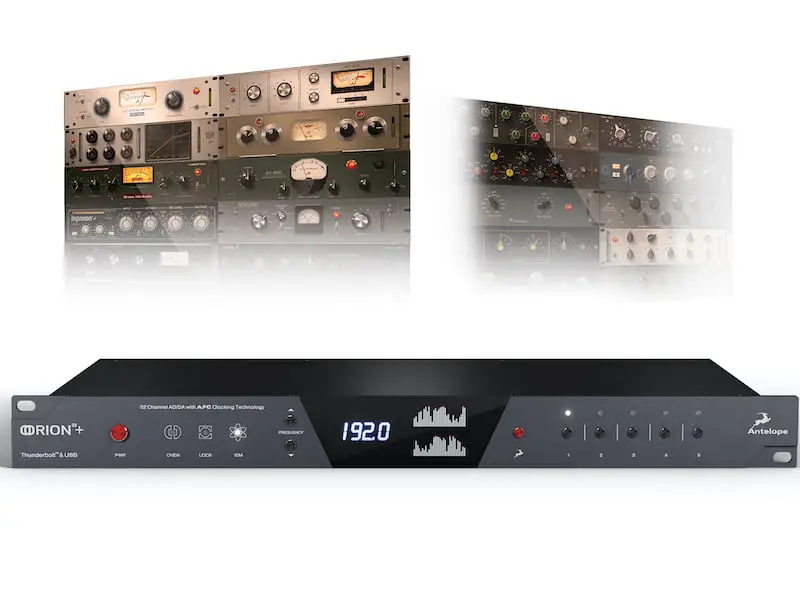
Audio interface
There are three things you need if you want to get an external audio source into your computer – A/DD/A conversion, the right inputs, and some cables. You’ll find two of these elements on a piece of hardware called an audio interface (also called a special sound card).
Since it handles all the audio going in and out of your computer, it’s very important that it’s done properly. There are a few components that are critical here – the quality of the converters, the design of the microphone preamp, and the internal clock. These are all factors that determine the sound quality that the audio interface offers you.
Sound quality is subjective simply because what you perceive can be drastically different from what someone else perceives. Despite all the objective advances in audio technology, the desired solution for the music creator or listener at home remains highly personal and is chosen based on taste. The interface is an important part of your home studio, a wrong choice will remain a source of annoyance.
The quality of the components, combined with the connectivity options and functions, determines the category and price of each interface. Most budding music makers require two to four analog inputs, depending on which instruments will be followed and the size of the band, if any. Having a device with at least one digital port such as ADAT or S/PDIF will allow you to expand with external equipment and your interface will keep pace with your studio’s growth. It is an important part of your home studio .
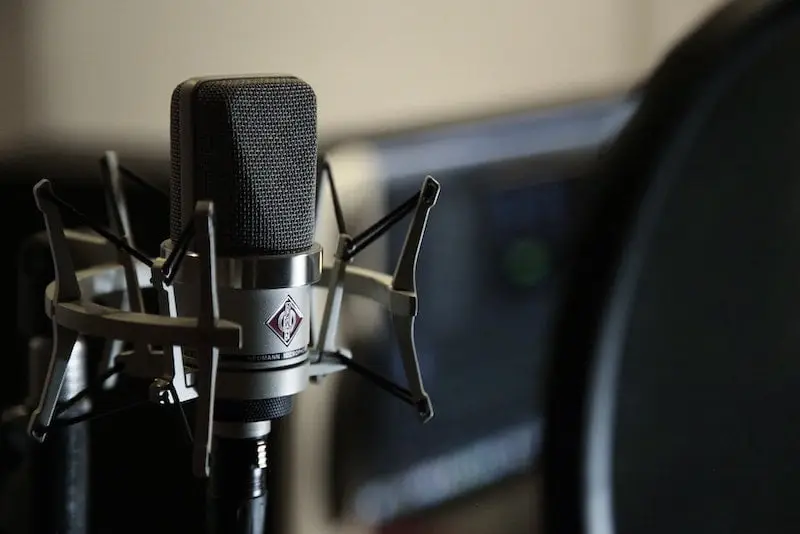
Microphones fall into three main categories – dynamic, condenser and ribbon. Home studio owners usually invest in condenser mics and in rarer cases in dynamic mics. Condenser microphones are sensitive and offer greater clarity in the high frequency response, making them suitable for acoustic guitars and vocals.
Dynamic microphones are mainly used for live performances, but because they are more flexible, they are perfect if you are recording loud instruments such as percussion and guitar amps at home. If you plan to do a lot of recording, especially vocals, more expensive microphones with a high-quality diaphragm will be able to pick up the nuances of your voice.
Three additional purchases that will arise if they do not come with your new microphone are a stand to hold the microphone, a pop filter to prevent pops, and an XLR cable to connect to the audio interface.
Another type of microphone that has been gaining popularity in recent years is the modeling microphone. They are an interesting innovation that allows artists to record with emulations of various studio microphones that have made their mark in history, check out the possibilities at antelope and drop by for free advice. together we lift your home studio to the next level.
Studio monitors & headphones
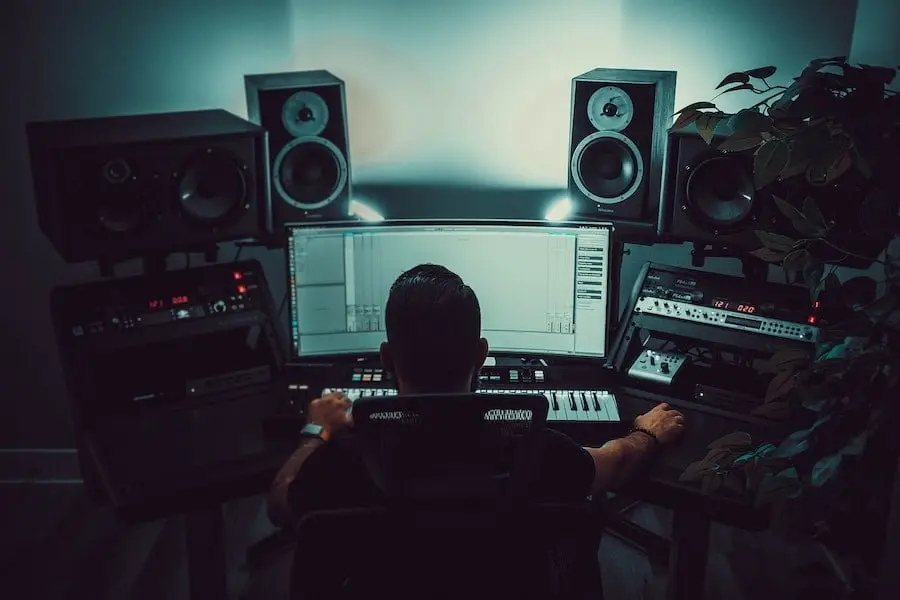
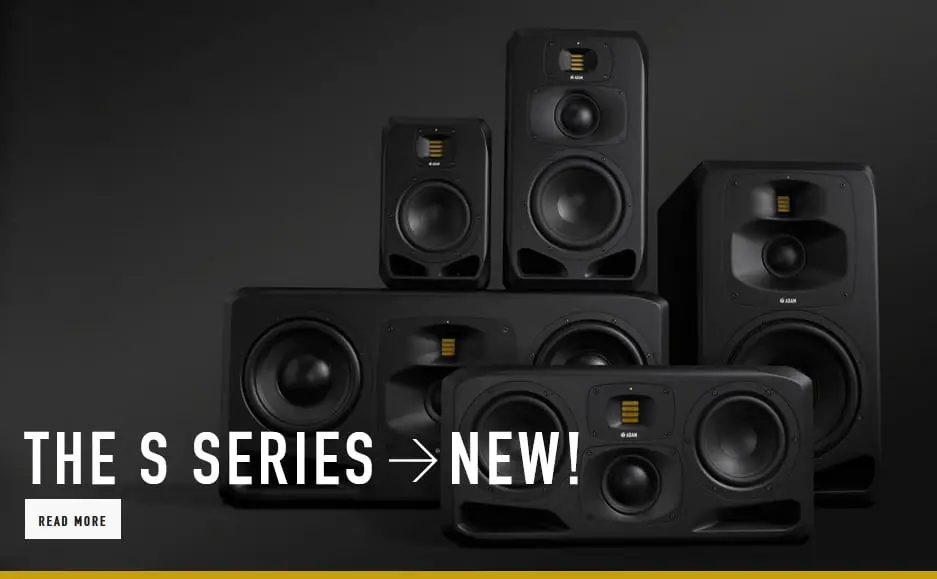
To make quality productions, you need to reproduce a neutral sound. Monitor speakers that accurately reproduce the sound wave in the low and high frequencies and do not amplify the bass are essential in any home studio
This makes the monitor speakers one of the bigger investments to consider. Ideally, you want your monitor speakers to reveal aspects of the sound that are otherwise hard to pinpoint.
Commercial headphones are not designed to isolate sound for the purposes of mixing and mastering. For important tasks like tracking and mix referencing you just need studio headphones.
This can be closed headphones for monitoring while recording and open headphones for mixing. If you can’t afford monitor speakers yet, the right studio headphones will do. Go for your first closed-back headphones as you can also use them while mixing – just remember to mix at a lower volume so your hearing isn’t compromised.
Acoustic treatment / Studio Acoustics
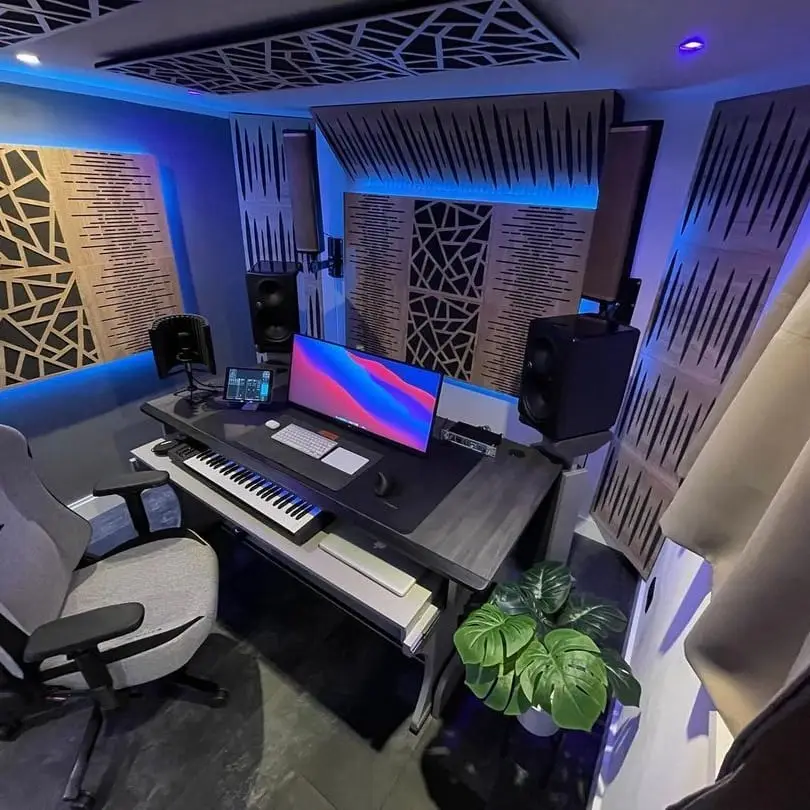
Recording in an untreated room will result in unwanted reflections, howling, reverberation, echo, and generally unprofessional sound. If you play a mix in a room without acoustic treatment, your frequency response will be inaccurate and for example you will not be able to hear the correct time in which bass reflections build up. If you really want to hear what’s coming out of your monitors, you’ll need to do a basic acoustic treatment of your home studio. The good news is that you don’t have to dig too deep into your pocket.
There are affordable options such as egg crate acoustic foam that can be purchased online. Just cut it up and place it on specific areas of your room that cause the most nuisance – but be careful if you decide to glue them. It may take some sanding if you eventually decide to take them off and one day upgrade with sound absorbing acoustic panels and bass traps. A very effective solution for recorders is to start with a microphone reflection filter. It is a round piece of plastic composite with foam in it that surrounds the microphone. The difference it will make to your recordings is huge, and you get one step closer to professional sound without spending too much.
Wherever you are in your journey, always keep in mind that equipment isn’t everything and it’s up to you to find a place where creativity can flourish. An expensive microphone with a pop filter can help you sound good, but it won’t get you through a creative block. The best way to develop skills and gain experience is to make more music and get involved in projects that inspire you. Don’t wait until you’ve gathered all the parts of your home studio to get started – many ideas will pass you by. Start creating and good things will follow.
Too much info, or questions about make an appointment and we’ll help you on your way to the best possible home studio setup