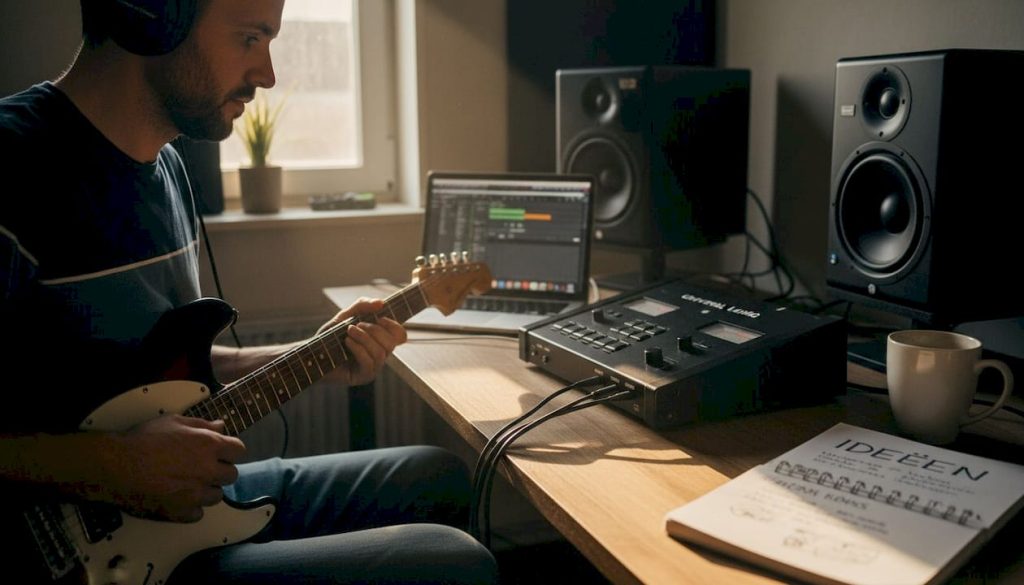
Many audio interfaces look alike at first glance: connectors, preamps, a driver and done. Yet in practice, you quickly notice that the Universal Audio Apollo series offers a different experience. Where standard interfaces stop at converting analog to digital signal, Apollo adds a complete processing layer that fundamentally changes your workflow. In this article you will read what makes the Apollo technically unique, how the DSP and Unison technology work, what to look out for when buying and when an Apollo is really the best choice for your studio.
Table of contents
- What makes the Universal Audio Apollo unique?
- Technology under the hood: DSP, latency and quality
- Unison technology and analog sound in practice
- Practical considerations and pitfalls
- When is Universal Audio Apollo the best choice?
- Optimizing your studio: products and advice
- Frequently asked questions about Universal Audio Apollo
Key Insights
| Item | Details |
|---|---|
| Unique DSP power | Apollo sets itself apart through real-time plug-in processing and minimal latency. |
| Analog sound thanks to Unison | Apollo’s preamps flawlessly mimic familiar hardware for a true studio sound. |
| Pay attention to compatibility | For Windows users or mobile setups, there are some concerns such as drivers and Thunderbolt. |
| Quality comes at a price | Apollo is an investment but clearly offers added value for producers who prioritize workflow and sound quality. |
What makes the Universal Audio Apollo unique?
Universal Audio has been around since 1958 and built its reputation with hardware compressors and preamps used in professional studios worldwide. The Apollo series, introduced in 2012, brought that analog legacy to the digital world. The result is an interface that not only converts sound, but also processes it via built-in DSP chips (Digital Signal Processing, or digital signal processing directly in the device).
The Apollo is primarily intended for musicians, producers and audio engineers who want more than a simple recording solution. Think of someone recording at home but expecting professional results. The UA Volt 476 interface and the Universal Audio Volt 2 are more accessible alternatives within the UA ecosystem, but lack the DSP core that makes Apollo so powerful.
What sets Apollo apart directly in practice?
- Built-in DSP: plug-ins run on the interface itself, not on your computer
- Unison technology: preamps physically behave like the hardware they emulate
- Low latency: recording with effects without audible delay
- UAD plug-in ecosystem: access to hundreds of classic hardware emulations
- Reliable clocking: stable D/A conversion for clear, detailed sound
“Working with the Apollo x8 Gen 2 is like driving a luxury car,” according to a field test Apollo series in Mix Magazine. The Gen 2 upgrades are especially relevant for surround and immersive audio applications.
That “luxury car” comparison refers to the workflow: everything responds smoothly, the interface feels intuitive and you spend less time on technical issues.
Technology under the hood: DSP, latency and quality
DSP stands for Digital Signal Processing. With the Apollo, this means that there are special chips in the interface that take over computational tasks from your computer. Plug-ins such as compressors, equalizers and reverbs run on those chips, not on your CPU. That makes a huge difference in the load on your system and makes for more stable sessions.

The biggest practical advantage is latency. Latency is the delay between when you play something in and when you hear it back. With standard interfaces, this can reach 10 to 20 milliseconds at higher buffer settings, which can be felt when singing or playing guitar. The UAD Console app offers near-zero latency tracking via DSP, with measured values of about 2.3 ms at 44.1 kHz and even 1.1 ms at 96 kHz.
| Feature | Apollo (DSP) | Standard interface |
|---|---|---|
| Latency at 44.1 kHz | ~2.3 ms | 10 to 20 ms |
| Latency at 96 kHz | ~1.1 ms | 5 to 10 ms |
| Plug-ins on hardware | Yes | No |
| CPU load when recording | Low | High |
| D/A quality | Studio quality | Alternate |
Gen 2 enhancements include improved D/A conversion, Dual-Crystal Clocking for a more stable clock signal, Auto-Gain for faster gain staging and Bass Management for monitor integration.
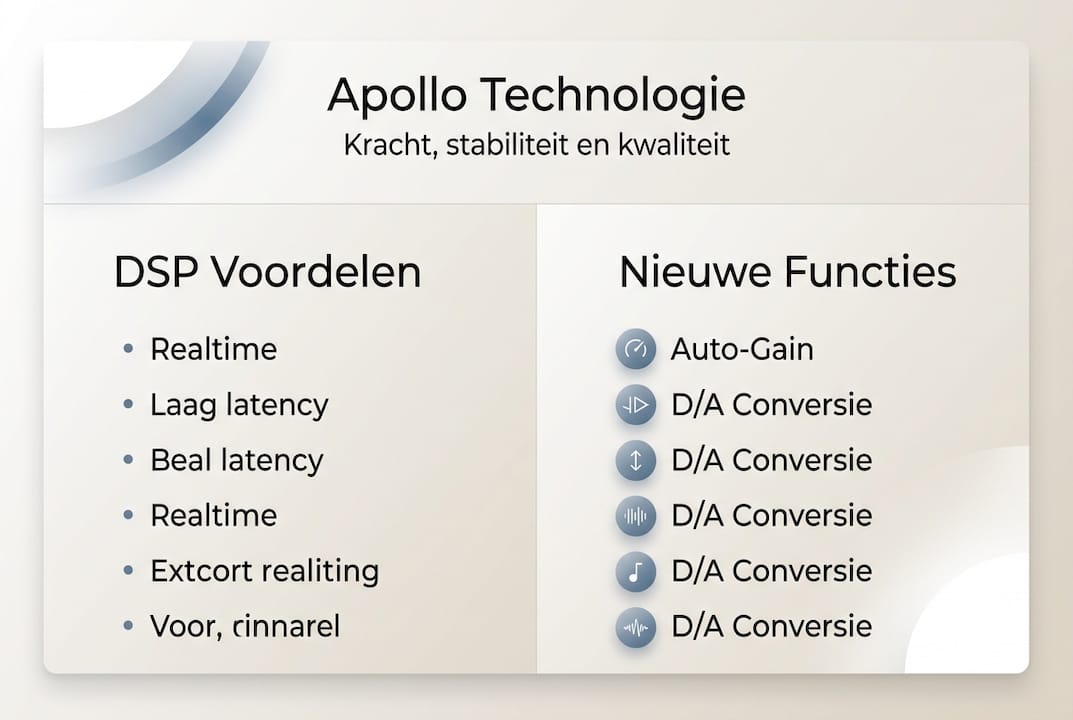
The Apollo and Reverb integration shows how UA hardware and software work together seamlessly within the ecosystem.
Pro-tip: Set your buffer to 64 or 128 samples while recording for minimal latency. Increase to 512 or 1024 samples during mixing to give your DSP chips more room for heavy plug-ins.
Unison technology and analog sound in practice
Unison is the technology that really sets Apollo apart from other interfaces. Normally, a plug-in merely emulates the sound character of a preamp via algorithms. Unison goes further: it adjusts the physical impedance and gain structure of the preamp so that the hardware behaves like the original. Unison technology physically matches the preamp to the emulation.
| Aspect | Traditional preamp routing | Unison preamp routing |
|---|---|---|
| Impedance adjustment | No | Yes, dynamic |
| Gain structure | Digitally simulated | Physically modified |
| Sound Character | Plug-in afterwards | During recording |
| Interaction with microphone | Standard | Authentic hardware behavior |
This is how you apply Unison for a guitar sound:
- Connect your guitar to the Apollo’s Hi-Z input
- Open UAD Console and select a Unison preamp plug-in, for example the API Vision Channel Strip
- Activate Unison in the Console settings
- Play and hear how the preamp responds to your playing dynamics
- Adjust the gain and listen how the character changes, just like real hardware
Pro-tip: Combine Unison with a classic condenser microphone for the most authentic results. The interaction between microphone and Unison preamp is where the magic really happens. Also check out hardware emulation in practice for more inspiration.
Practical considerations and pitfalls
An Apollo is a serious investment, and that brings points of interest. Most Apollo models work via Thunderbolt 3, which means you need a laptop or desktop with that connection. That limits mobility and makes the Apollo less suitable if you do a lot of on-site work.
Known pitfalls users run into:
- Windows compatibility: the drivers for Windows are less stable than on macOS; user experiences on forums regularly show reports of dragging problems and driver crashes
- DSP limits: in complex sessions with many UAD plug-ins, you can reach the DSP capacity; additional DSP cards are a solution but cost extra
- Thunderbolt dependency: not every system supports Thunderbolt 3 well, especially older Windows machines
- Cost ecosystem: UAD plug-ins can be purchased separately; the interface itself does not provide access to all plug-ins for free
- Portability: the larger Apollo models are desktop units, not intended for travel
Professionals on Gearspace describe the Apollo vs. RME choice as a trade-off between ecosystem benefits and stability. RME wins on driver reliability, Apollo on sound character and plug-in integration.
Tips to get around problems: always keep drivers up-to-date via the UA website, actively manage your DSP usage in UAD Console and check Thunderbolt compatibility of your system before buying. Also compare the Apollo vs Volt series if portability weighs more heavily for you.
When is Universal Audio Apollo the best choice?
Not everyone needs an Apollo. The question is whether the added value outweighs the investment and technical requirements.
An Apollo is the optimal choice if you:
- Record regularly with microphones and want the timbre of classic preamps
- Want to use plug-ins while recording without CPU load
- Have a permanent home studio with a Thunderbolt-compatible system
- Works on professional productions where sound quality and workflow count
- Want to leverage the UAD plug-in ecosystem for mixing and mastering
When is an alternative enough? If you use mostly digital instruments, record few microphones or have a limited budget, the UA Volt 1 offers a solid entry level without the complexity of DSP management.
| Feature | Apollo | Volt Series |
|---|---|---|
| DSP for plug-ins | Yes | No |
| Unison preamps | Yes | No |
| Thunderbolt required | Yes (most models) | No, USB |
| Price | High | Accessible |
| Ideal for | Professional home studio | Beginners and mobile use |
| UAD plug-in access | Full | Limited |
In a nutshell: Apollo delivers the most value if you actively use the technology. If you don’t use the DSP and Unison, then you’re paying for features you don’t utilize.
Optimizing your studio: products and advice
An Apollo gets the most out of itself when the rest of your studio is up to par. A powerful, stable studio PC ensures that your Thunderbolt connection runs smoothly and your sessions run without hiccups. At i4studio, you’ll find a complete audio PC offering specifically curated for music production, with systems optimized for low latency and maximum stability.
Want to get started right away with a complete recording setup? Then check out the complete studio bundle for a ready-made combination of microphone, interface and accessories. Do you have specific questions about which Apollo model suits your situation or which PC best fits your workflow? Contact our team for personal advice.
Frequently asked questions about Universal Audio Apollo
What is the biggest difference between Apollo and Volt interfaces?
Apollo has built-in DSP for running plug-ins and Unison preamps for authentic hardware emulation. The Apollo series has DSP, the Volt series does not, making Volt simpler but offering less processing power.
Is Apollo only suitable for professional studios?
No. Rather, Apollo is widely used in home and project studios because of its workflow gains and sound quality. The Apollo suits a wide range of users, from home to professional.
Exactly how much latency does Apollo have with plug-ins?
The built-in DSP provides a latency of about 2.3 ms at 44.1 kHz and 1.1 ms at 96 kHz, which in practice is not audible during recording.
Is Apollo good to use on Windows?
It works, but the Windows drivers are less stable than on macOS. Always check the system requirements and read user experiences before buying.
What does Unison preamp emulation mean practically?
Unison physically adjusts the impedance and gain structure of the preamp so that the interface behaves like the emulated hardware. Unison technology thus provides a more realistic and responsive sound than a purely digital simulation.