



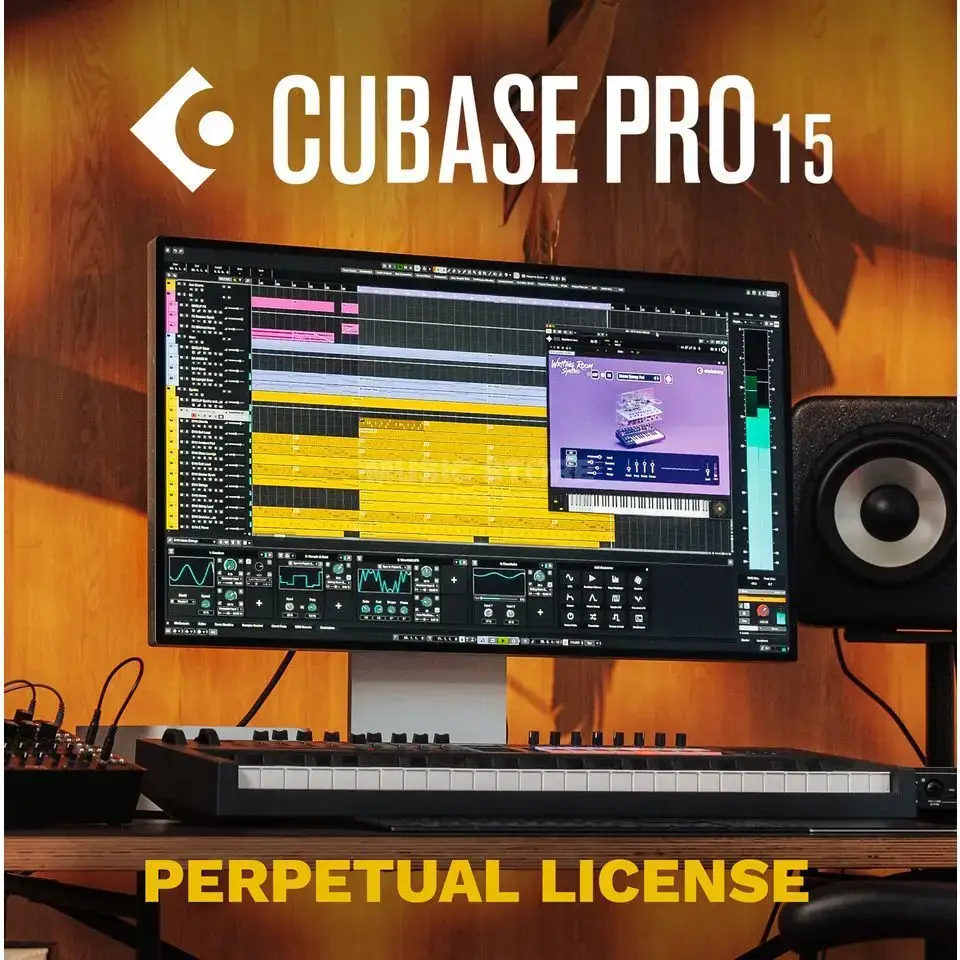

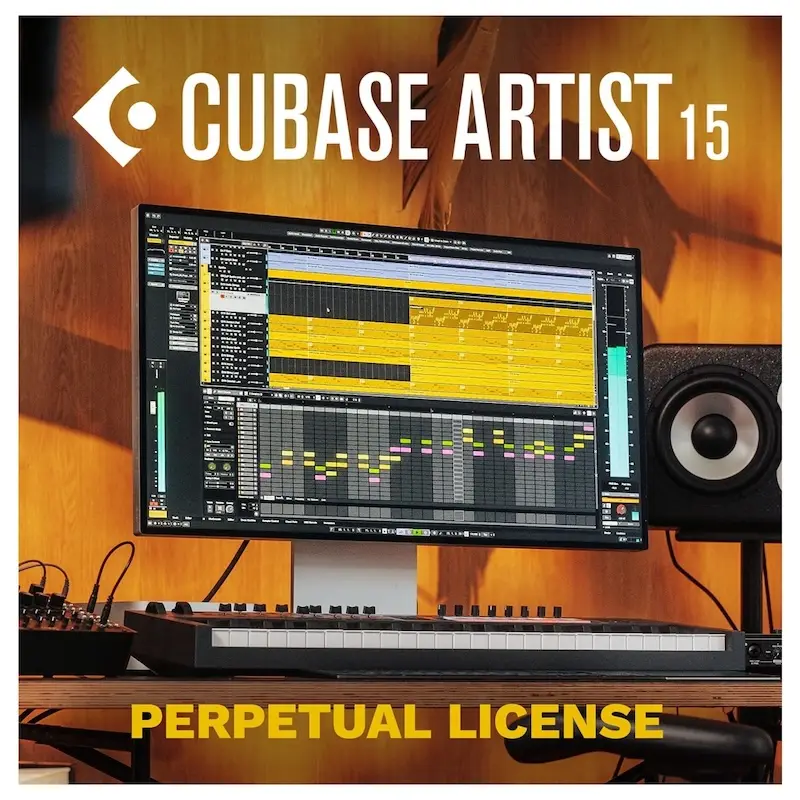
Steinberg Cubase Pro 15
From the Melodic Pattern Sequencer to AI-powered voice separation and next-generation Expression Maps: Cubase Pro 15 is packed with tools to boost your creativity and refine your workflow. In the video below, Dom Sigalas explores some of the new features in Cubase 15, all designed to enhance your creativity.
We hope you find this video enjoyable and useful. If you like what you see, please leave a comment and tell us what you think.
Steinberg Cubase pro 15 offers many impressive new features in a remarkably powerful software package. It includes many new tools to increase your creativity and speed up your workflow. There’s also a new, modern user interface and improved audio quality. Cubase 15 makes music production more inspiring, intuitive and flexible than ever before.
Cubase 15 the Next Generation Audio Engine
The award-winning Cubase audio engine features crystal-clear 64-bit floating-point resolution at a sampling rate of 192 kHz, for pristine sound quality typical of steinberg music production. It also includes true surround capabilities, with each track and channel providing up to six discrete channels for 5.1 surround mixing
MediaBay
The mediaBay in steinberg cubase pro 15 helps you find and organize your content. When you work with a lot of files, you want to find the content you need quickly and easily. After scanning your folders, all found media files of the supported formats will be listed in the Results section
ARA support
Audio Random Access (ARA) extensions make editing your audio even easier. With ARA you can integrate and use your compatible plugins – such as SpectraLayers, Melodyne and more – right in the Lower Zone Editor of your DAW.
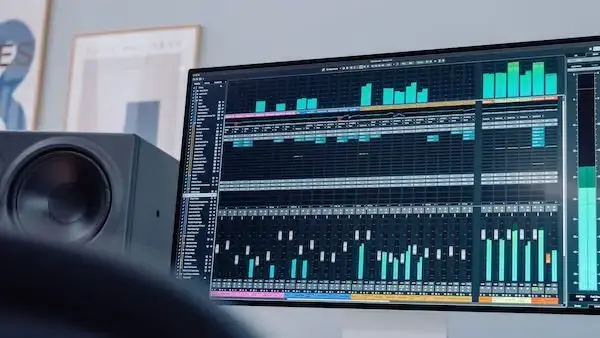
Colorized mixer channels
Colorize entire mixer channels in the MixConsole with track colors. This allows you to focus more on your mix by intuitively finding the songs you’re looking for.
Combined Select tool
Speed up your editing workflow by combining selection tools for both objects and ranges. They can both be used simultaneously with the range selection tool in the top section and the selection tool in the bottom section of the track
System requirements:
To use Steinberg Cubase Pro 15, your computer must meet the following minimum system requirements:
- 64-bit Windows 10 or macOS Sierra or higher
- Intel Core i5 or higher processor
- 4 GB RAM (8 GB or more recommended)
- 30 GB free hard drive space
- Internet connection for activation, account setup and registration
Read more about a suitable computer for Cubase here
FAQs:
- Can I use Cubase Pro with my MIDI controller?
Yes, Cubase 14 supports a large number of MIDI controllers. - Can I export my projects to other DAW software?
Yes, Cubase allows users to export their projects to other DAW software in various file formats. - Does Steinberg Cubase come with plugins?
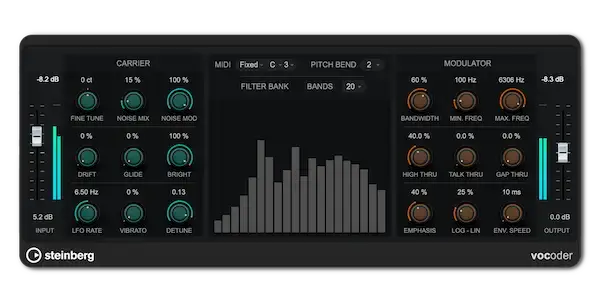
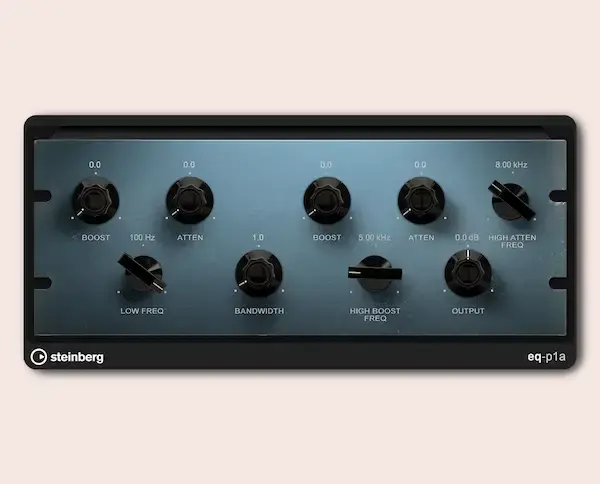
Yes, Cubase comes with several plugins, including EQ,
Looking for a computer for Cubase? Find more information here or check out our audio and studio PCs


Ik Kom van studio One maar ga nu toch voor Cubase pro 10.5 . I4 dank voor de hulp tijdens de installatie